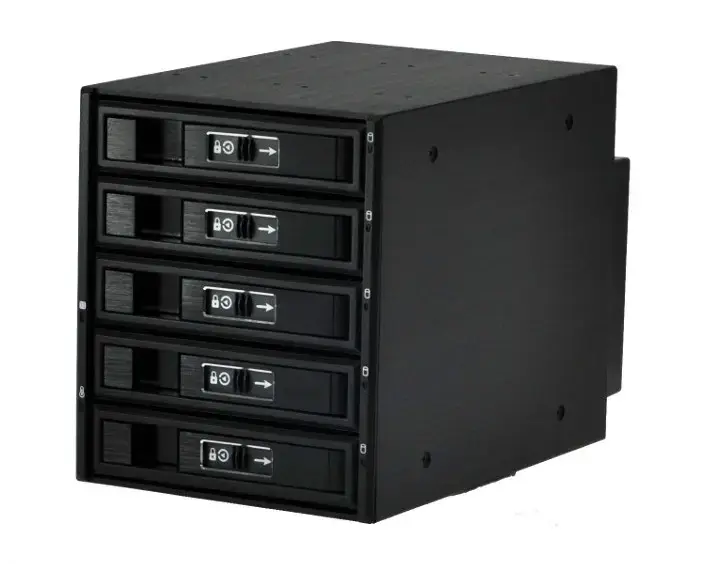
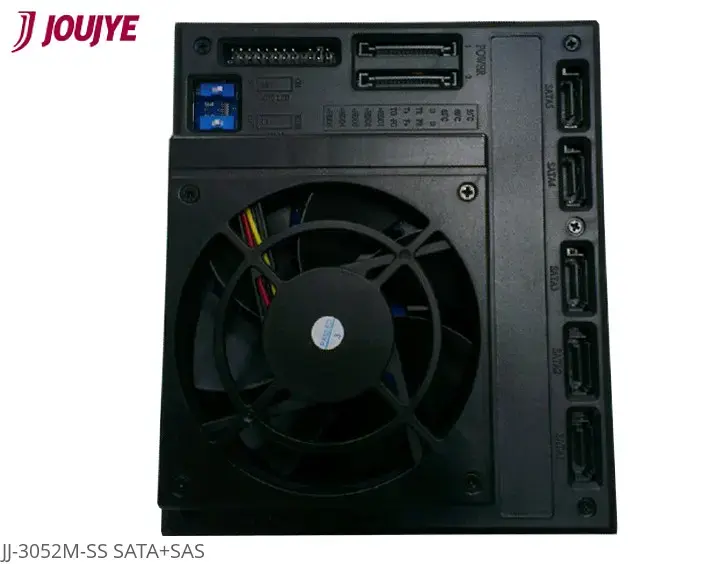
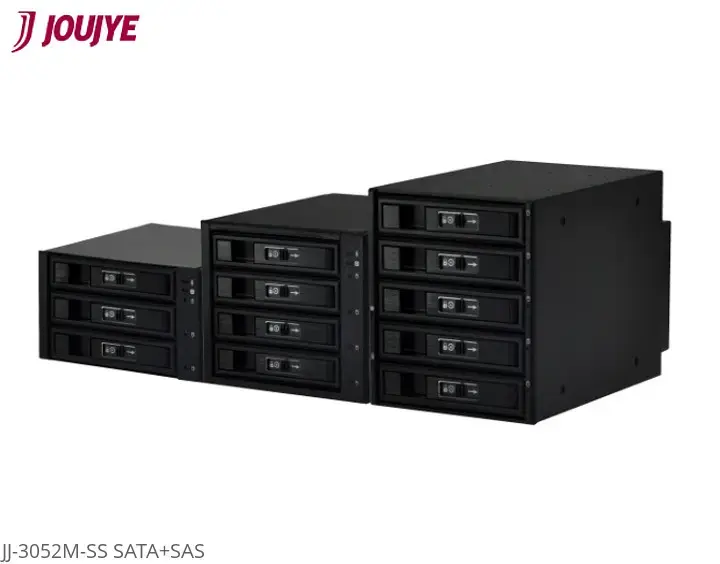
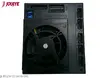
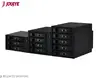
The JJ Computer JJ-3052M-SS is a robust drive bay panel engineered to accommodate up to five 2.5-inch or 3.5-inch SATA/SAS hard drives or SSDs within a standard computer chassis. Constructed from high-quality aluminium, this unit provides a durable and stable housing solution for high-density storage configurations. It features an integrated cooling fan and an advanced heat-dissipation design to maintain optimal operating temperatures for your drives, ensuring long-term reliability and data integrity.
Advantages
This drive bay panel offers significant benefits for users needing to expand their storage capacity efficiently. The inclusion of anti-vibration spring rails helps protect sensitive drive components and connectors from mechanical stress. Each drive slot is equipped with a secure metal lock and a sliding lock mechanism to prevent accidental removal. Furthermore, the integrated LED indicators provide real-time status updates regarding power, drive activity, fan performance, and thermal conditions, allowing for proactive maintenance.
Suitable for
- Expanding internal storage in desktop workstations
- Industrial PC (IPC) storage solutions
- SoHo (Small Office/Home Office) server setups
- Systems requiring frequent drive swapping or hot-swapping
This unit may not be suitable for computer cases that lack sufficient 5.25-inch drive bay space, as it requires specific mounting dimensions. It is also not intended for use with drives that do not utilize the SATA or SAS interface, and it will not fit into compact form factor cases that do not support standard 5.25-inch expansion bays.
Key specifications
- Capacity: Up to 5 x 2.5-inch or 3.5-inch SATA/SAS drives
- Material: Aluminium
- Cooling: Integrated fan with failure detection
- Data Transfer Rate: Up to 6 Gbit/s
- Mounting: Fits into 5.25-inch drive bay spaces
- Security: Individual metal lock and sliding lock for each tray
- Dimensions: 146 mm x 202 mm x 146 mm
To install the JJ Computer JJ-3052M-SS, ensure your computer case has the necessary 5.25-inch bay availability. Slide the unit into the bay and secure it using the provided mounting points. Connect the SATA/SAS data cables and power cables to the rear of the backplane. Once installed, you can insert your drives into the individual trays, ensuring they are locked securely. The hot-swap functionality allows you to insert or remove drives while the system is running, provided your motherboard and operating system support this feature.
What to consider before purchase
- Verify that your computer case has enough 5.25-inch drive bay space
- Ensure your motherboard supports SATA/SAS connectivity
- Check if your system supports hot-swapping for the intended use case
- Confirm that your power supply has sufficient connectors for the unit
Usage recommendations: For optimal performance and longevity, ensure the integrated cooling fan remains unobstructed and free of dust. Regularly monitor the LED indicators to stay informed about the thermal status and health of your installed drives.