Dreame vacuums for fast and efficient cleaning!
In cart {{totalProductsCount}} item(s)
Your cart is empty
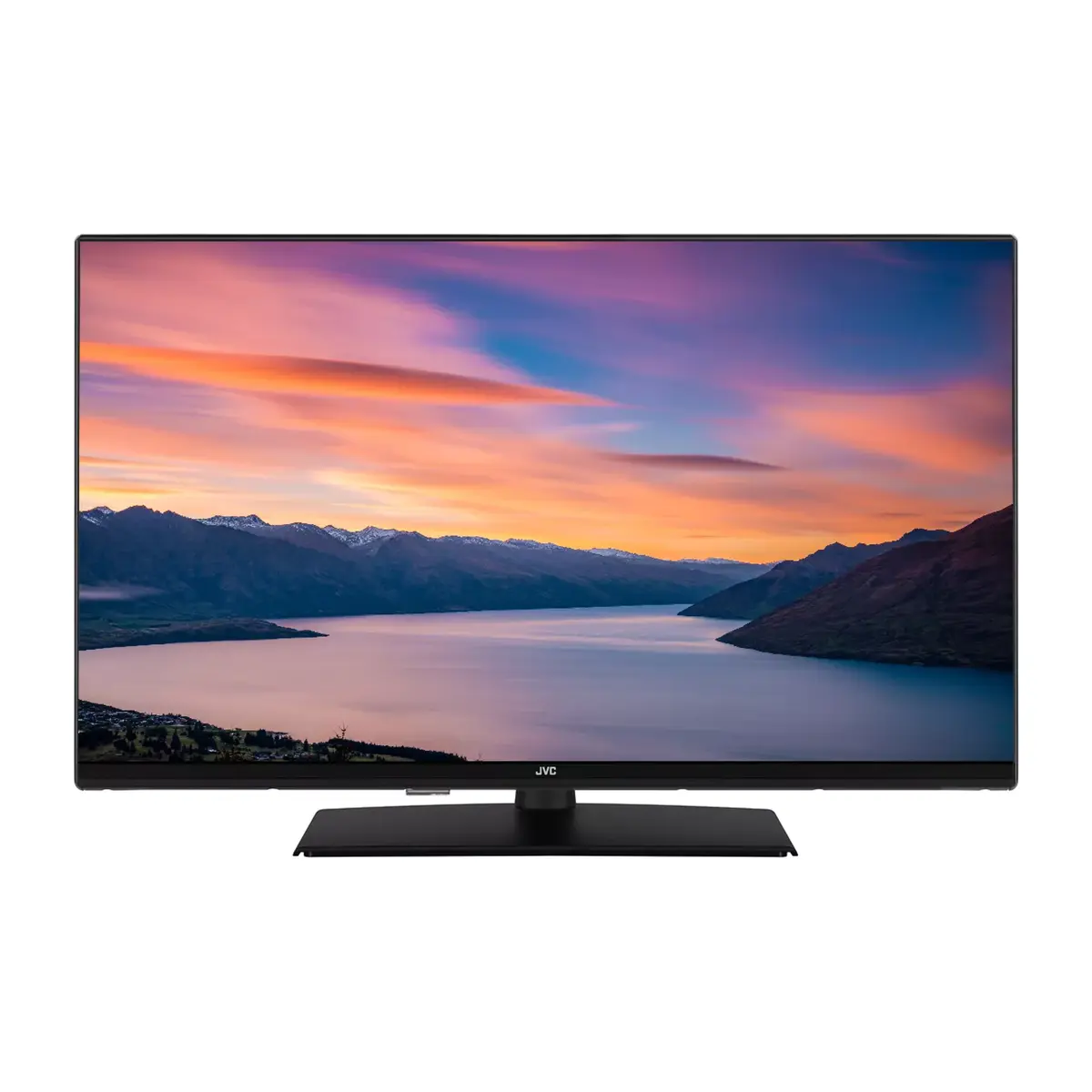
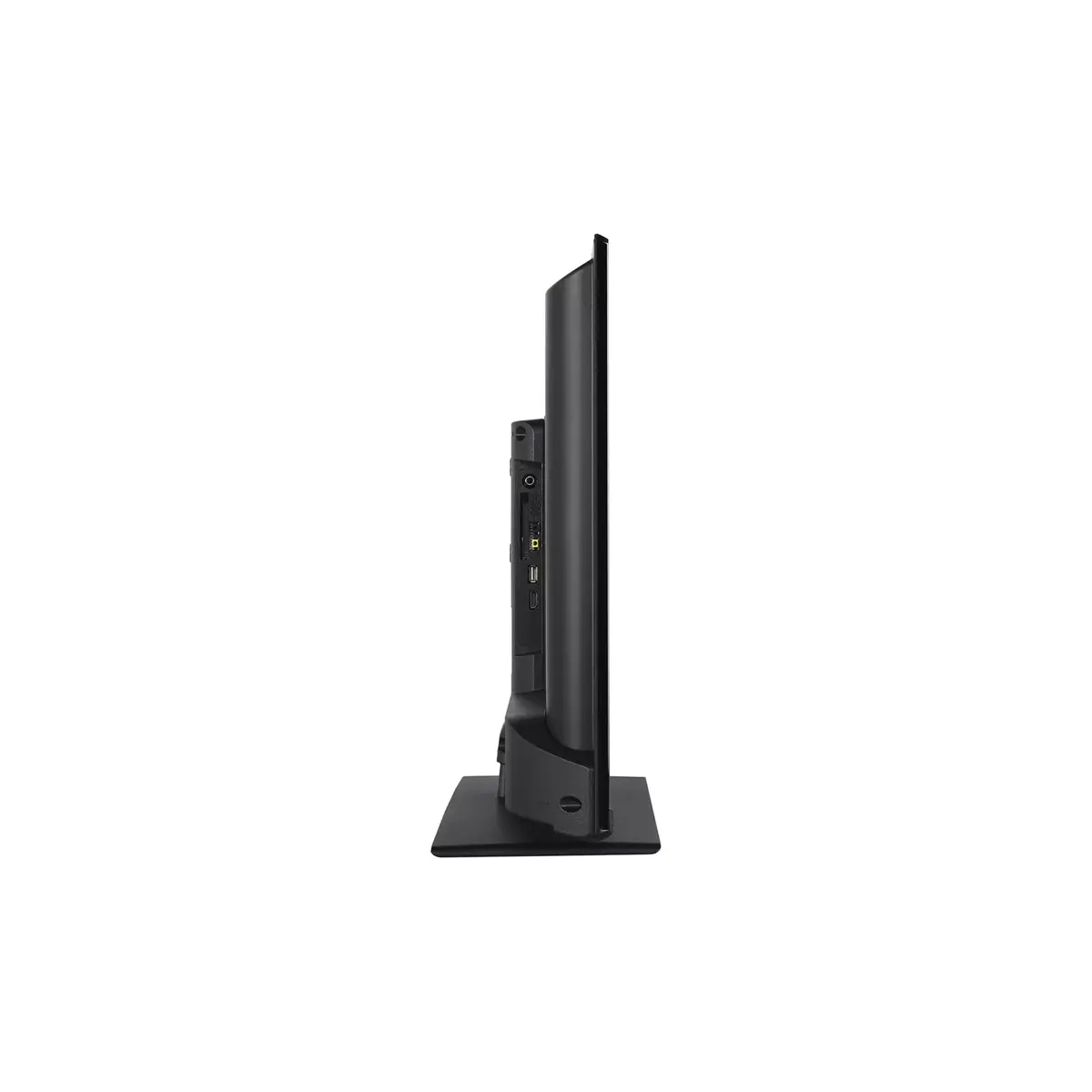
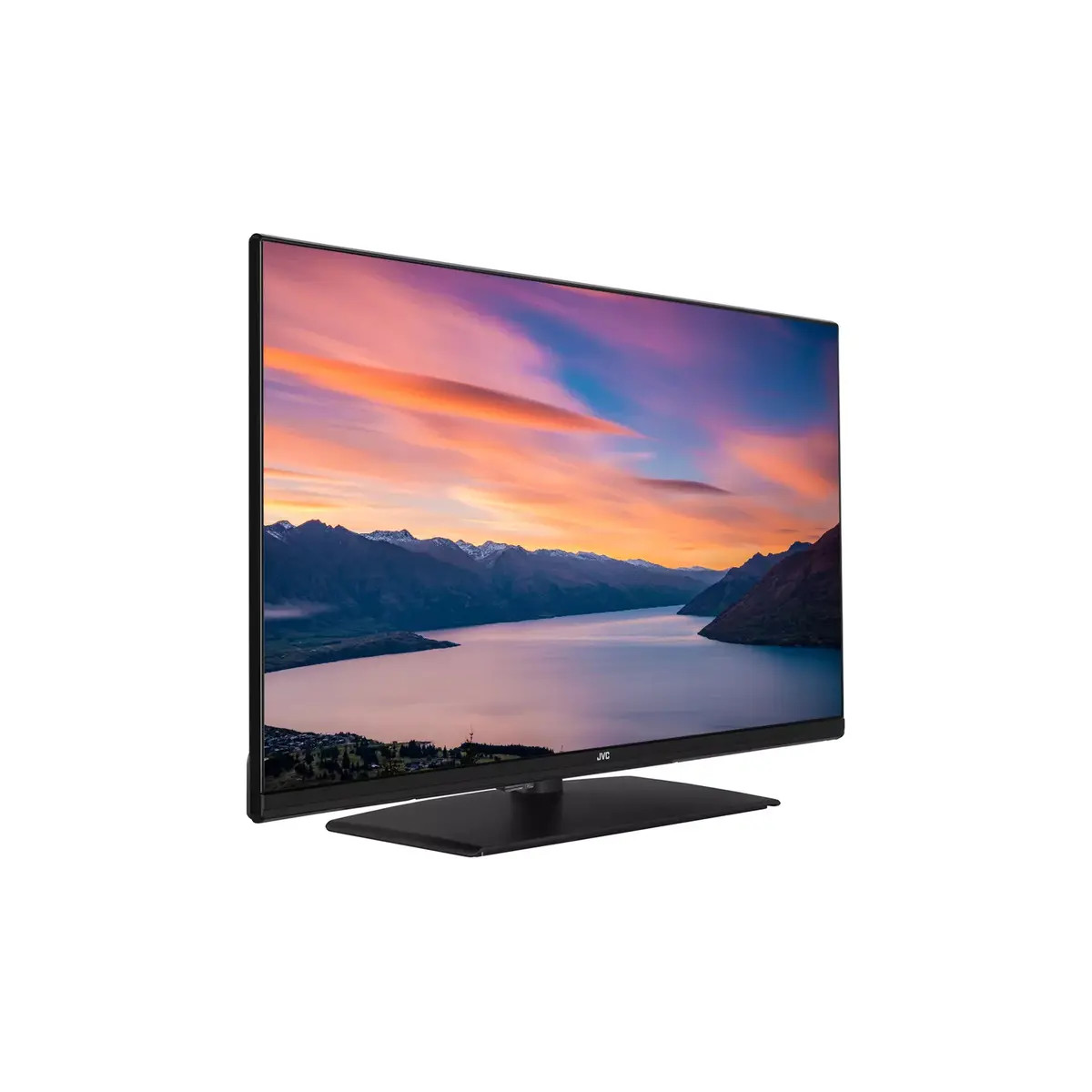
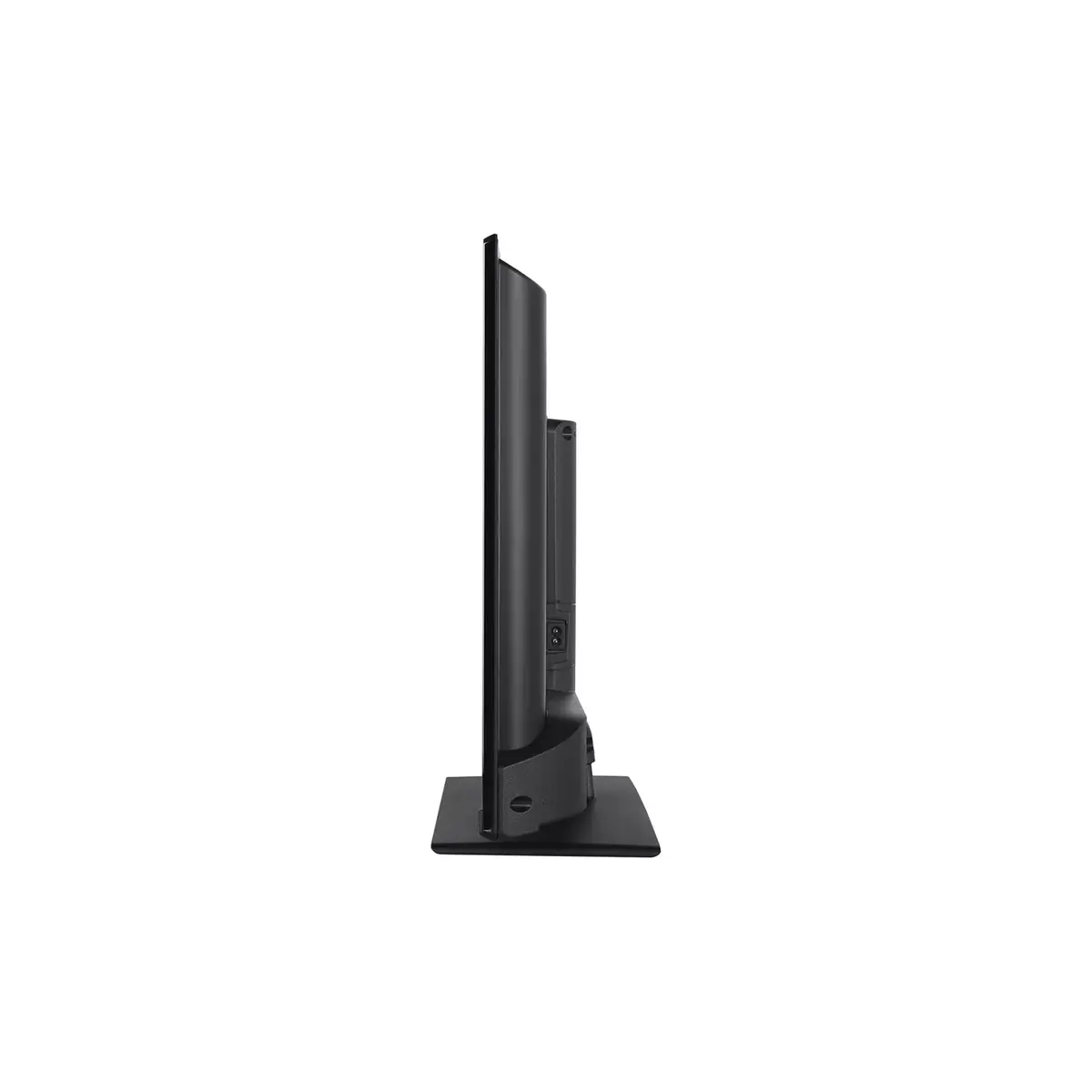
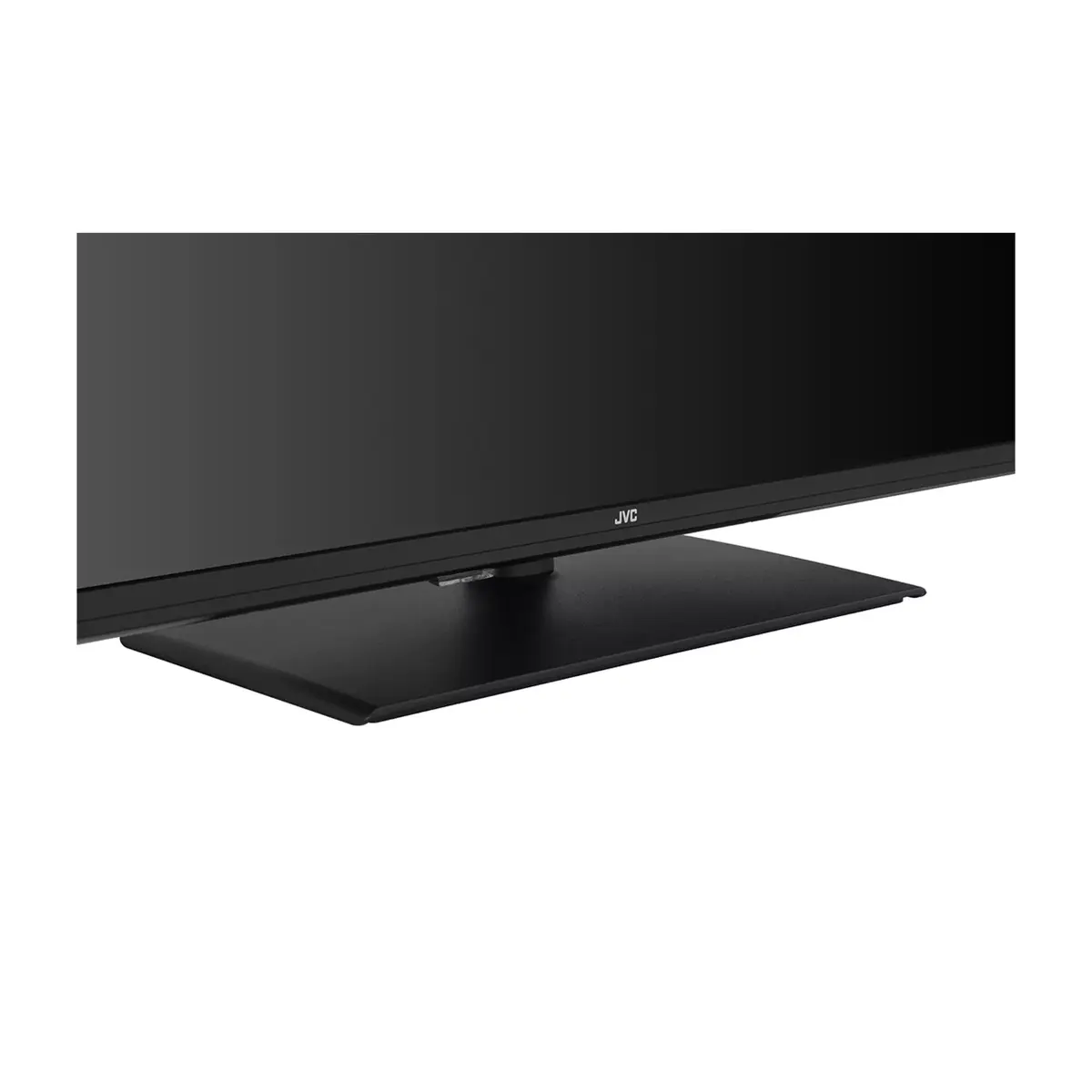
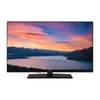
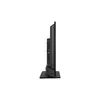
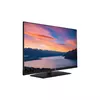
TV JVC LT-32VF5355 32" HD Smart Display 1920 x 1080
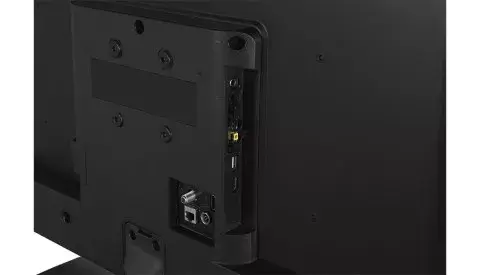
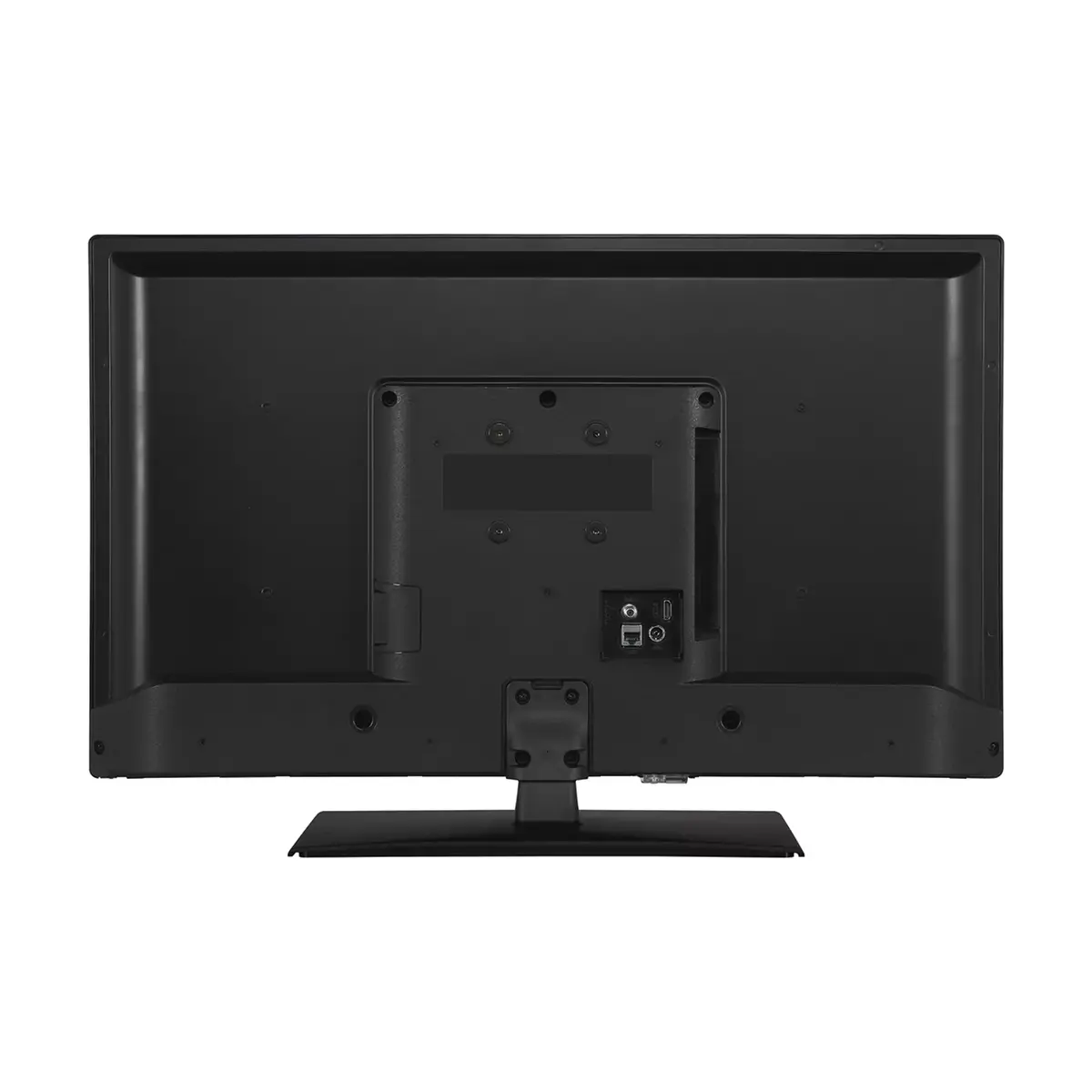
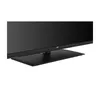
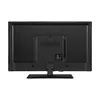
The JVC LT-32VF5355 32" HD Smart Display offers a 32-inch flat screen with a 1920 x 1080 resolution and a native 16:9 aspect ratio. The display delivers 250 cd/m² brightness and presents HD content with the manufacturer-installed TiVo operating system. Network connectivity is available via built-in Wi‑Fi and Ethernet LAN, while digital broadcast reception supports DVB‑C, DVB‑S2 and DVB‑T2. The unit comes in a black finish that fits modern interior styles and provides a straightforward home entertainment solution for viewing broadcast and streamed content.
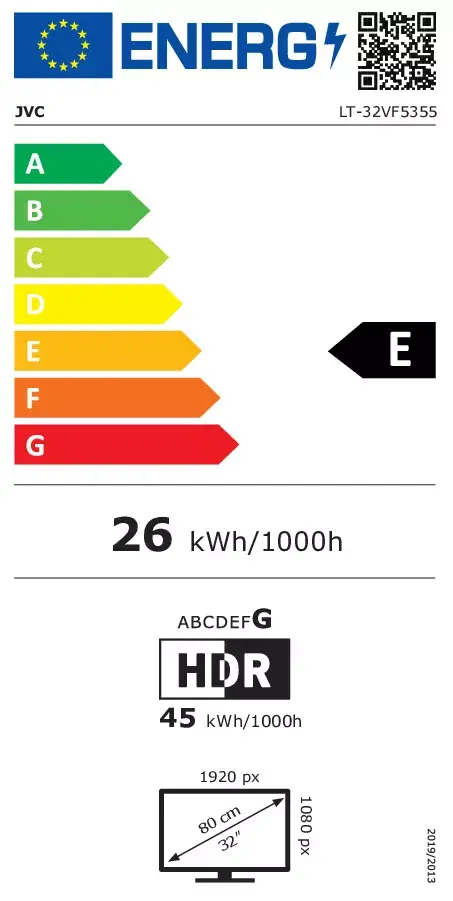
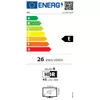
The display combines Full HD resolution with a compact 32-inch diagonal, suitable for smaller rooms where picture clarity is required without a large footprint. Integrated TiVo software enables access to smart features and content navigation, and the dual network options (Wi‑Fi and Ethernet) allow flexible streaming depending on the available connection. Energy consumption figures reflect moderate power use in SDR and higher demand in HDR modes, and the flat-panel design supports wall mounting or placement on a stand.
Place the TV on a suitable stand or use the appropriate wall-mount bracket following the manufacturer’s mounting instructions. Connect the power cable to a grounded outlet. For network services, choose either the Ethernet LAN port for a wired connection or configure Wi‑Fi through the on-screen network settings in the TiVo interface. Use the input selection menu to switch between broadcast (DVB‑T2/DVB‑C/DVB‑S2), HDMI sources, or network streaming apps available on the installed TiVo system. Adjust picture and sound settings from the settings menu to optimise viewing according to room lighting and personal preference.
For stable streaming performance, use a wired Ethernet connection where possible or position the TV within good range of the Wi‑Fi router. Calibrate picture presets (brightness, contrast, and colour temperature) for the viewing environment to balance image quality and energy use; choose SDR mode for lower energy consumption during standard viewing and HDR only for compatible content to avoid increased power draw.
{{highlightedFeature.featureTitle}}:
{{getProductFeatureValueById(product, highlightedFeature.featureId)}}
{{ productComparisonGenerationError }}