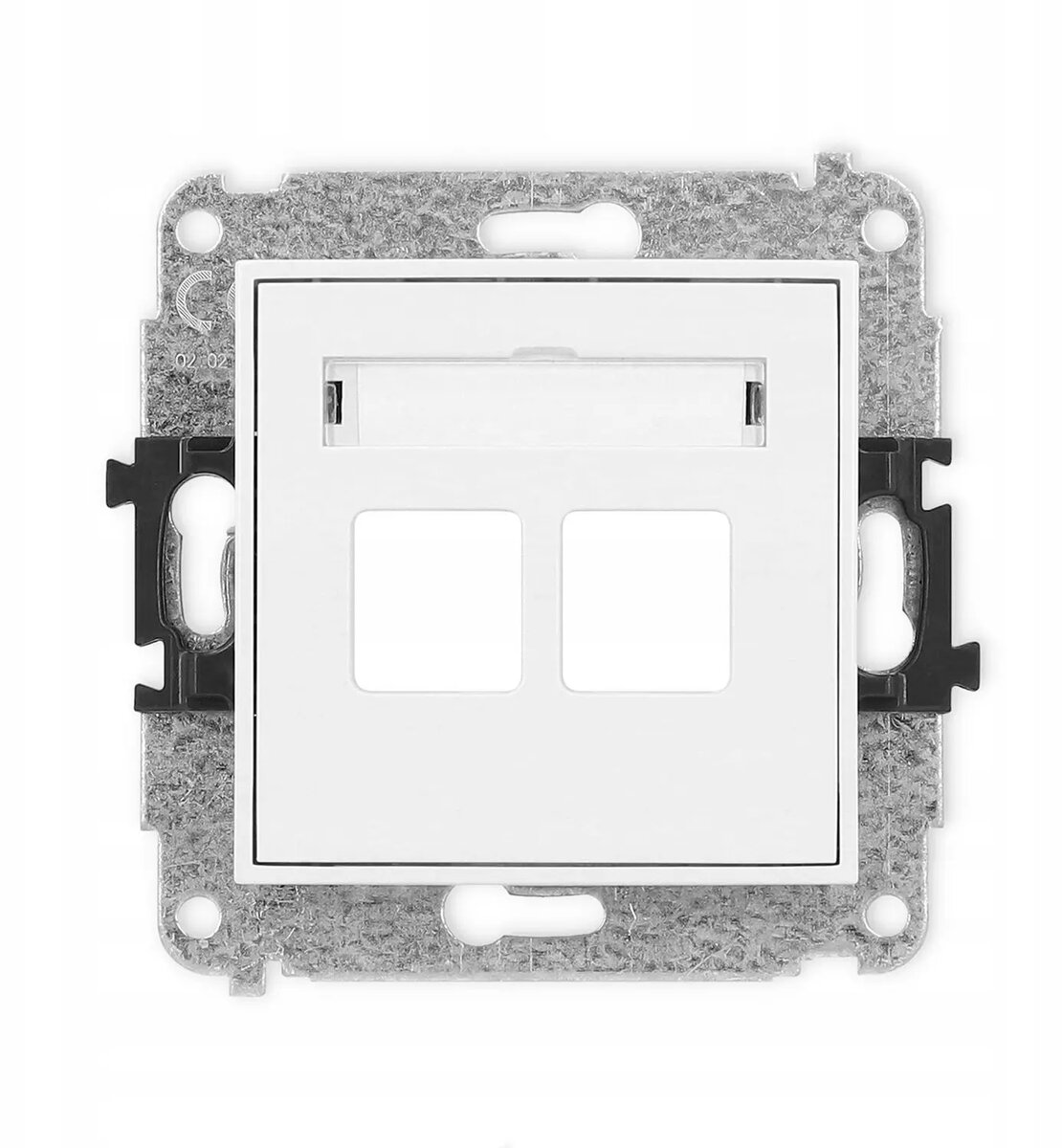
The Karlik ICON dual multimedia socket mechanism is a versatile solution designed to accommodate two Keystone standard modules. This white insert allows for the flexible configuration of various data, audio, or video connections, making it an essential component for modern electrical installations in both residential and commercial environments. Engineered for seamless integration, it provides a clean and professional aesthetic that complements the ICON series frames.
Advantages
This multimedia socket mechanism offers exceptional versatility by allowing users to customize their connectivity needs using standard Keystone modules. Its robust construction ensures reliable performance and a secure fit within the wall-mounted frame. The neutral white finish ensures that the socket blends effortlessly with any interior design style, while the dual-port configuration maximizes space efficiency by consolidating multiple connections into a single wall plate.
Suitable for
- Home office data and network setups
- Multimedia entertainment centers
- Professional conference room connectivity
- Custom audio and video distribution systems
This product may not be suitable for environments requiring specialized industrial-grade connectors that do not adhere to the standard Keystone format. Additionally, it is not intended for high-voltage electrical power distribution and should only be used for low-voltage data, audio, or video signal transmission.
Key specifications
- Capacity: Two Keystone modules
- Color: White
- Compatibility: Karlik ICON series frames
- Application: Multimedia, data, and audio-video connectivity
To install the mechanism, first ensure that the appropriate low-voltage cabling is routed to the desired wall box. Snap your chosen Keystone modules into the dual-port insert until they click securely into place. Once the modules are installed, mount the mechanism into the wall box and finish the installation by attaching the compatible Karlik ICON frame to achieve a flush, professional appearance.
What to consider before purchase
- Verify that your specific Keystone modules are compatible with the standard dimensions of this insert.
- Ensure you have the correct Karlik ICON series frame to complete the installation.
- Confirm that the installation location is suitable for low-voltage signal cabling.
For optimal signal integrity, ensure that data cables are not bent at sharp angles during installation and keep low-voltage multimedia wiring separated from high-voltage electrical lines to prevent interference.