

Leave your address - as soon as the price of the product goes down, you'll know about it right away
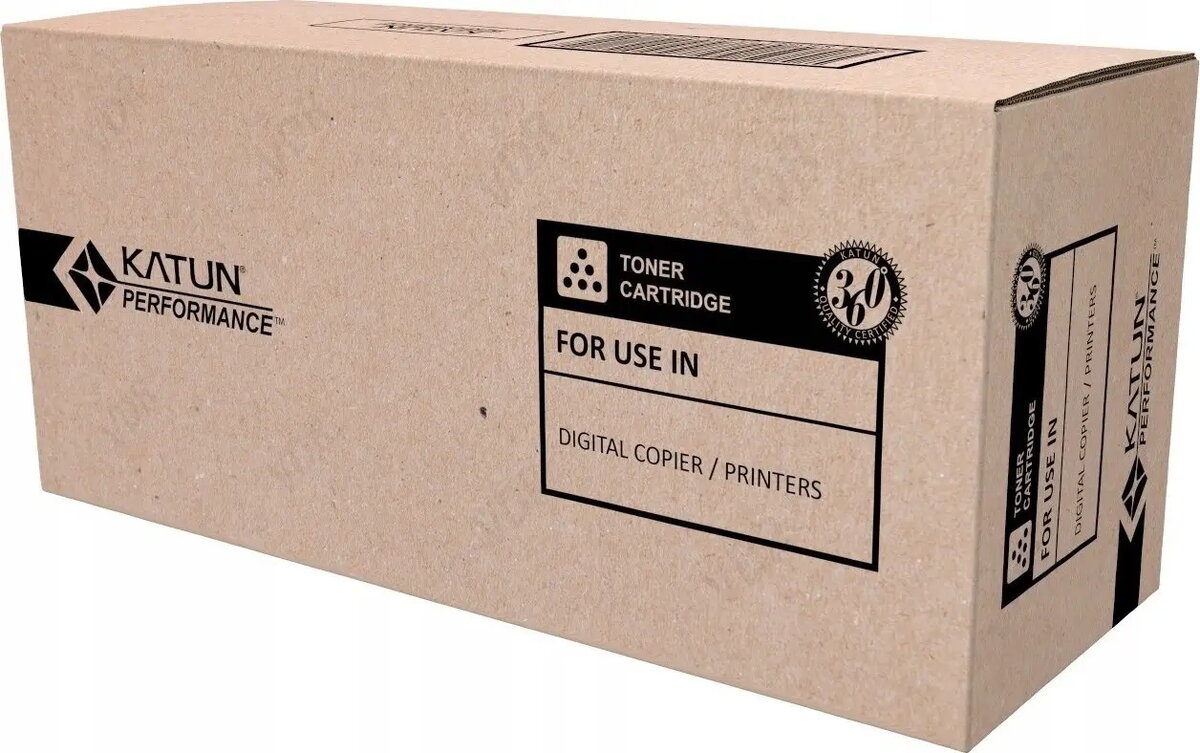
Photoconductor OPC Drum for Ricoh Aficio 1015/1022 — KATUN 44149
In cart {{totalProductsCount}} item(s)
Your cart is empty
Photoconductor OPC Drum for Ricoh Aficio 1015/1022 — KATUN 44149
Leave your address - as soon as the price of the product goes down, you'll know about it right away
Photoconductor OPC Drum for Ricoh Aficio 1015/1022 — KATUN 44149
This OPC photoconductor drum is a compatible replacement designed for use with Ricoh Aficio 1015 and 1022 series devices. Manufactured by KATUN, it supplies the light-sensitive surface required for electrostatic image formation and reliable toner transfer in laser multifunction printers and copiers. The part is intended for routine maintenance and component replacement to restore consistent print density and reduce image defects caused by a worn or damaged drum.
The photoconductor drum delivers a uniform, light-sensitive coating engineered to maintain stable image quality over its service life. It is produced to fit the mechanical and optical requirements of Ricoh Aficio 1015/1022 models, helping to minimize streaks, ghosting and uneven density. Using a compatible OEM-quality replacement drum can extend the usable life of the device and reduce downtime associated with printing defects.
Install the photoconductor drum following the Ricoh Aficio 1015/1022 service instructions or user manual. Power off the device and allow internal components to cool before beginning. Remove the toner cartridge or assembly as required to access the drum housing, carefully extract the old drum to avoid toner contamination, and insert the replacement ensuring correct seating and alignment. Reinstall all components and perform any recommended device resets or cleaning cycles to initialize the new drum and achieve optimal print results.
Handle the drum by its ends and avoid touching the coated surface; exposure to direct light for prolonged periods may degrade performance. Store the replacement drum in its protective packaging in a cool, dry place until installation and follow scheduled maintenance intervals to preserve consistent print quality.
{{highlightedFeature.featureTitle}}:
{{getProductFeatureValueById(product, highlightedFeature.featureId)}}
