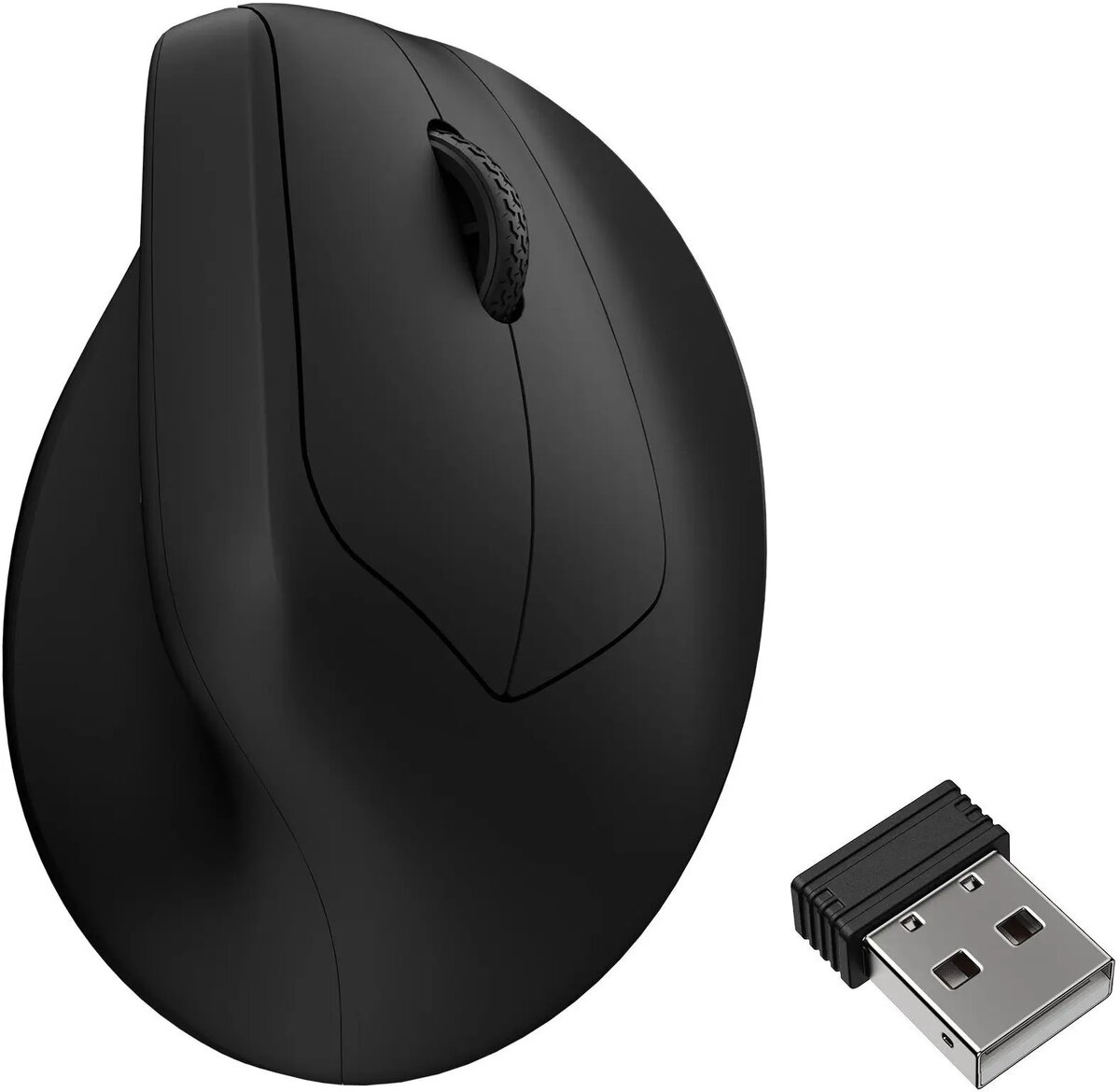
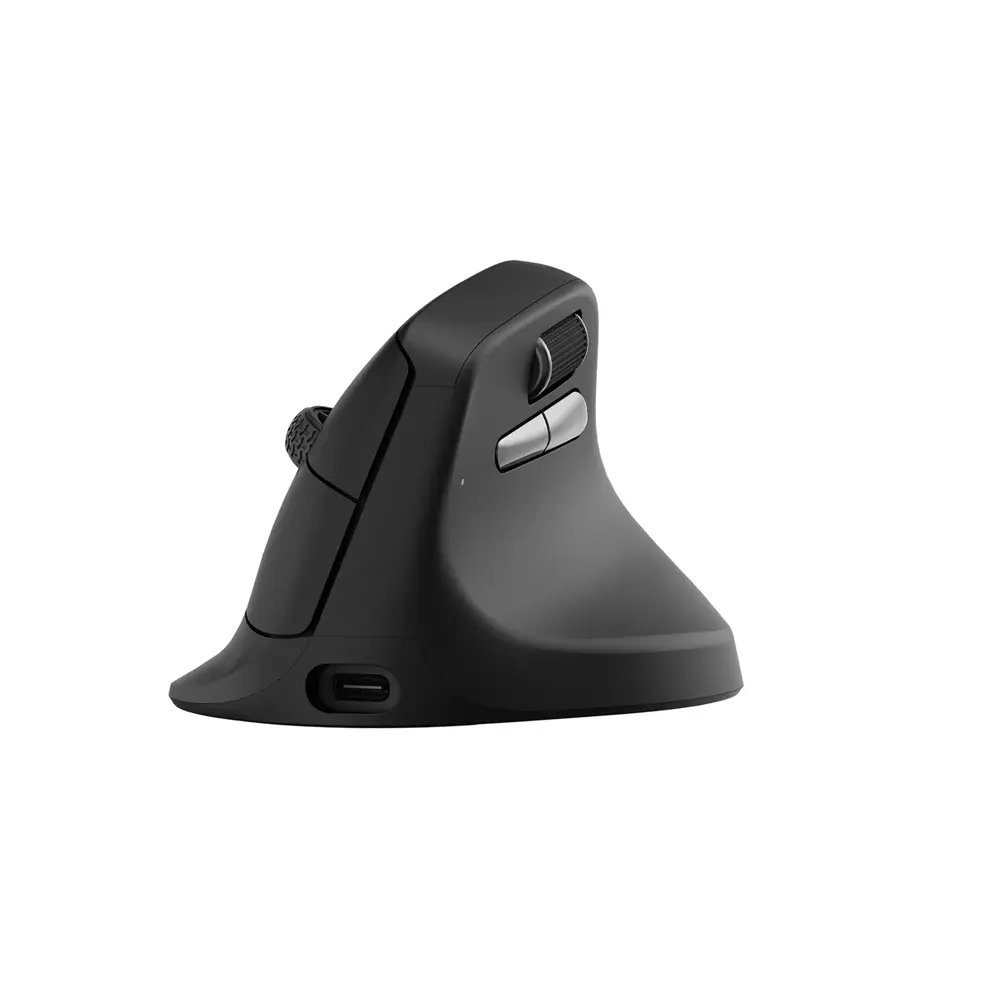
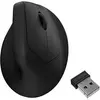
The Mechanical mouse Keychron M5 8K black (M5-A23) is compared against several alternative models from Keychron, including the Keychron M5-A29 Wireless Mouse, Wireless Optical Mouse Keychron M5 (M5-A30) — Bluetooth & 2.4GHz, Rechargeable, USB-C, Keychron M7-A1 Ambidextrous Optical Mouse with 26000 DPI, Bluetooth and USB Type-C, Mouse Keychron M2-A3 RF Wireless Bluetooth USB Type-C, and Wireless Ambidextrous Optical Mouse Keychron M7-A24 30000 DPI RF Wireless Bluetooth USB-C White. All these products belong to the same category of daily computing peripherals, but differ in connectivity options, sensor capabilities, and intended use cases.
⚙️ The table below compares the key specifications of the models, such as connection type, sensor precision, and intended purpose, to help you evaluate their technical differences.
| Parameter | Mechanical mouse Keychron M5 8K black (M5-A23) | Keychron M5-A29 Wireless Mouse | Wireless Optical Mouse Keychron M5 (M5-A30) | Keychron M7-A1 Ambidextrous Optical Mouse | Mouse Keychron M2-A3 RF Wireless Bluetooth USB Type-C | Wireless Ambidextrous Optical Mouse Keychron M7-A24 | Practical significance |
|---|
| Product type | Mechanical computer mouse | Wireless mouse | Wireless optical mouse | Ambidextrous optical mouse | Wireless gaming mouse | Ambidextrous optical mouse | Defines the core design approach and tactile feedback of the peripheral. |
| Connectivity | Standard desktop setup | Stable wireless connection | Bluetooth and 2.4 GHz, USB-C | Bluetooth and USB Type-C, wired & wireless | RF Wireless, Bluetooth, USB Type-C | RF Wireless, Bluetooth, USB-C | Models featuring Bluetooth and multi-mode wireless offer greater flexibility across various devices. |
| Purpose | Everyday work and gaming | Daily productivity | Office and mobile use | Home | Gaming | Work, gaming, and mobile setups | Different models are tailored for specific environments like office tasks, home use, or gaming performance. |
◎ The suitability table below helps you identify which product aligns best with your specific user needs and usage scenarios.
| Use case | Recommended product | Why |
|---|
| Everyday office work and study | Keychron M5-A29 Wireless Mouse | Delivers a reliable wireless connection and comfortable navigation for daily productivity tasks. |
| Multi-device workflows and mobile use | Wireless Optical Mouse Keychron M5 (M5-A30) | Provides dual wireless modes and USB-C charging for easy use away from the desktop. |
| General home computing and flexible pairing | Keychron M7-A1 Ambidextrous Optical Mouse | Features an ambidextrous shape and high-precision sensor for versatile daily tasks. |
| Gaming and performance-focused setups | Mouse Keychron M2-A3 RF Wireless Bluetooth USB Type-C | Engineered specifically for gamers looking for precision control and reliable handling. |
The Mechanical mouse Keychron M5 8K black (M5-A23) is ideal for users who appreciate mechanical switch feedback and precise control for daily computing and casual gaming. If you require advanced wireless versatility and multi-device pairing on the go, models like the M5-A30 or M7-A24 are more suitable, whereas dedicated gamers may prefer the M2-A3.