




Save time and money with our discounts!
In cart {{totalProductsCount}} item(s)
Your cart is empty
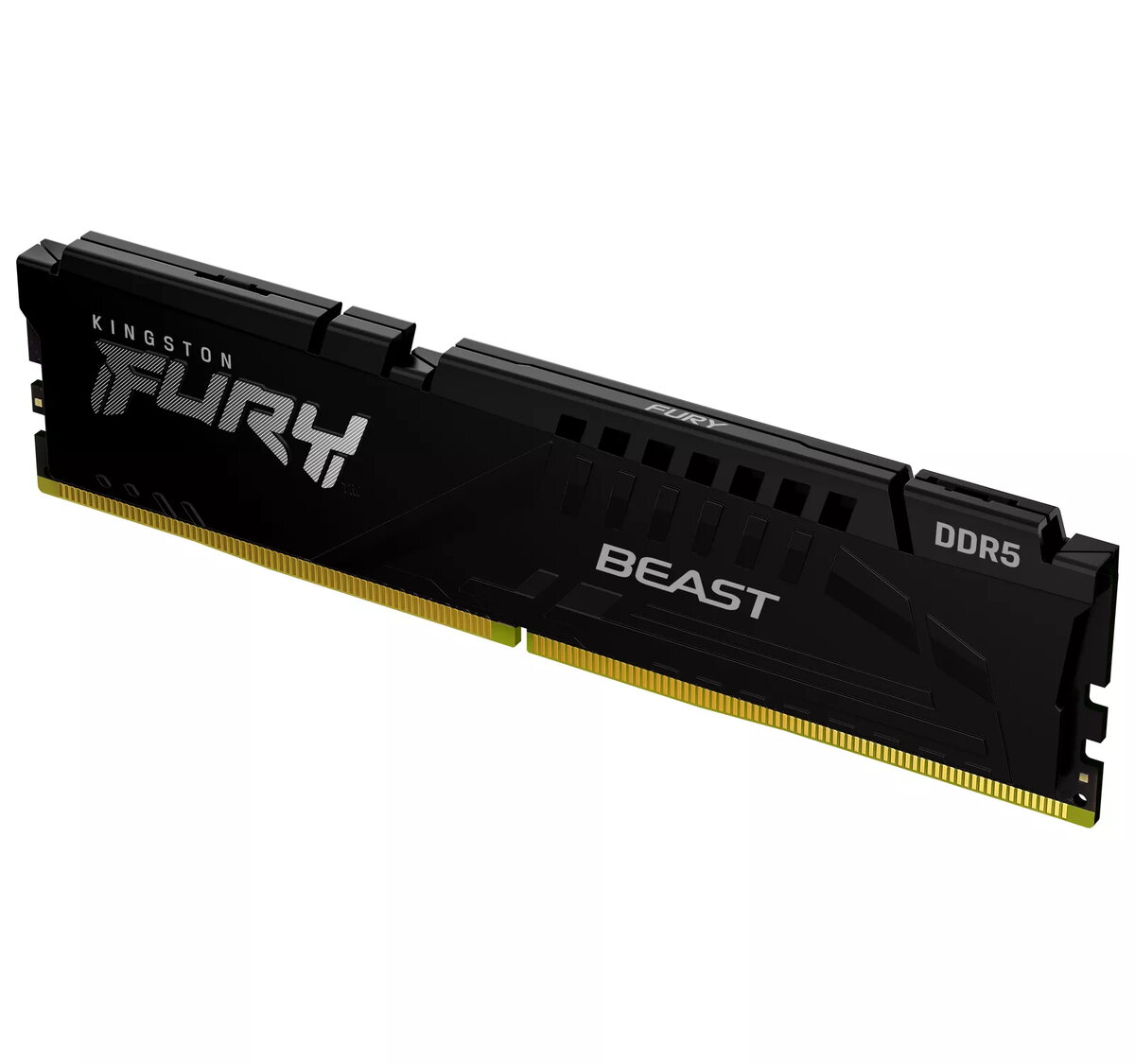
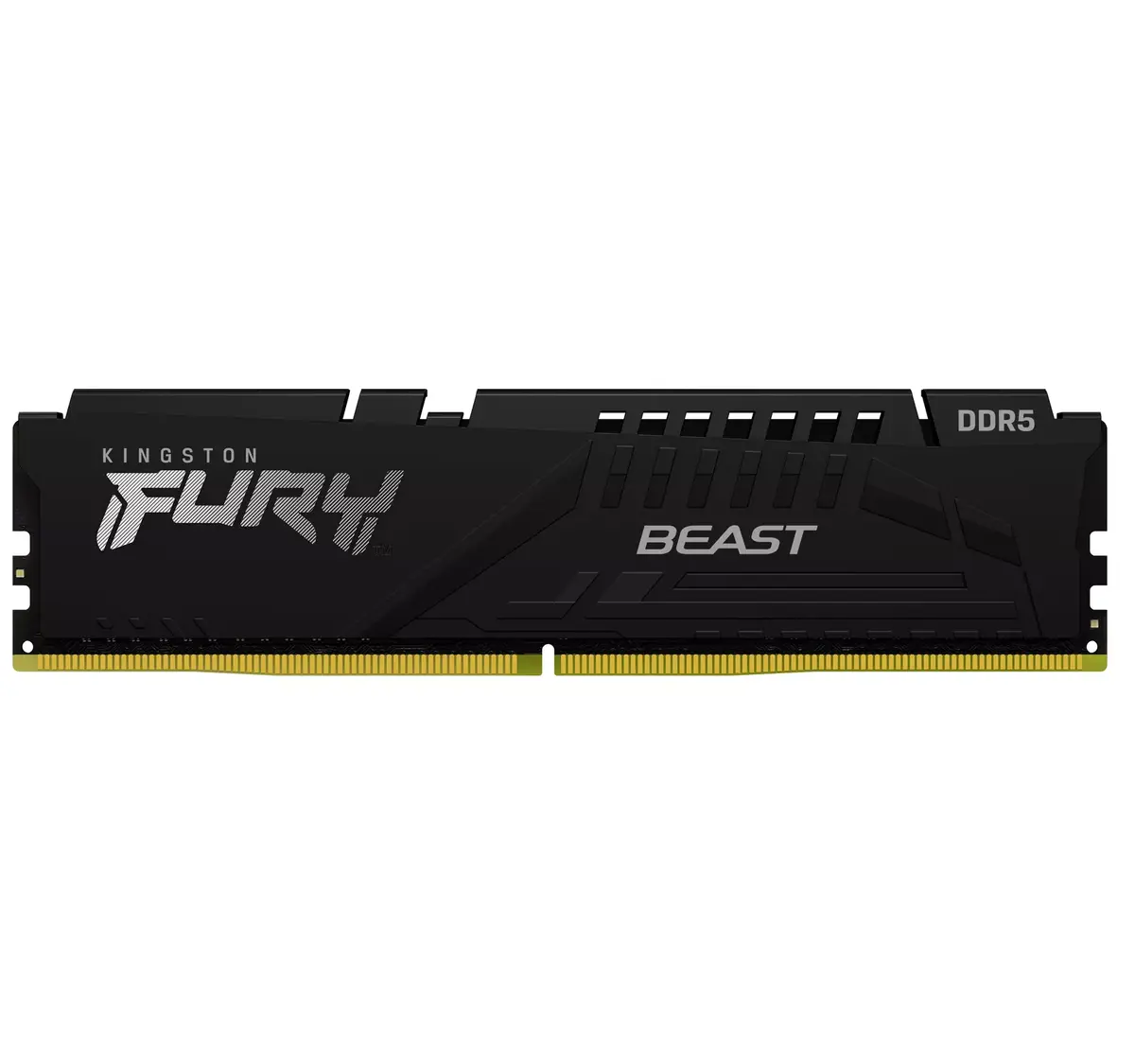
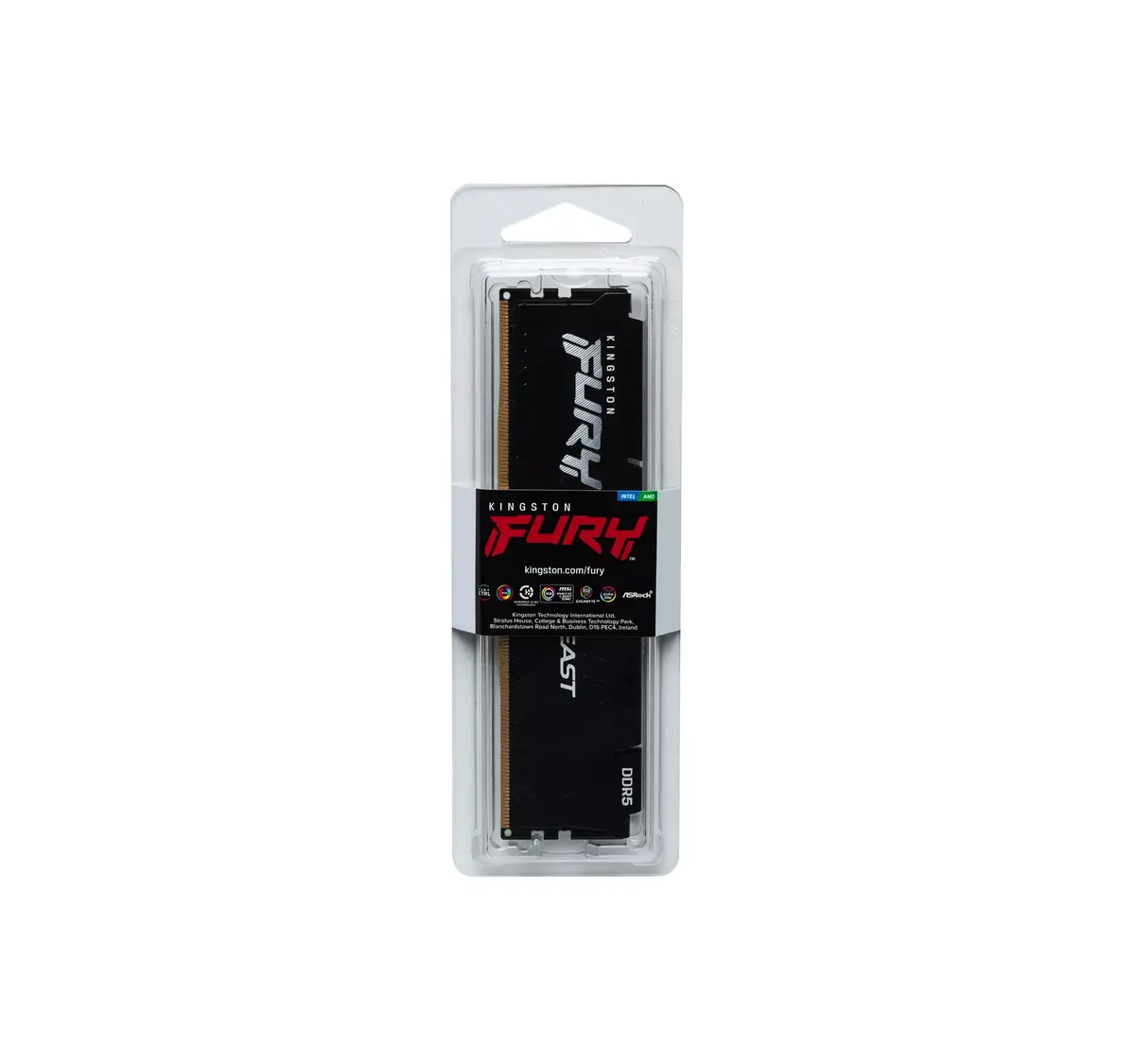
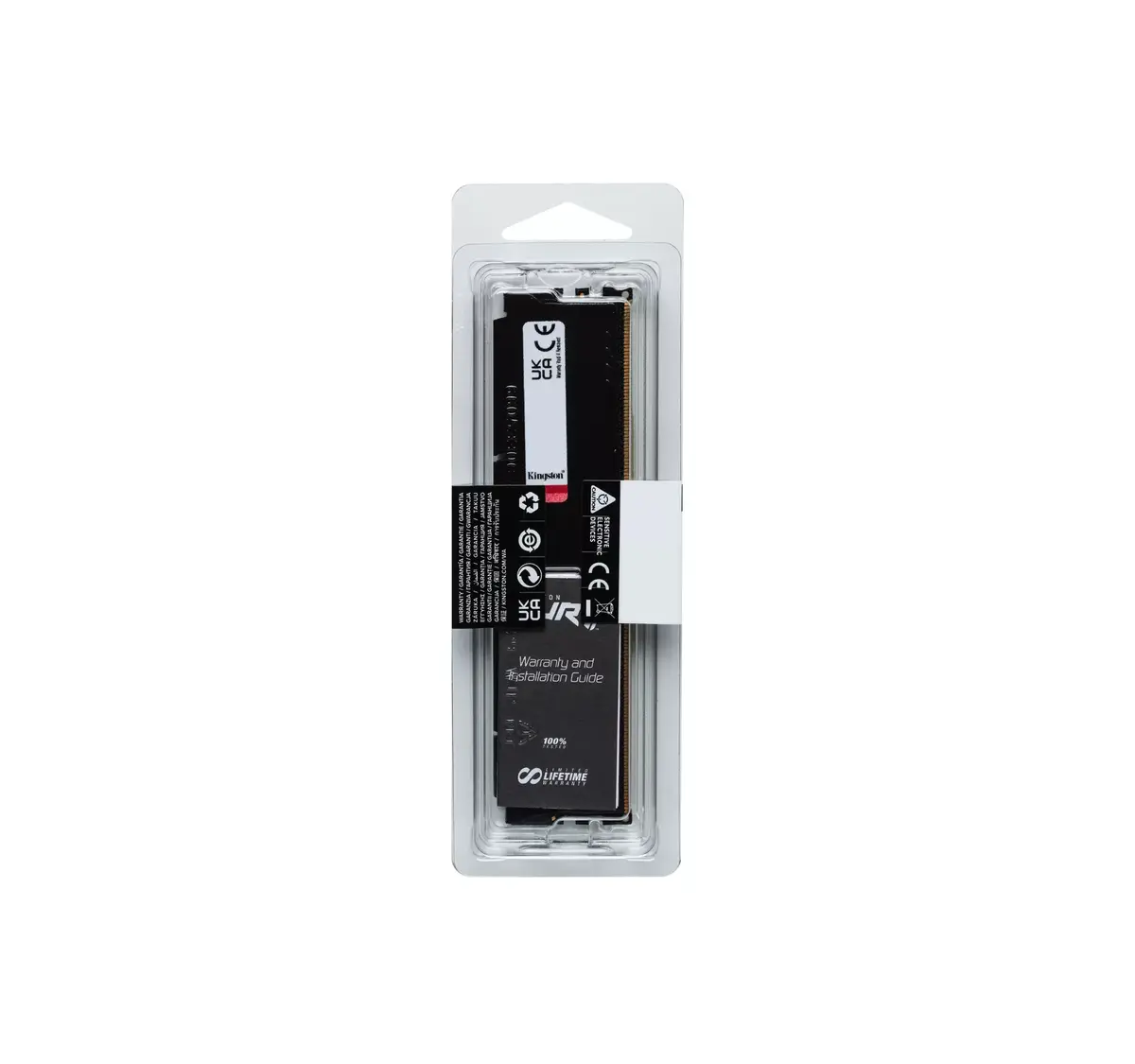
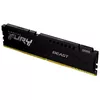
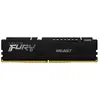
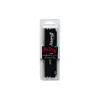
Memory Kingston Technology DDR5 16GB 6000MT/s
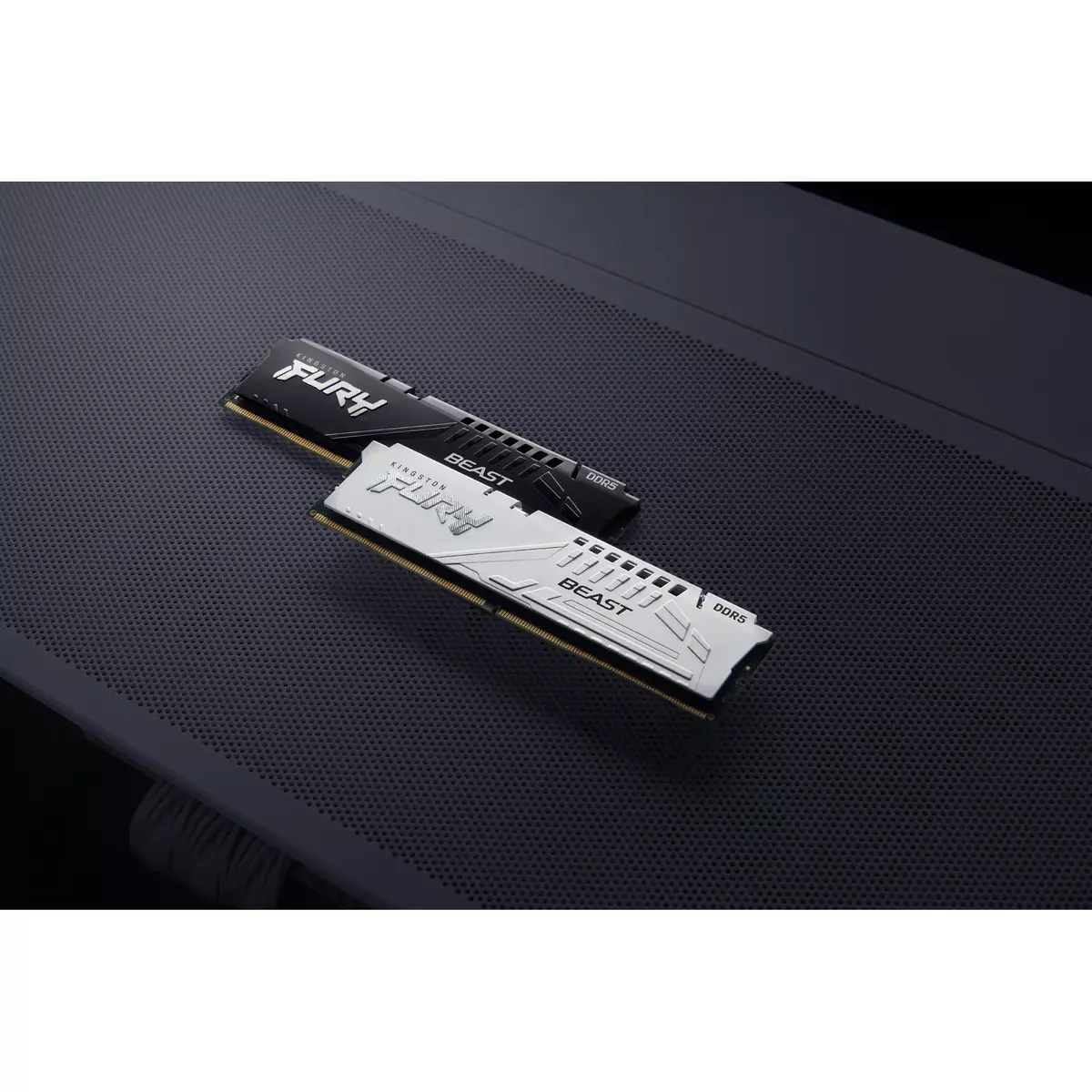
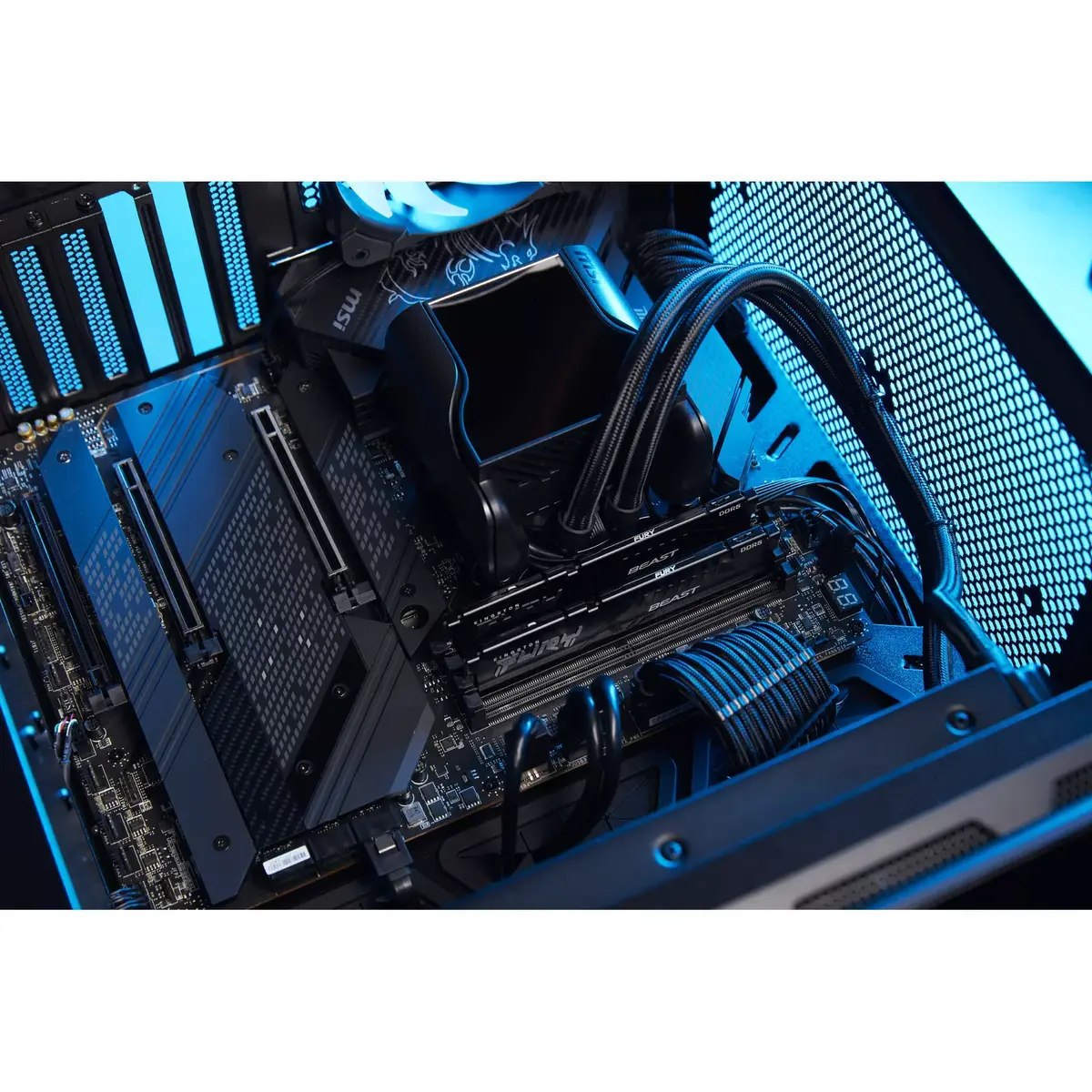
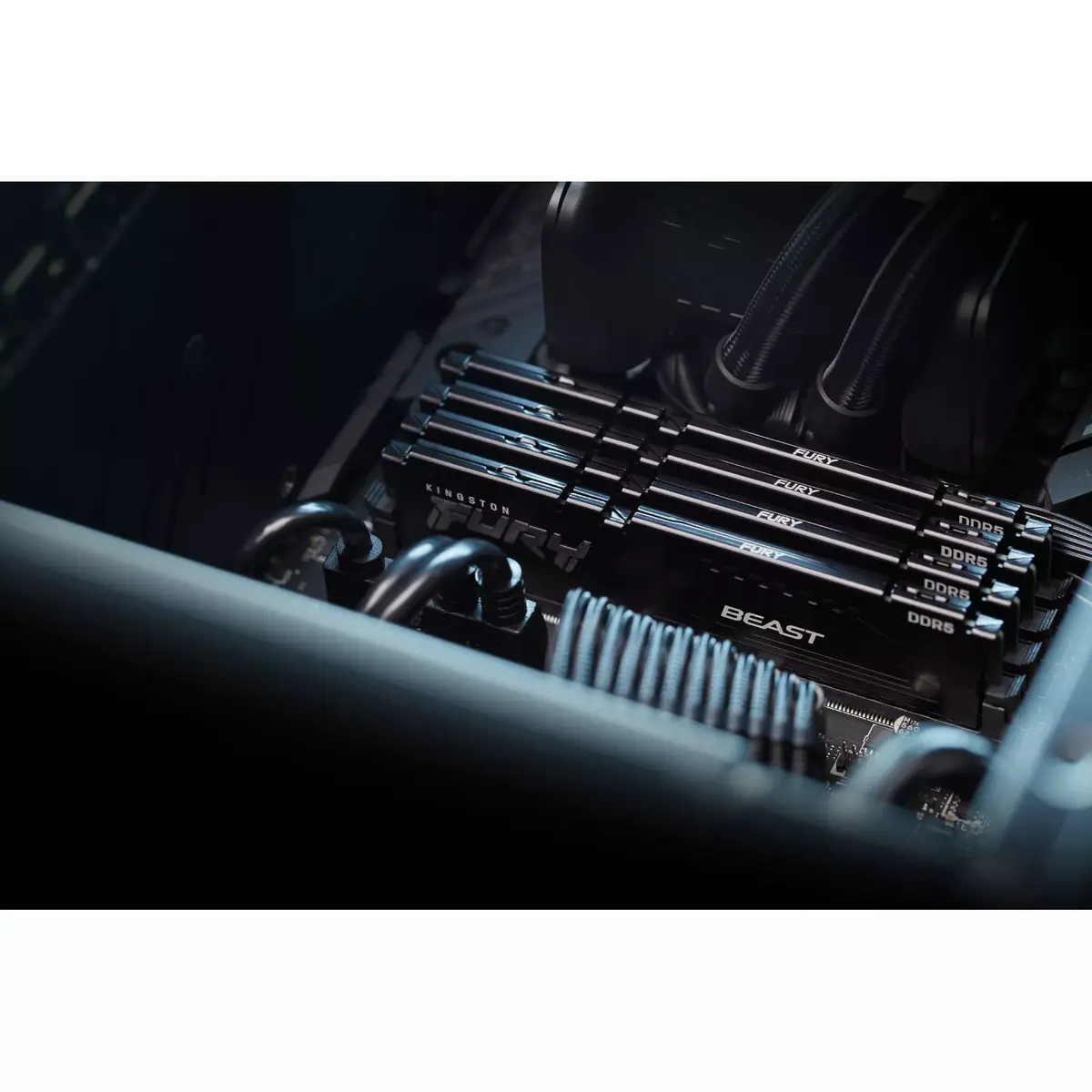
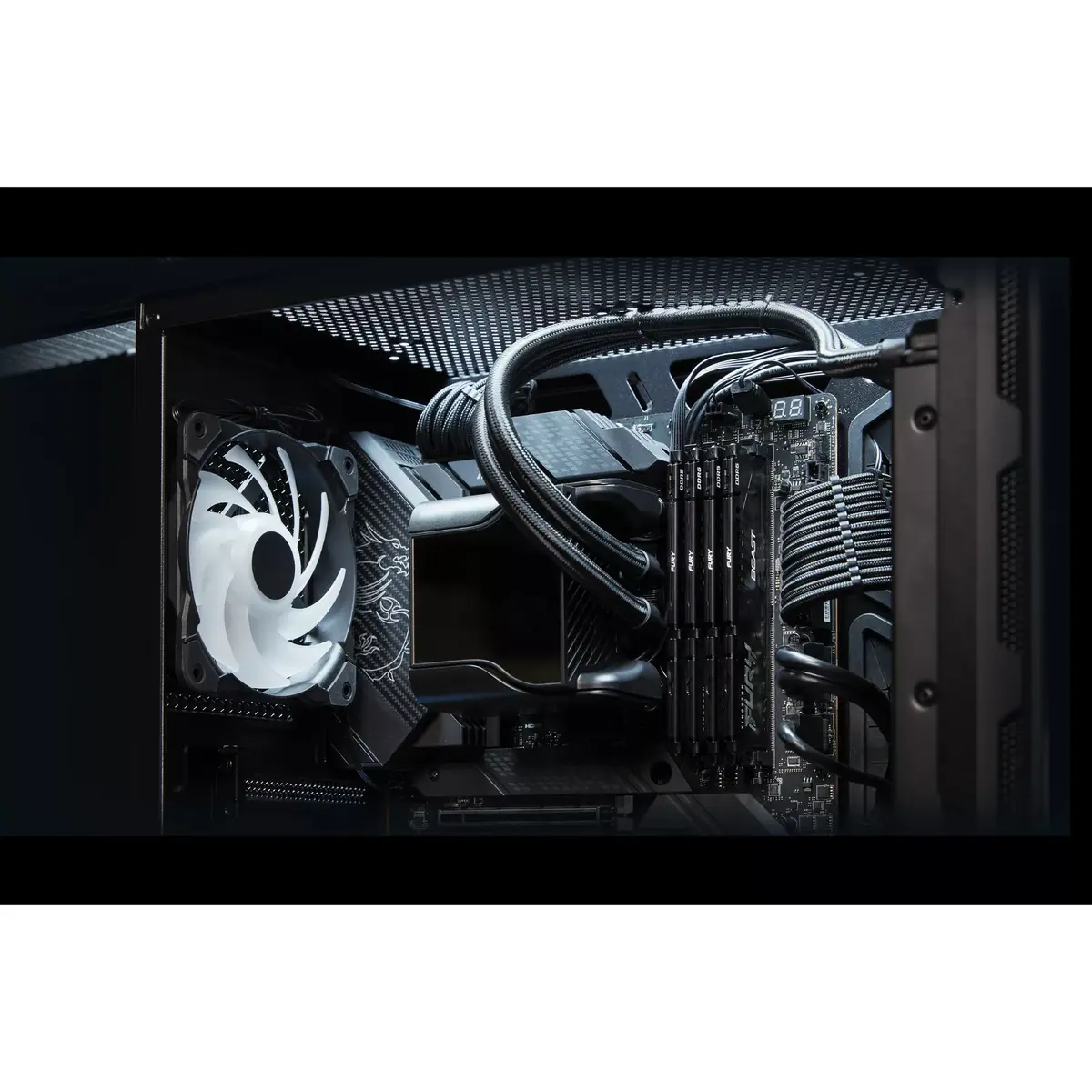
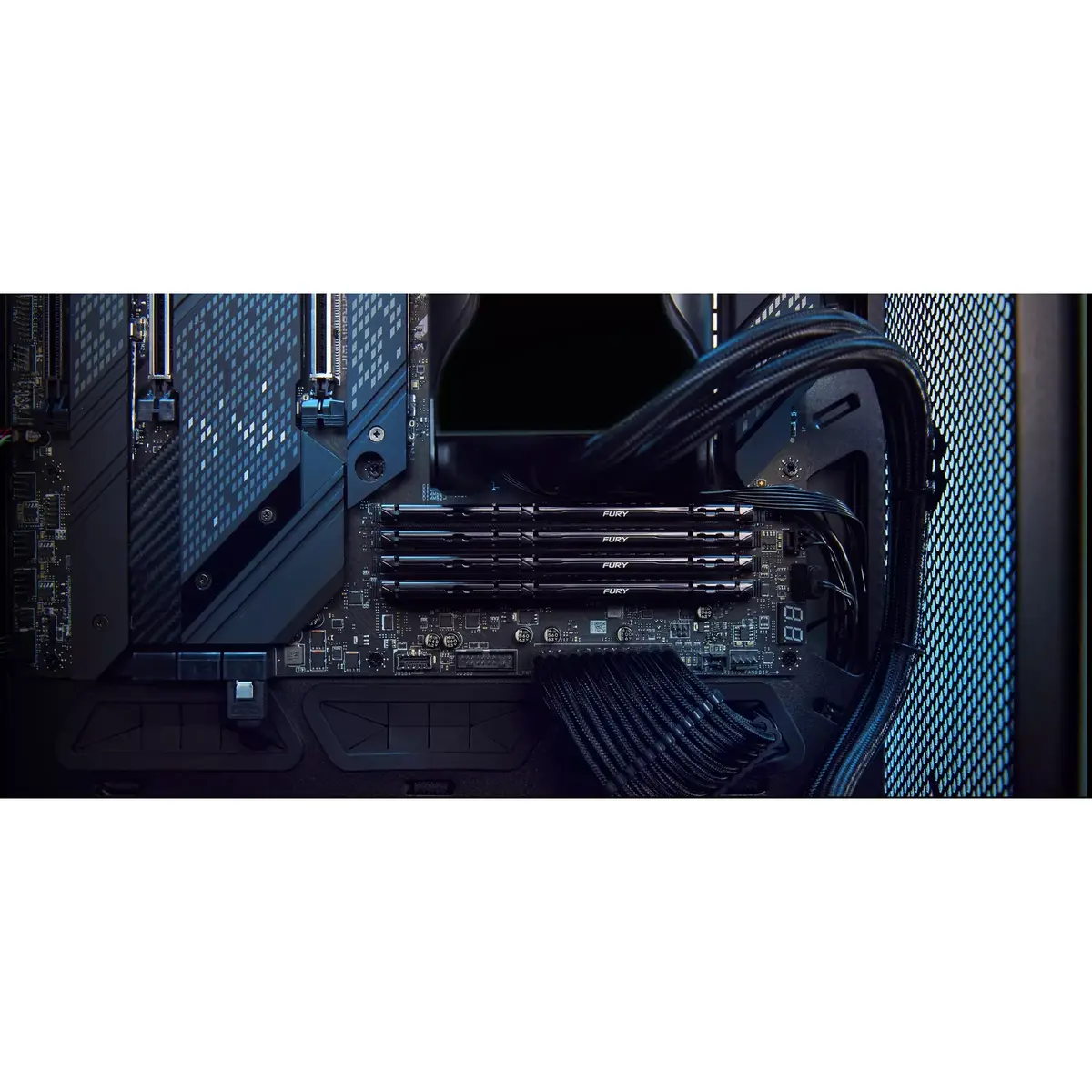
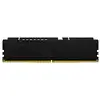
Kingston Technology FURY Beast DDR5 16GB 6000MT/s is a single 288-pin DIMM module engineered for desktop PCs that require high-bandwidth system memory. Operating at an effective data rate of 6000MT/s with a CAS latency of 30 and a nominal voltage of 1.35V, this black low-profile module combines DDR5 architectural improvements — such as on-die ECC, dual 32-bit subchannels and an on-module PMIC — to deliver stable, efficient performance for multitasking, gaming and content creation workloads.
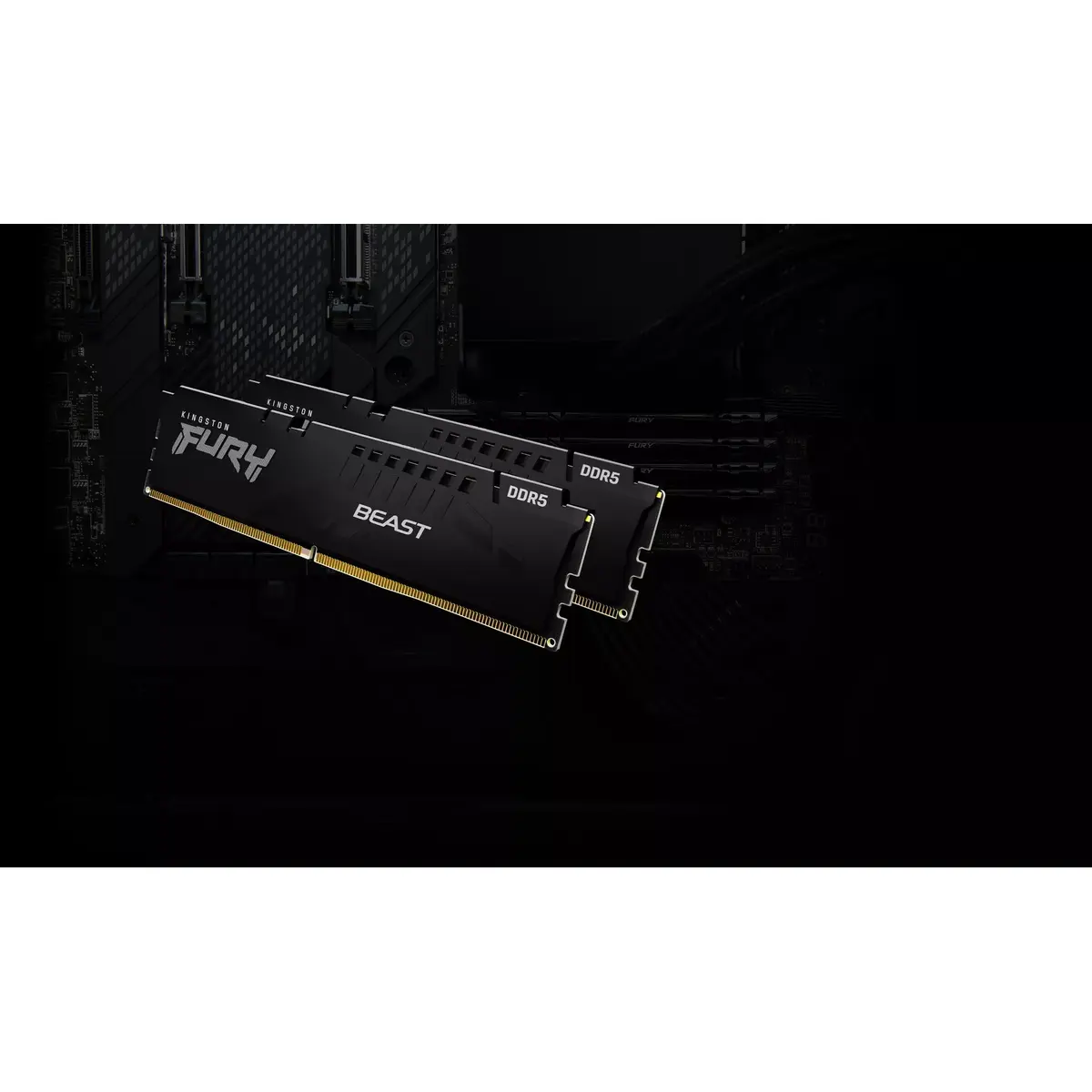
The module’s high 6000MT/s data rate and DDR5 efficiency features increase throughput and responsiveness in demanding applications. On-die ECC enhances data integrity under heavy loads, while the integrated PMIC provides more precise power delivery for stable overclocking. Its low-profile heat spreader offers cooling without obstructing large CPU coolers or obstructing system airflow, and the black finish provides a neutral aesthetic for most builds.
Power down the PC and disconnect mains power before installation. Open the case, locate the appropriate DDR5 DIMM slots on a compatible motherboard and consult the motherboard manual for the recommended slot population. Align the module’s notch with the slot key, insert evenly until the side latches click into place and then reconnect power. After booting, enter the system BIOS/UEFI to confirm that the module is recognized and operating at the intended speed. For overclocking or to enable pre-set profiles, enable Intel XMP 3.0 or AMD EXPO where supported and apply or customize the profile as needed.
Use this DDR5 module in systems with motherboards and CPUs that explicitly support DDR5 memory. For multi-module configurations, install matched modules in the recommended slots to ensure optimal dual-channel performance. When enabling XMP or EXPO profiles, verify system stability with stress tests and monitor temperatures and voltages; consult your motherboard manual for BIOS settings related to memory voltage and PMIC adjustments.
{{highlightedFeature.featureTitle}}:
{{getProductFeatureValueById(product, highlightedFeature.featureId)}}
{{ productComparisonGenerationError }}