-
Weight:
Weight of the product without packaging (net weight). If possible, the net weight is given including standard accessories and supplies. Please note that sometimes the manufacturer leaves out the weight of accessories and/or supplies.
-
0.03 kg
-
Storage temperature (T-T):
The minimum and maximum temperatures at which the product can be safely stored.
-
-25 - 85
-
Package weight:
Weight of the packaged product.
-
81.82 g
-
Operating temperature (T-T):
The minimum and maximum temperatures at which the product can be safely operated.
-
0 - 60
-
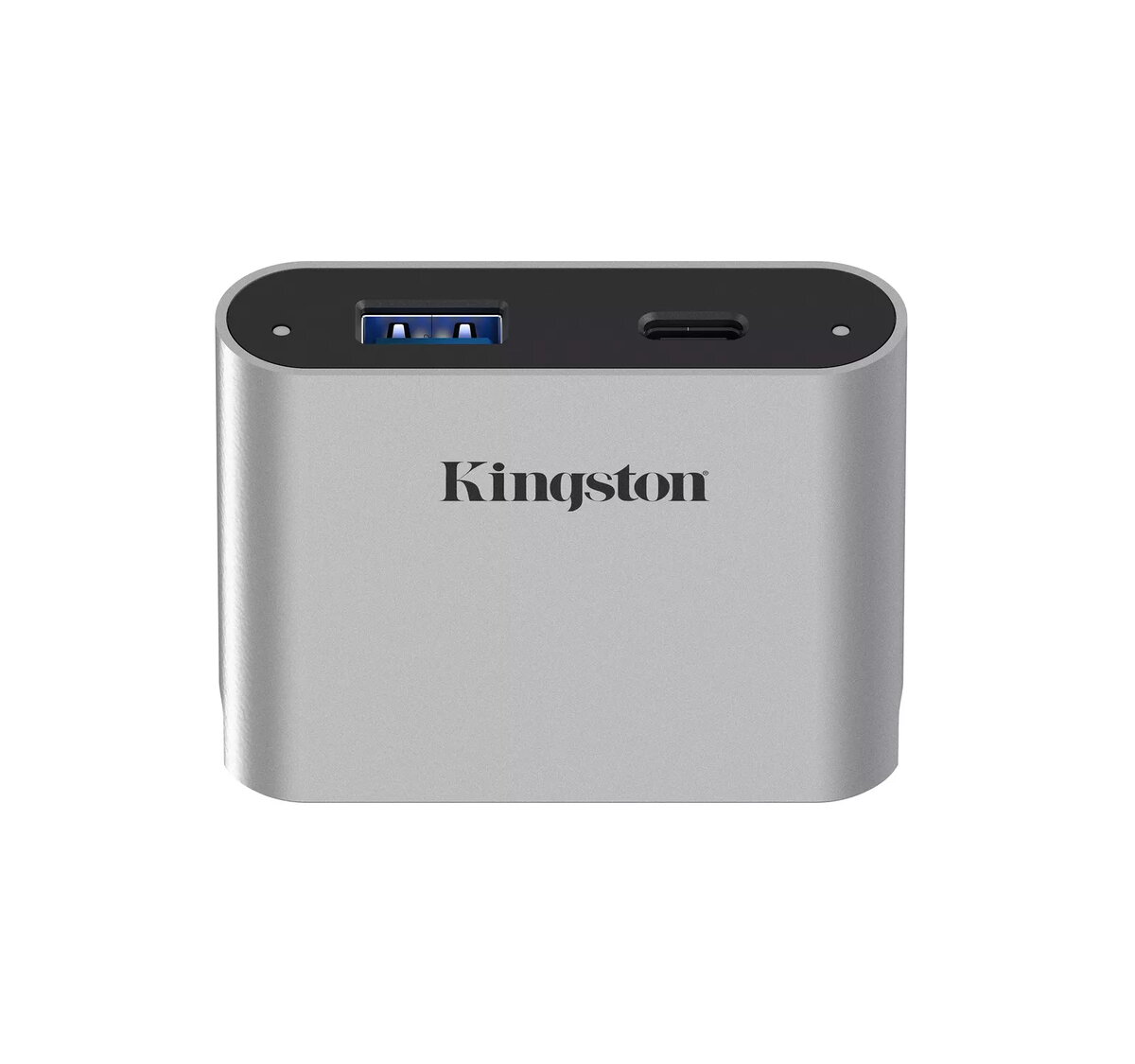
Ports quantity:
The number of ports or external interfaces to which other equipment can be connected.
-
2
-
Height:
The measurement of the product from head to foot or from base to top.
-
50 mm
-
Width:
The measurement or extent of something from side to side.
-
16.87 mm
-
Depth:
The distance from the front to the back of something.
-
62.87 mm
-
Product colour:
The colour e.g. red, blue, green, black, white.
-
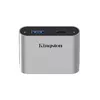
Silver
-
Data transfer rate:
Rate at which data can be transferred, usually measured in units per second. May vary with network configurations.
-
5000 Mbit/s
-
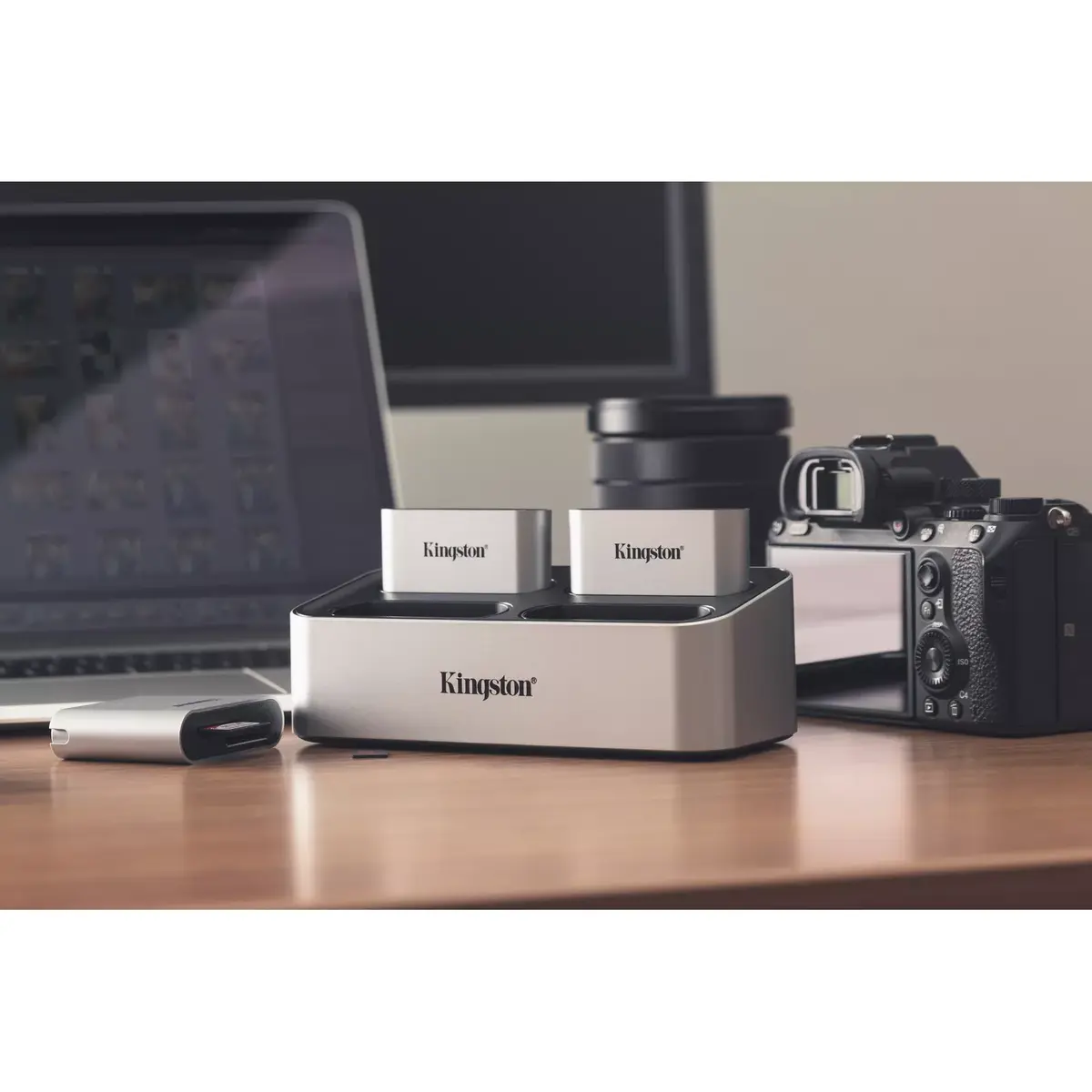
Compatible products:
Other products that can be used with this product.
-
Workflow
-
Host interface:
Interface that enables a host controller to communicate with a driver.
-
USB 3.2 Gen 1 (3.1 Gen 1) Type-C
-
Country of origin:
Country where the device is made. Aka Country of manufacture (COM).
-
China
-
Package depth:
The distance from the front to the back of the packaging.
-
39.9 mm
-
Package height:
The distance from the top to the bottom of the packaging.
-
177.8 mm
-
Package width:
The distance from one side of the packaging to the other.
-
114.3 mm
-
Master (outer) case height:
-
137.2 mm
-
Master (outer) case width:
-
196.9 mm
-
Windows operating systems supported:
Windows vesions wich can be used with the device.
-
Windows 11 Pro, Windows 10 Enterprise x64, Windows 10 Home, Windows 10 Home x64, Windows 10 IOT Core, Windows 10 IoT Enterprise, Windows 10 Pro, Windows 10 Pro x64, Windows 10 x64, Windows 11, Windows 11 Enterprise, Windows 11 Enterprise x64, Windows 11 Home, Windows 10 Enterprise, Windows 11 x64, Windows 10, Windows 10 Education, Windows 10 Education x64
-
Mac operating systems supported:
Mac operating systems e.g. OS X can be used with the device.
-
Mac OS X 10.15 Catalina, Mac OS X 10.15.3 Catalina, Mac OS X 11.0 Big Sur, Mac OS X 12.0 Monterey, Mac OS X 13.0 Ventura, Mac OS X 14.0 Sonoma
-
Hub interfaces:
A hub is a device for connecting multiple devices together. The hub interface is where the hub connects to other devices via input/output (I/O) ports.
-
USB 3.2 Gen 1 (3.1 Gen 1) Type-A, USB 3.2 Gen 1 (3.1 Gen 1) Type-C
-
Master (outer) case gross weight:
-
1024.16 g
-
Master (outer) case length:
-
342.9 mm
-
Products per master (outer) case:
-
10 pc(s)
-
USB 3.2 Gen 1 (3.1 Gen 1) Type-A ports quantity:
-
1
-
USB 3.2 Gen 1 (3.1 Gen 1) Type-C ports quantity:
Number of USB 3.0 (3.1 Gen 1) ports with Type-C connector. USB 3.0 (3.1 Gen 1) is USB interface version which supports transfer rate up to 5 Gbit/s (SuperSpeed). USB Type-C connector has symmetrical design architecture and compatible with Thunderbolt 3 interface.
-
1