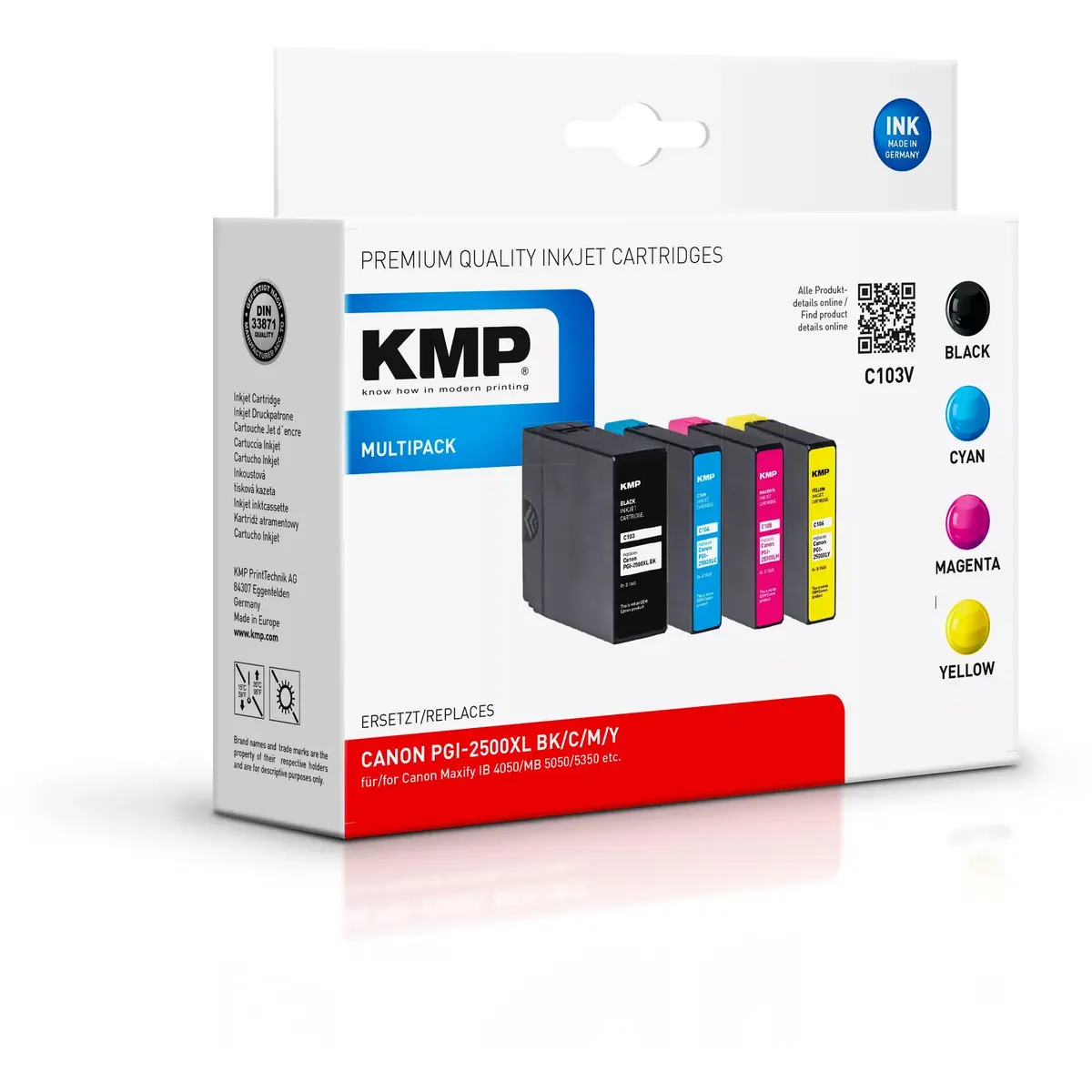
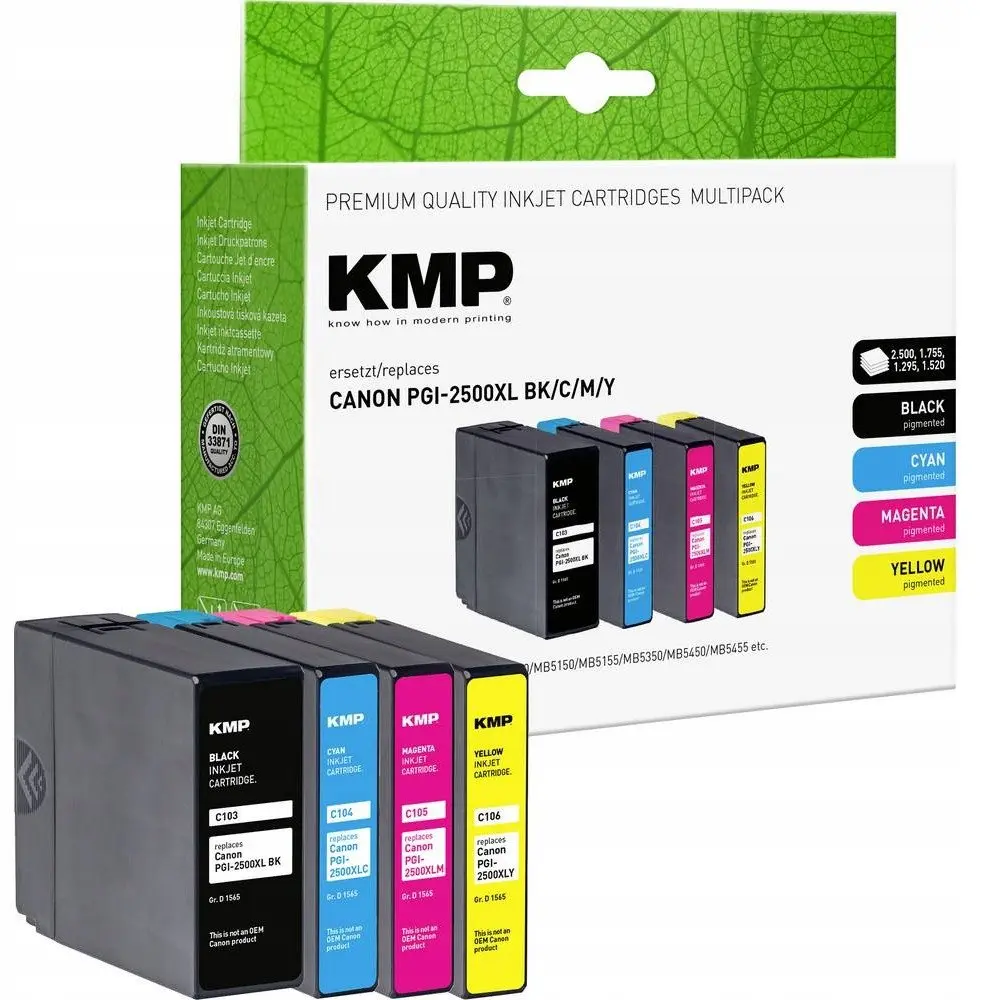
The KMP Multipack C103V Ink Cartridge Black, Cyan, Magenta, Yellow with 2500 Pages Black Yield is a comprehensive printing solution designed to meet your everyday document and image production needs. This multi-pack set includes essential black, cyan, magenta, and yellow printing colours, ensuring you have all the necessary supplies for full-colour printing tasks. Manufactured to high standards by KMP, this ink cartridge set provides dependable performance for various printing environments, whether at home or in a busy office setting.
Advantages
Using the KMP Multipack C103V ink cartridge set brings several practical benefits to your daily workflow. The inclusion of all four primary colours in a single package simplifies supply management and ensures you are prepared for both monochrome text documents and vibrant colour graphics. With an impressive black ink page yield of up to 2500 pages, the black cartridge supports extended printing sessions without the need for frequent replacements, thereby improving overall operational efficiency. Each cartridge is engineered to deliver consistent document quality, sharp text legibility, and reliable colour reproduction from the first page to the last.
Suitable for
- Daily document printing in home offices and small businesses
- Producing clear black and white text reports and correspondence
- Printing vibrant colour presentations, charts, and marketing materials
- Routine administrative tasks requiring dependable page output
When it may not be suitable
This ink cartridge set may not be ideal for professional high-volume commercial printing environments that require specialized industrial equipment or pigment-based photo printers. Users who exclusively print in monochrome will not fully utilize the multi-pack contents, as it includes cyan, magenta, and yellow cartridges alongside the black ink.
Key specifications
- Printing colours: Black, Cyan, Magenta, Yellow
- Black ink page yield: Up to 2500 pages
- Multipack set configuration containing four individual cartridges
- Compatible with standard inkjet printing systems
How to use
To install the KMP Multipack C103V ink cartridges, first ensure your compatible inkjet printer is powered on. Open the printer access cover to reveal the printhead carriage. Remove the depleted cartridges from their respective slots and dispose of them according to local regulations. Take the new KMP cartridges out of their protective packaging and remove any safety tapes or protective clips as indicated in the quick start guide. Insert each cartridge firmly into its color-coded slot until it clicks securely into place. Close the printer cover and run a test print or printhead alignment procedure if recommended by your printer's control panel.
What to consider before purchase
- Verify that your specific printer model is fully compatible with the KMP C103V multipack before purchasing
- Assess your average monthly printing volume to ensure the 2500-page black yield aligns with your usage requirements
- Confirm whether you require a full set of colour and black cartridges or just a single replacement
Usage recommendations: Store unopened ink cartridges in a cool, dark place horizontal to prevent ink settling. For optimal print quality, use your printer regularly and run periodic maintenance cycles if the device has been idle for an extended period.