
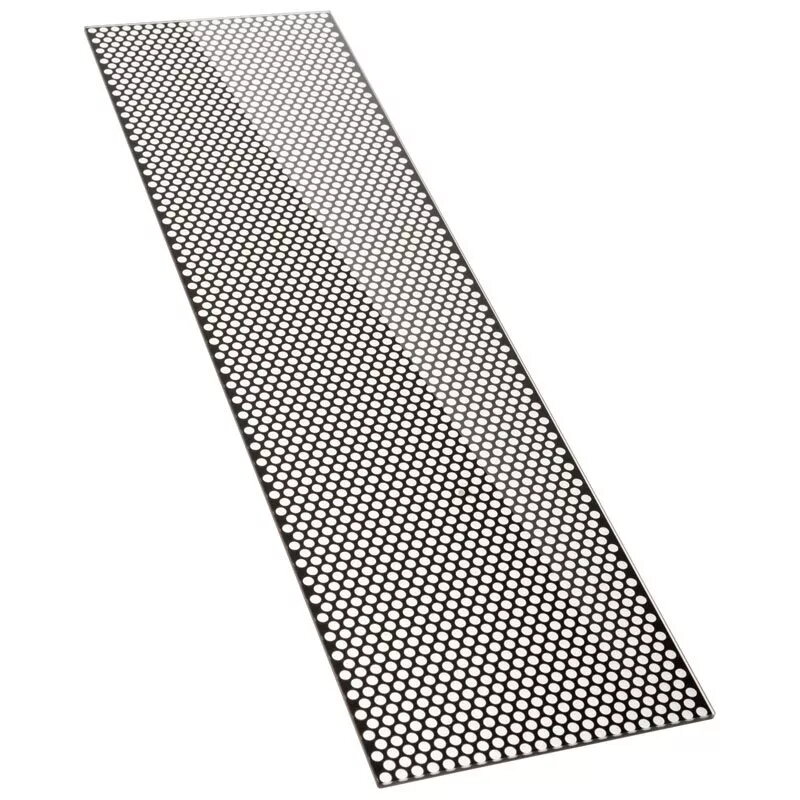
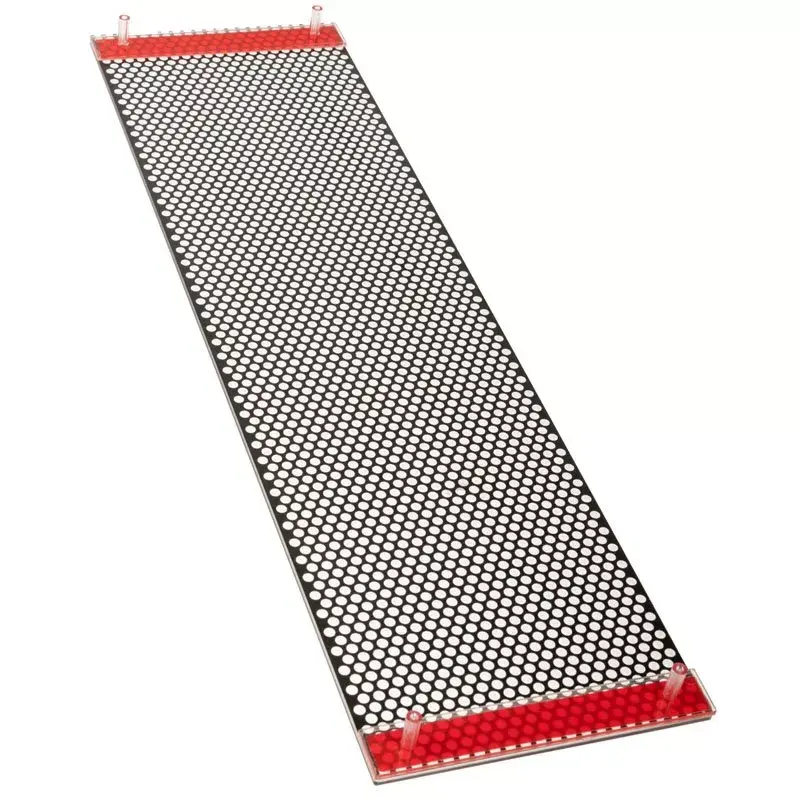
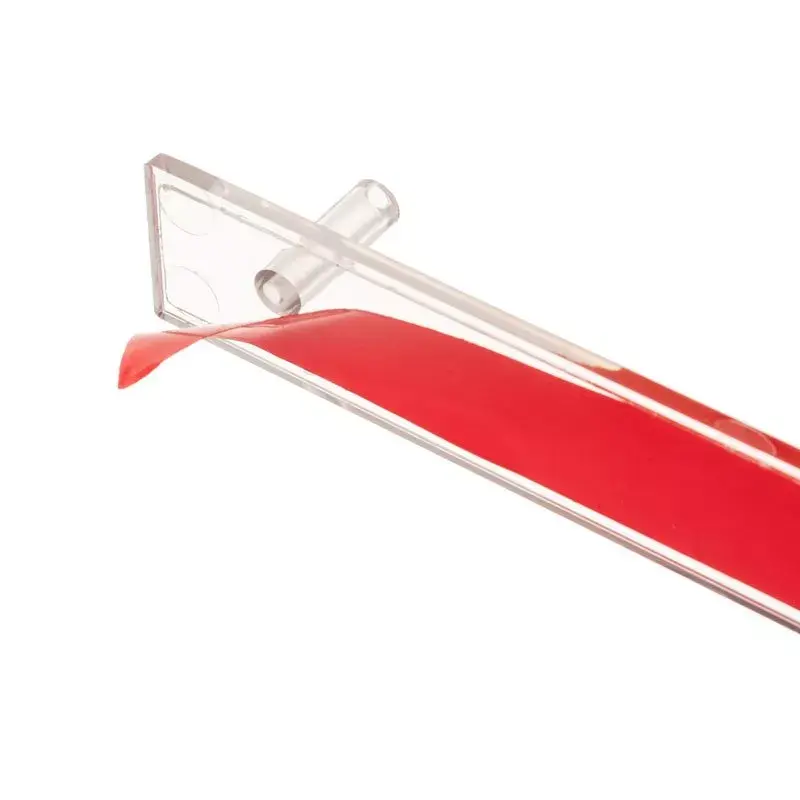
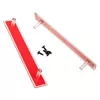
Front panel Kolink Unity Adapt Meridian
19.49 €
{{selectedOffer && selectedOffer.price | formatAmount}}
Short description
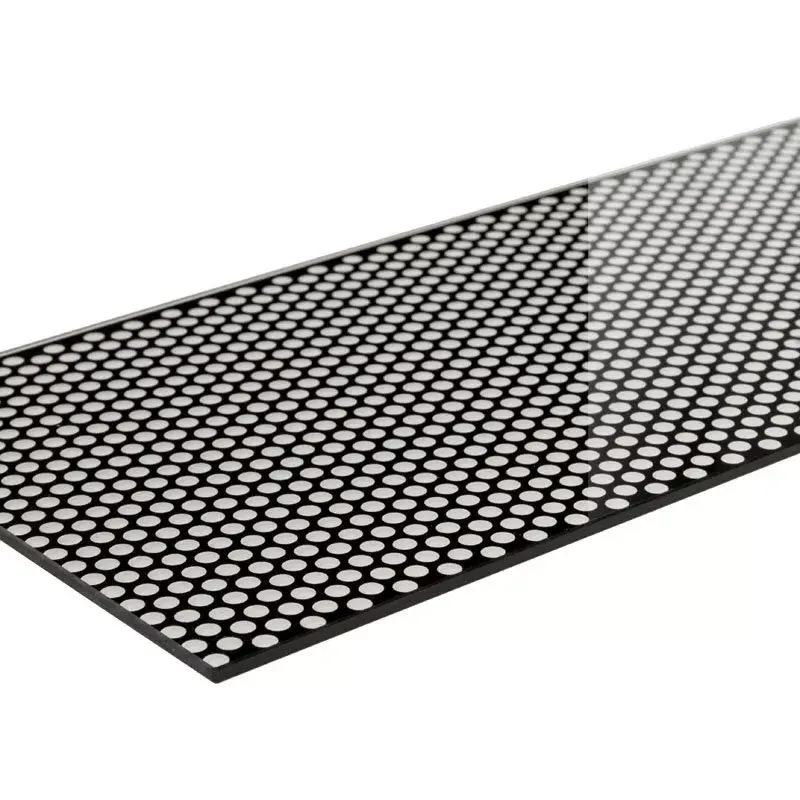
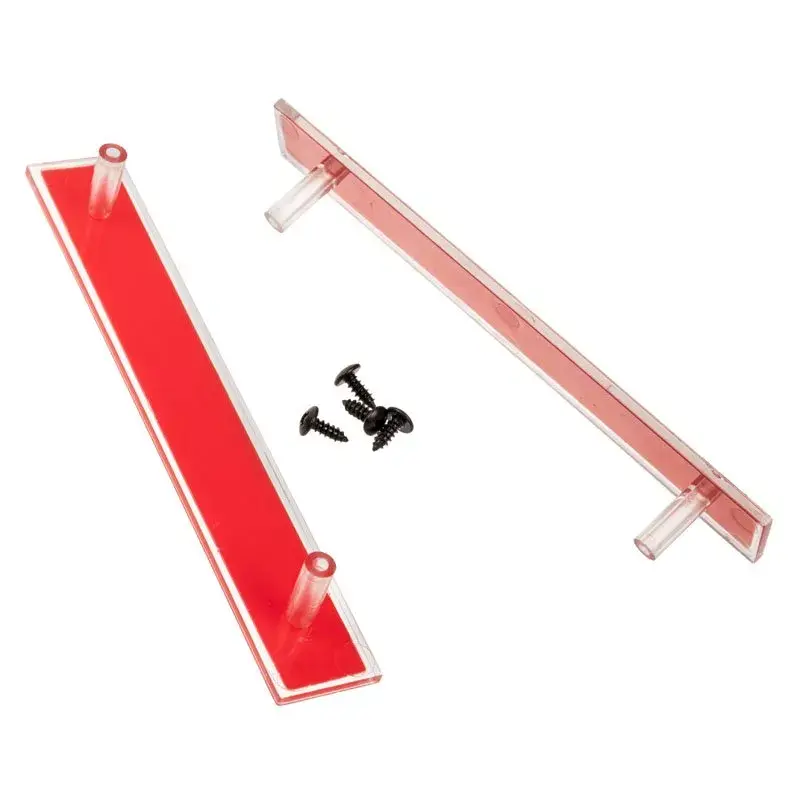
The Kolink Unity Adapt Meridian Front Panel is designed for Midi Tower chassis. Made from durable plastic and tempered glass, it measures 224.7 mm in width, 3 mm in depth, and 464.7 mm in height. This front panel enhances the aesthetic of your build while providing easy access to ports and controls. Ideal for users looking to upgrade their case with a stylish and functional front panel.
Cheapest delivery:
Unisend LV
Pick-up points
Unisend LV
Cost
1.79 €
Deliver
{{selectedOffer.parcelStationDeliveryString}}
Customer service center
2b. Kengaraga str., Riga, Latvia, LV-1063
12.08.2026
{{selectedOffer.officeDeliveryString}}
free
Courier Delivery
Please note that in case of a large parcel additional delivery costs may apply!
From 4.99 € (Weight: 0.58 kg)
Parcel couriers
Unisend LV / Venipak Pickup LV / Venipak Locker LV / Latvijas Pasts pakomāts / DPD Paku skapis / Omniva LV / Latvijas Pasts nodaļa
17.08.2026
{{selectedOffer.parcelStationDeliveryString}}
From 1.79 €

Payment Methods:
Bank transfer, Bank cards on-line, Apple Pay, Google Pay


