


A curated selection of maximum value offers!
In cart {{totalProductsCount}} item(s)
Your cart is empty
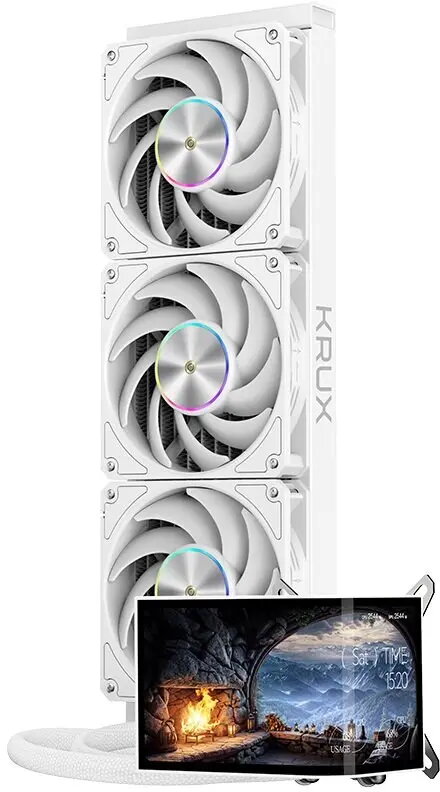
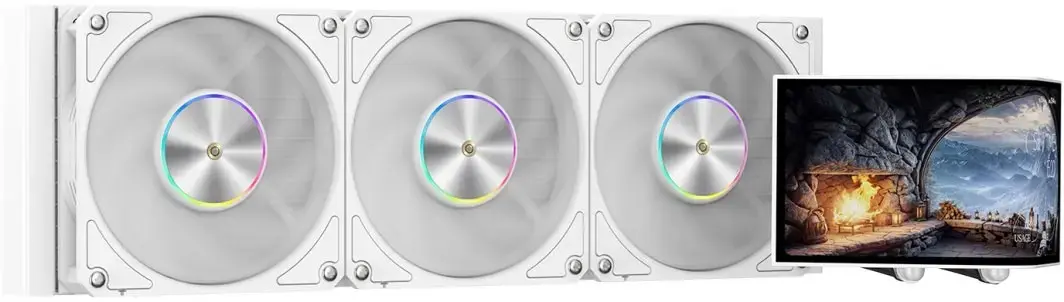
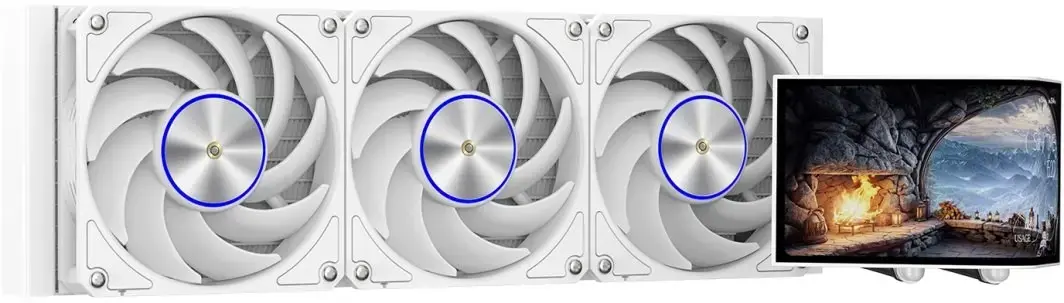
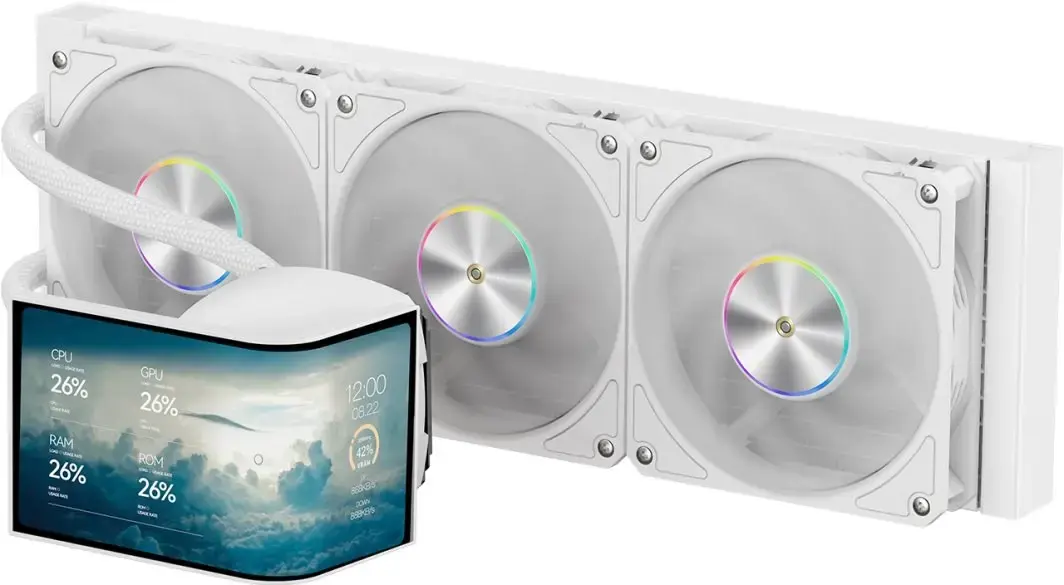
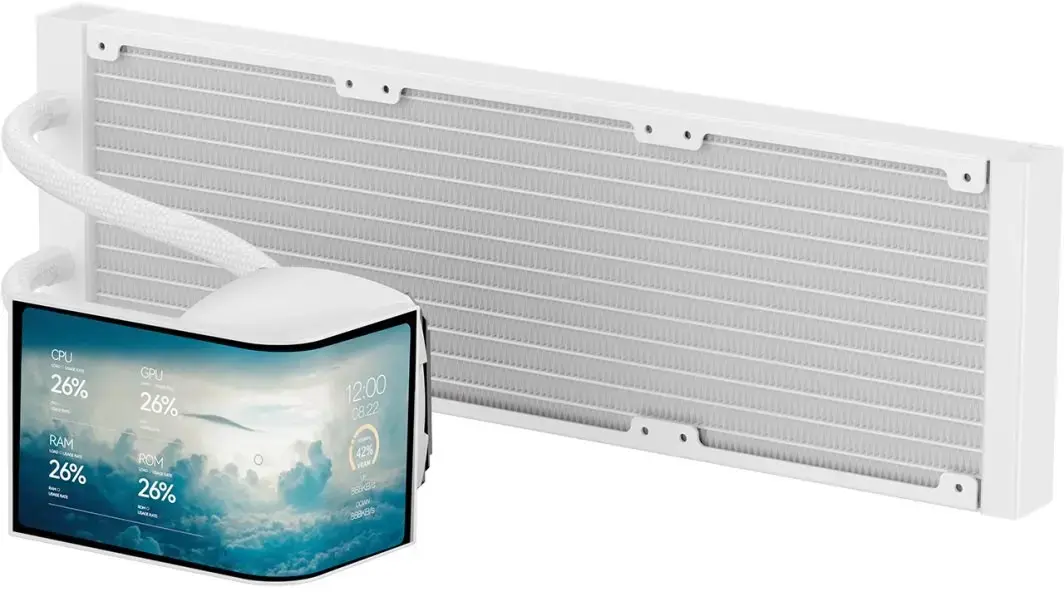
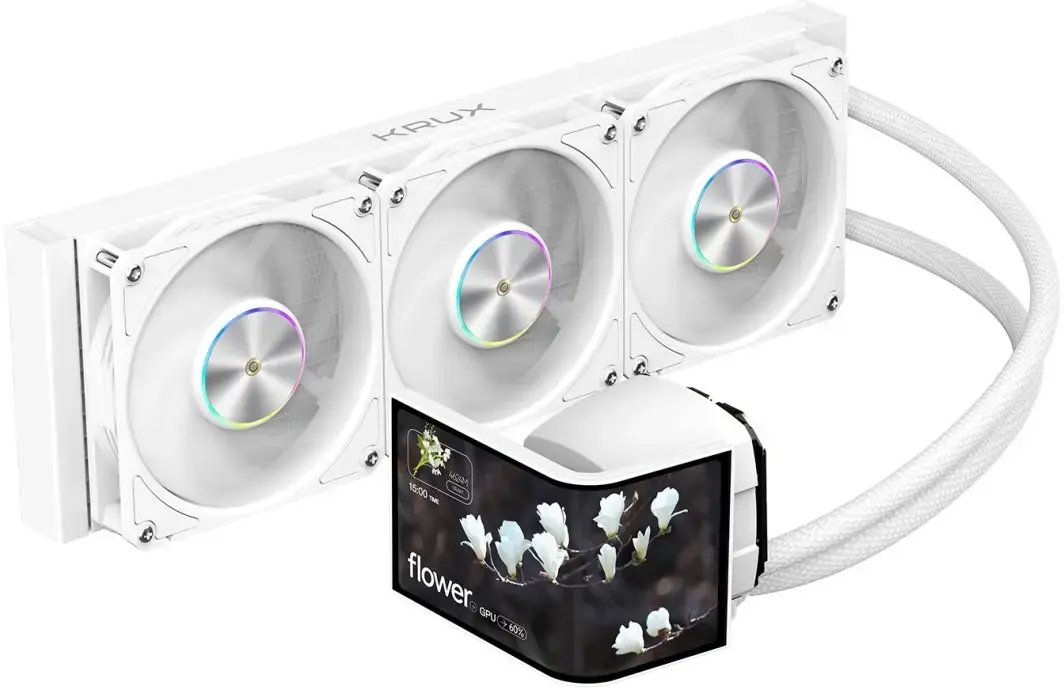
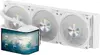
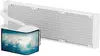
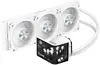
KRUX HydroArc 360 White CPU AIO Liquid Cooler, 360mm Radiator, White
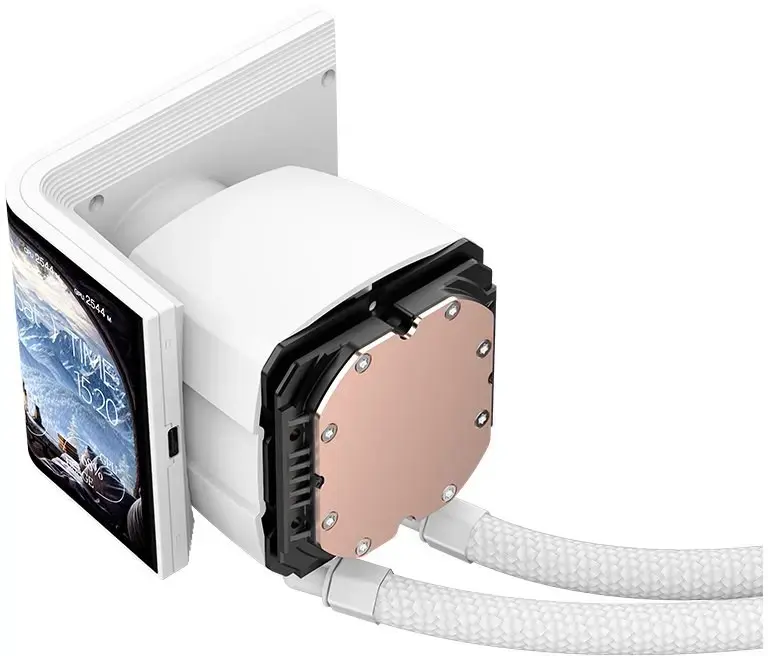
KRUX HydroArc 360 White is a closed-loop AIO liquid CPU cooler with a 360mm radiator engineered to manage CPU temperatures in gaming and high-performance desktop systems. The unit combines a white aesthetic with three 120mm fans, an integrated pump and a copper cold plate to provide continuous heat transfer from the processor to the radiator. Compatibility covers mainstream Intel and AMD sockets, making it suitable for a wide range of modern builds.
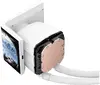
The cooler provides efficient heat dissipation through a large 360mm radiator and a copper cold plate that improves thermal transfer. Three included 120mm fans offer balanced airflow for stable cooling performance while the integrated pump maintains consistent liquid circulation. The white finish and compact pump housing enable a clean visual integration in white or light-themed systems without occupying excessive space inside the case.
This AIO cooler requires a case with support for mounting a 360mm radiator; it will not fit in small form-factor cases without the appropriate radiator space. Systems that demand passive or ultra-compact cooling solutions, or users who prefer custom water cooling loops with removable components, may find a closed-loop AIO less flexible.
Install the radiator in a case location that supports a 360mm radiator (top or front) following the case and KRUX mounting instructions. Secure the pump block onto the CPU using the supplied retention brackets and thermal interface material. Connect the pump and fans to the appropriate motherboard headers or fan controller for power and PWM control. After installation, verify that fans and pump operate and monitor CPU temperatures during initial workloads to confirm proper cooling performance.
For reliable performance, mount the radiator so that the pump is lower than the topmost radiator tubes where possible, allow unobstructed airflow across the radiator fins, and use motherboard fan curves or a controller to balance fan speed and noise based on workload. Regularly inspect fan operation and case airflow to maintain optimal CPU temperatures.
{{highlightedFeature.featureTitle}}:
{{getProductFeatureValueById(product, highlightedFeature.featureId)}}
{{ productComparisonGenerationError }}