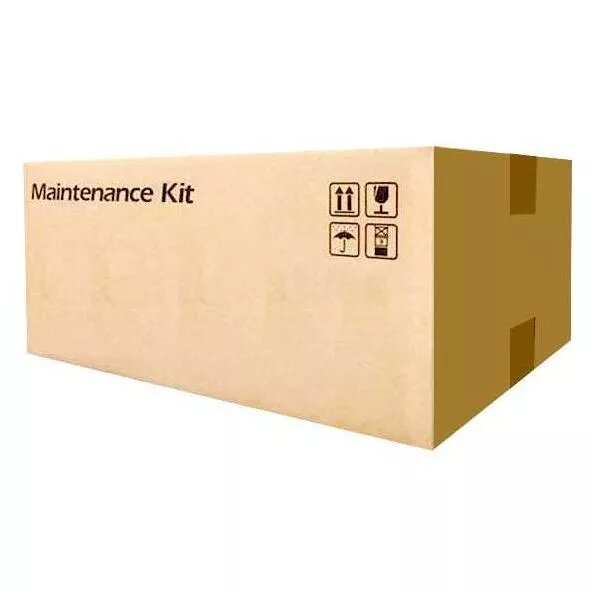
The KYOCERA MK-5140 Maintenance Kit is a comprehensive solution engineered to maintain the peak performance and longevity of your laser printer. Designed specifically for high-demand office environments, this kit ensures that your device continues to operate with precision, delivering consistent results over a long service life of up to 200,000 pages. By replacing essential wear-and-tear components, this kit helps prevent unexpected downtime and maintains the high standards of output quality expected from Kyocera printing systems.
Advantages
Using this maintenance kit provides significant benefits for your printing infrastructure, including superior image quality achieved through advanced toner and color management technology. The kit enhances overall printer reliability, which directly contributes to increased office productivity by minimizing technical interruptions. Furthermore, regular maintenance with original components extends the total lifespan of your printer and ensures that your equipment remains fully compliant with manufacturer guarantee terms. The design also emphasizes environmental responsibility by reducing excess waste and ensuring efficient resource consumption during operation.
Suitable for
- High-volume office printing environments
- Maintaining professional document quality
- Extending the operational lifespan of compatible Kyocera laser printers
- Reducing technical maintenance intervals
When it may not be suitable
This maintenance kit is specifically engineered for a defined range of Kyocera printer models. It is not compatible with printers outside of this series, and attempting to install it in unsupported hardware may result in damage or operational failure. Additionally, it is not intended for users who do not have basic technical knowledge or access to the printer's service manual for installation.
Key specifications
- Page yield: Up to 200,000 pages
- Compatibility: Designed for specific Kyocera laser printer models
- Package contents: 1 maintenance unit
- Technology: Optimized for advanced toner and color systems
How to use
To install the maintenance kit, first ensure the printer is powered off and disconnected from the power source to prevent electrical hazards. Open the designated access panels as described in your printer's user manual. Carefully remove the old components and replace them with the new parts provided in the kit, ensuring each piece is securely seated in its correct position. Once installed, close all panels and reconnect the power. It is recommended to reset the maintenance counter in the printer's system menu to ensure accurate tracking of the new kit's lifecycle.
What to consider before purchase
- Verify your printer model compatibility before ordering
- Ensure you have the necessary tools or manual for installation
- Check the current page count of your printer to confirm if maintenance is required
Usage recommendations
For optimal results and to maintain the validity of your printer's warranty, always follow the installation instructions provided in the official Kyocera service documentation. Regular maintenance helps in achieving consistent print quality and prevents premature hardware failure.