JBL speakers and headphones for pure and deep sound!
In cart {{totalProductsCount}} item(s)
Your cart is empty
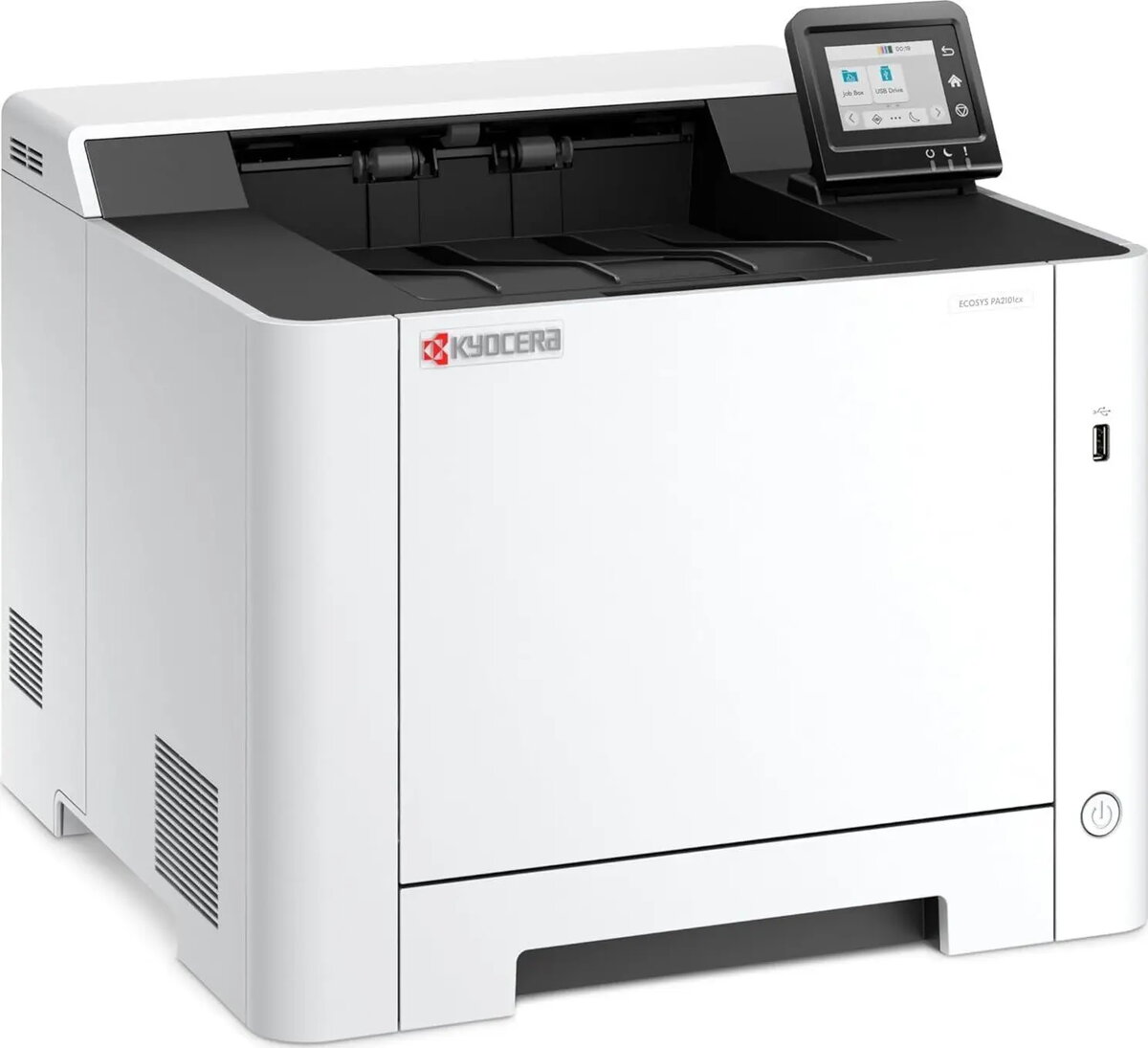
Printer KYOCERA ECOSYS PA2101cx Plus Laser Printer Color
The KYOCERA ECOSYS PA2101cx Plus Laser Printer Color is a compact color laser printer engineered for small to medium-sized businesses that require reliable, high-quality colour output. It delivers crisp text and vibrant graphics with efficient use of consumables, combining fast print speeds and versatile media handling in a single device. The design emphasises low running costs and durable components to support sustained office use while providing network and security features suitable for shared environments.
This colour laser printer provides high-resolution colour and monochrome prints at competitive speeds, reducing wait time for daily print jobs. Its ECOSYS technology and long-life components help lower operating costs and minimise maintenance frequency. Versatile media support allows printing on different paper sizes and weights, while built-in network connectivity and security functions support controlled access and secure document handling. The compact footprint is designed to fit office workspaces without sacrificing performance.
Place the printer on a stable, level surface near a network connection or computer. Install the driver and management software on your workstation or server according to the supplied instructions to enable full functionality, including network setup and security configuration. Load appropriate media into the input tray, choose the required print settings from the driver or application (colour mode, paper size, duplex), and send the print job. Monitor consumables levels through the device interface and schedule regular checks of paper paths to prevent jams.
For consistent print quality and lower operating costs, use manufacturer-recommended toner cartridges and genuine maintenance parts. Configure network security options such as user authentication and secure print to protect sensitive documents. Enable automatic duplex printing where appropriate to reduce paper consumption, and choose the correct paper weight and profile in driver settings for best colour accuracy.
{{highlightedFeature.featureTitle}}:
{{getProductFeatureValueById(product, highlightedFeature.featureId)}}
{{ productComparisonGenerationError }}