Hurry and order now – up to 50% off!
In cart {{totalProductsCount}} item(s)
Your cart is empty
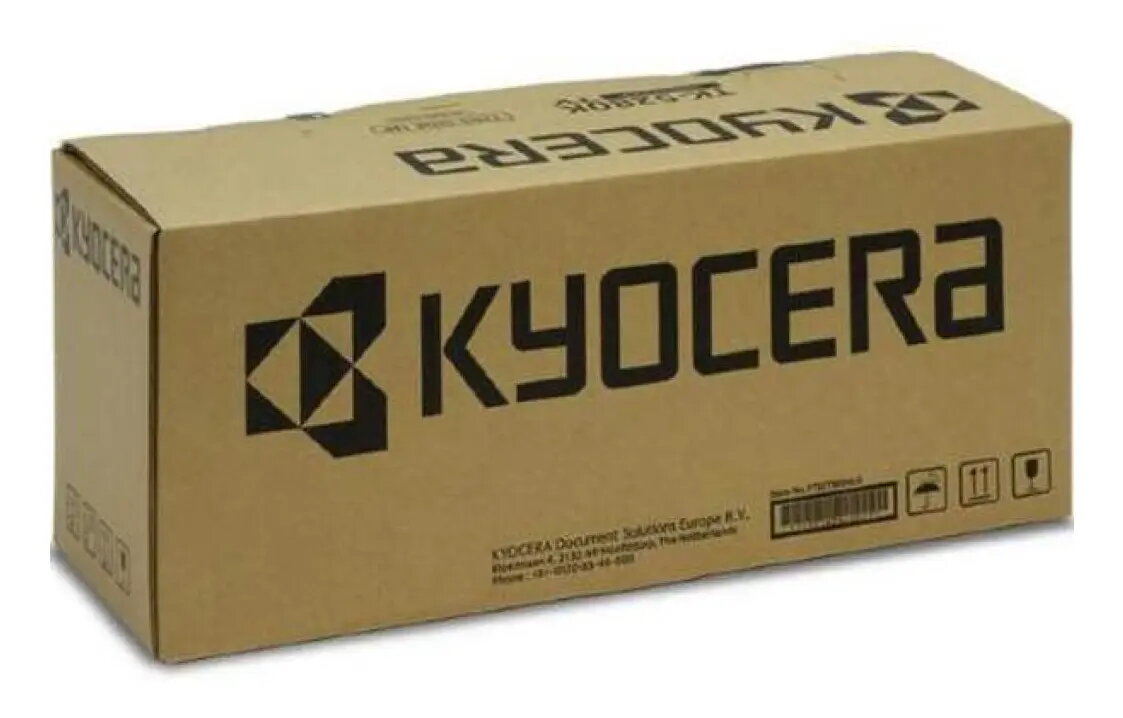
Kyocera MK-6115 Maintenance Kit for Printers
The Kyocera MK-6115 Maintenance Kit is a comprehensive solution engineered to maintain the peak performance and reliability of your Kyocera printing equipment. This kit includes essential replacement components that are subject to wear during standard operation, ensuring that your printer continues to produce high-quality documents while minimizing the risk of unexpected downtime. By replacing these parts at the manufacturer-recommended intervals, you preserve the integrity of the paper path and internal mechanisms, which is vital for high-volume office environments.
Utilizing the original Kyocera MK-6115 maintenance kit ensures perfect compatibility and seamless integration with your printer. The primary benefit is the significant extension of the printer's service life, as the kit replaces critical components that naturally degrade over time. This proactive approach to maintenance results in consistent print quality, reduced paper jams, and overall improved machine reliability. With a high page yield of up to 300,000 pages, this kit offers a cost-effective way to manage long-term printing expenses while maintaining professional output standards.
This maintenance kit is not suitable for printer models that are not explicitly listed as compatible with the MK-6115 series. Attempting to install these components in incompatible hardware may result in damage to the printer or voiding of the manufacturer warranty.
The maintenance kit should be installed by a qualified technician or a user familiar with printer maintenance procedures. Before beginning, ensure the printer is powered off and disconnected from the power source. Follow the specific instructions provided in your printer's service manual to access the internal components. Carefully remove the old parts and replace them with the new components included in the kit, ensuring each piece is securely seated. Once installed, reset the maintenance counter in the printer's menu to ensure the machine accurately tracks the new service interval.
For optimal results and to maintain the validity of your printer warranty, always use genuine Kyocera replacement parts and perform maintenance according to the schedule indicated by the printer's display or service software.
{{highlightedFeature.featureTitle}}:
{{getProductFeatureValueById(product, highlightedFeature.featureId)}}