Dreame vacuums for fast and efficient cleaning!
In cart {{totalProductsCount}} item(s)
Your cart is empty
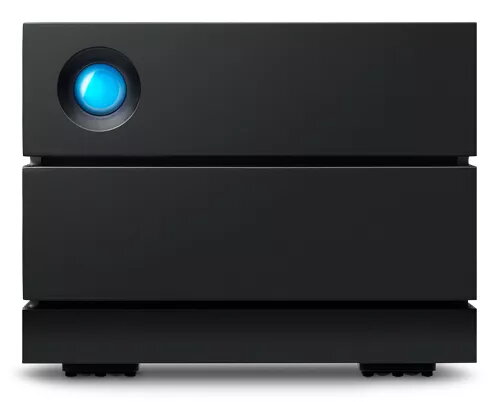
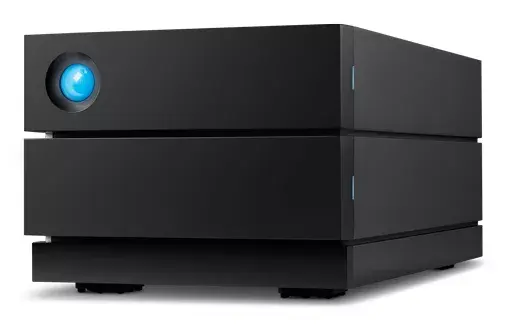
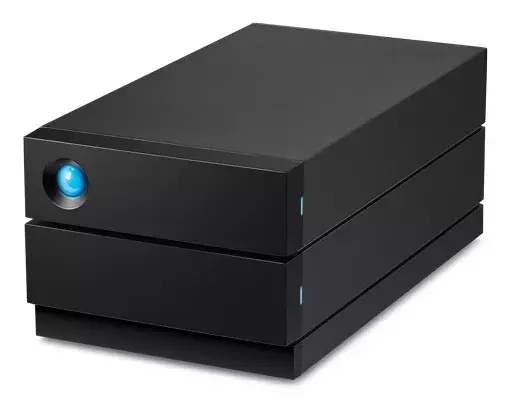
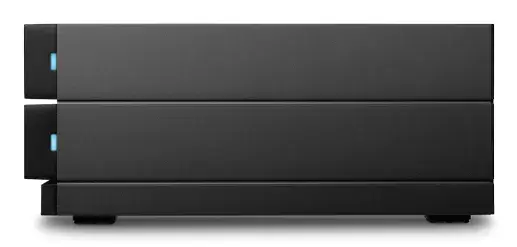
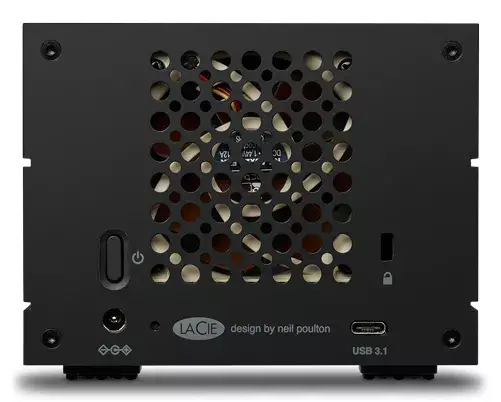
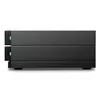
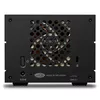
Disk Array LaCie 2big RAID 8TB
The LaCie 2big RAID 8TB is a desktop disk array designed for creative professionals and businesses that require reliable photo backup and smooth video editing. It provides a total of 8 TB using two 3.5" HDDs in a compact chassis (217 mm × 118 mm × 88.5 mm) and weighs 2.8 kg. The unit supports hardware RAID 0/1 for flexible performance and redundancy and includes LaCie RAID Manager for drive and system health alerts. Built with IronWolf Pro 7200 RPM drives and hot-swappable bays, the 2big RAID is aimed at continuous, high-throughput workflows and simplified drive replacement. The product also includes a 5-year Rescue Data Recovery Services plan for accidental data loss protection.
The device combines hardware RAID configuration options (RAID 0/1) for either increased speed or mirrored redundancy, IronWolf Pro HDDs for 7200-RPM performance and enhanced reliability, and hot-swappable drive bays that allow replacing drives without powering down the system. LaCie RAID Manager provides monitoring and alerts for drive and system health, and the included 5-year Rescue Data Recovery Services covers recovery after accidents or disasters.
Install the LaCie 2big RAID on a stable desktop surface and connect it to your computer or network according to the included interface and cabling instructions. Use LaCie RAID Manager to configure the hardware RAID mode (choose RAID 0 for maximum throughput or RAID 1 for mirrored redundancy) and monitor drive health. For drive replacement, power on the unit and swap the faulty drive using the hot-swappable bays; the RAID will rebuild according to the chosen configuration. Keep the system firmware and LaCie software up to date for best compatibility and performance.
For critical data, use RAID 1 configuration and maintain regular backups even with Rescue Data Recovery Services. Place the unit in a well-ventilated area away from direct heat and moisture, and ensure stable power or use an uninterruptible power supply (UPS) during long editing sessions.
{{highlightedFeature.featureTitle}}:
{{getProductFeatureValueById(product, highlightedFeature.featureId)}}
{{ productComparisonGenerationError }}