Filters you can trust. Pure water every day.
In cart {{totalProductsCount}} item(s)
Your cart is empty
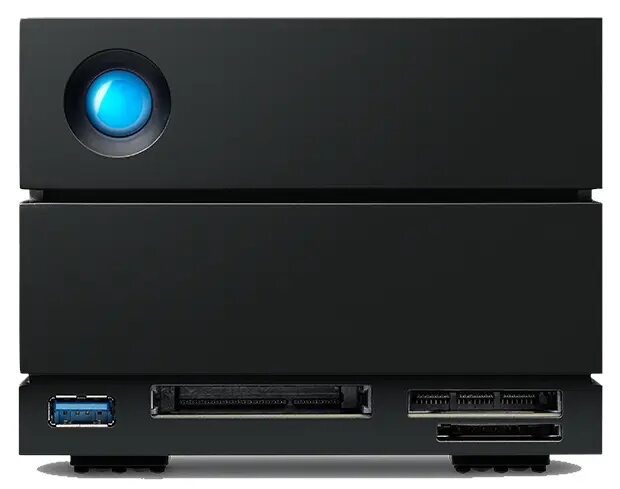
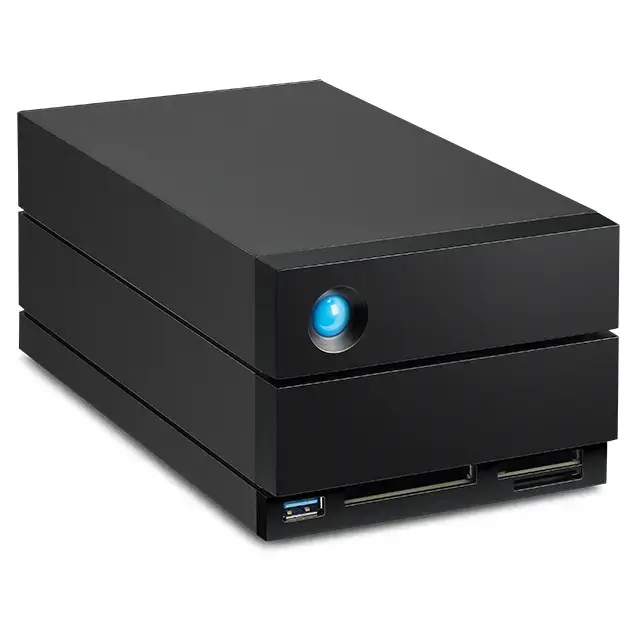
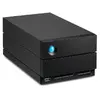
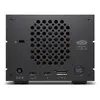
LaCie 2big Dock v2 60TB Desktop Disk Array, 2-Bay HDD Storage
The LaCie 2big Dock v2 is a high-capacity 60TB desktop disk array engineered for demanding home and office environments. This 2-bay storage solution utilizes reliable HDD technology to provide extensive space for large files and efficient data management. Designed with a sleek black chassis, it integrates seamlessly into professional workspaces while offering high-speed connectivity options to streamline workflows.
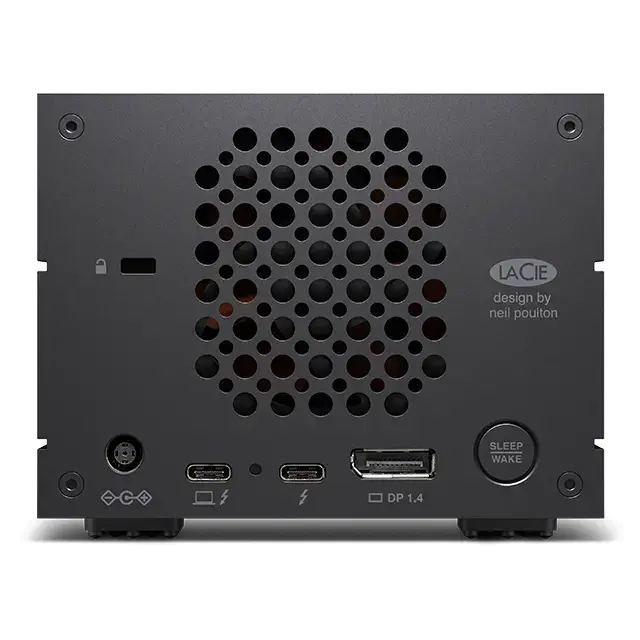
This disk array offers a significant storage capacity of 60TB, making it an excellent choice for users who handle large volumes of data such as high-resolution media or extensive project archives. The dual-bay design ensures robust data handling, while the inclusion of Thunderbolt technology facilitates rapid data transfer speeds. Its desktop-oriented form factor is optimized for stability and space efficiency, providing a professional-grade storage solution that is both durable and reliable for long-term use.
This device may not be suitable for users who require portable storage solutions, as its weight and desktop form factor are designed for stationary use. Additionally, it may not be the most cost-effective option for individuals with minimal storage needs who do not require the high-capacity performance of a 2-bay RAID-capable system.
To begin using the LaCie 2big Dock v2, connect the device to a power source using the provided cable and link it to your computer via the appropriate Thunderbolt or USB interface. Once connected, the operating system should recognize the storage array as an external drive. You may need to format the drives according to your specific file system requirements before transferring data. Ensure the device is placed on a flat, stable surface to maintain proper airflow and prevent vibration during operation.
For optimal performance and data safety, keep the device in a well-ventilated area and regularly monitor the status of the drives through the provided management software.
{{highlightedFeature.featureTitle}}:
{{getProductFeatureValueById(product, highlightedFeature.featureId)}}
{{ productComparisonGenerationError }}