
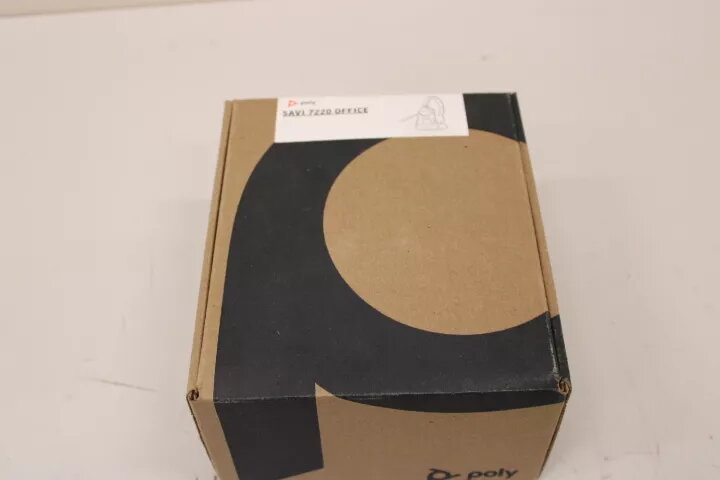
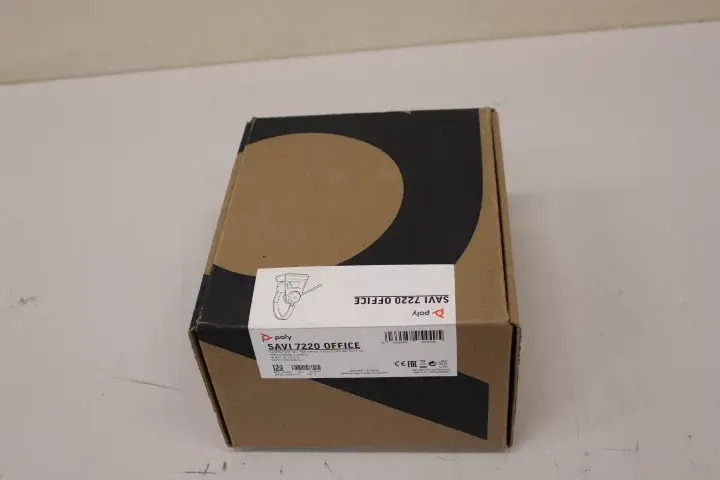
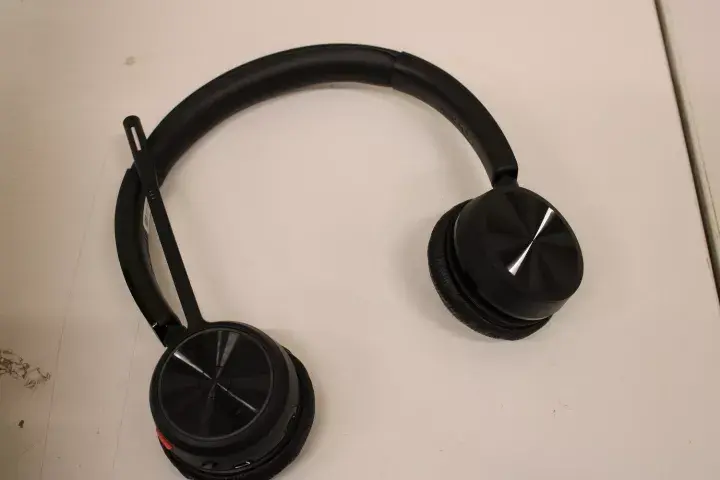
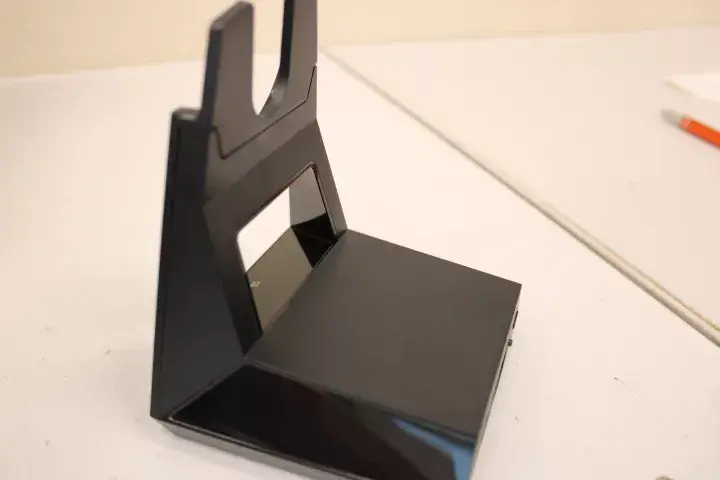
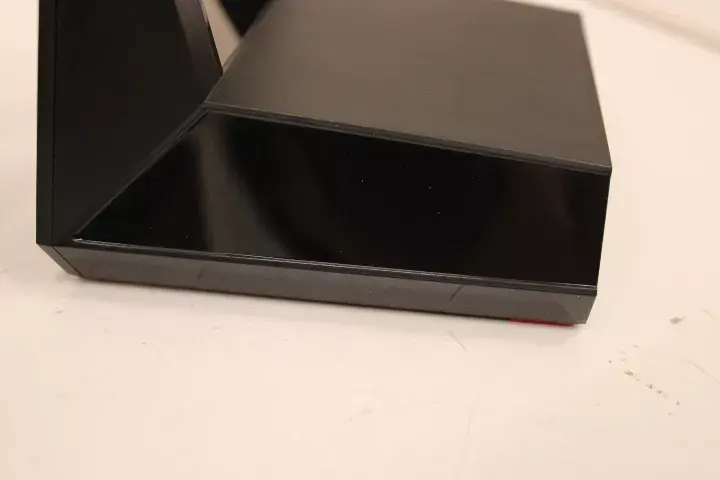
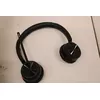
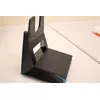
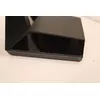
SALE OUT Poly Savi 7220 Office Headset with Built-in Microphone | USED, SCRATCHED | Wireless | Black. This used Poly Savi 7220 Office headset (model 213020-02SO, EAN 2000001307359) offers wireless on-ear audio with an integrated microphone. The unit shows visible surface scratches and signs of prior use but remains fully functional. Designed for office environments, the headset supports hands-free calls and audio playback with a focus on clear voice capture and all-day wearability.
Advantages
The Poly Savi 7220 provides reliable wireless connectivity and a built-in microphone for clear speech transmission. Its on-ear design balances comfort and portability for everyday office use. Despite being used and scratched, the headset has been inspected for full functionality and delivers the core features expected from the Savi 7220 line: voice clarity, straightforward controls, and compatibility with common desk phone and softphone setups.
Suitable for
- Office professionals who need hands-free calling
- Customer service and call center environments with moderate mobility
- Conference calls and remote meetings
- General multimedia playback at the workstation
Key specifications
- Brand: Lasting System
- Model / MPN: Poly Savi 7220, 213020-02SO
- EAN: 2000001307359
- Condition: Used, scratched but fully functional
- Form factor: On-ear headset
- Connectivity: Wireless
- Color: Black
- Microphone: Built-in microphone for hands-free calls
How to use
Charge the headset according to the manufacturer's instructions before first use. Power on the unit and pair it with the intended device following standard wireless pairing procedures. Place the on-ear cups over your ears and adjust the headband for a secure, comfortable fit. Use the onboard controls to answer or end calls, adjust volume, and mute the microphone as needed. For multi-device setups, consult your phone or softphone settings to select the Savi 7220 as the audio device. Regularly check battery level and recharge to maintain uninterrupted operation.
Usage recommendations
Given the headset is used and scratched, inspect packaging and connectors on receipt. Clean ear cushions and microphone boom with a soft, dry cloth before use and avoid exposing the unit to liquids. For optimal voice quality, position the microphone close to the mouth but out of the direct airflow. If any functionality issues are detected, refer to the device manual or contact support for troubleshooting options.