Dreame vacuums for fast and efficient cleaning!
In cart {{totalProductsCount}} item(s)
Your cart is empty
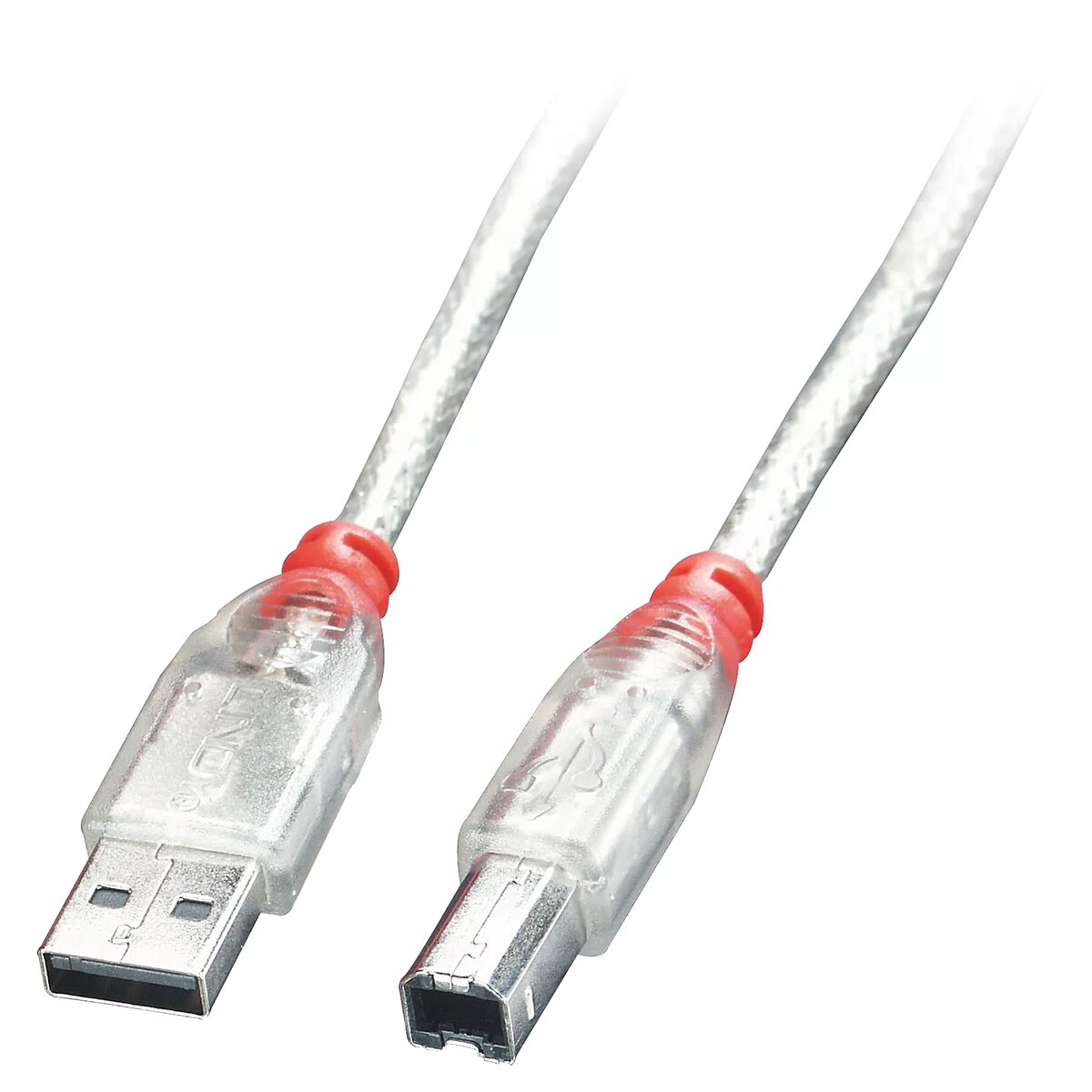
USB Cable Lindy 3m Type A To B Transparent USB 2.0 0.48 Gbit/s
The Lindy 3m USB 2.0 Cable Type A to B Transparent provides a reliable wired connection between USB-A host ports and USB-B devices over a three-metre length. The cable conforms to the USB 2.0 specification and supports data transfer rates up to 0.48 Gbit/s (480 Mbit/s). Its transparent outer jacket makes internal conductor and shielding visible while maintaining a standard form factor with USB Type A and Type B connectors, suitable for printers, scanners, external drives and other compatible peripherals.
The cable’s compliance with USB 2.0 ensures compatibility with a wide range of hosts and devices while delivering stable data transfer at the specified speed. The 3 m length offers flexibility for placement of devices relative to host equipment without relying on wireless links. A transparent jacket provides a neutral appearance and allows visual inspection of the cable’s internal construction. Both connectors are standard USB Type A and Type B, allowing straightforward plug-and-play operation with supported devices.
Insert the USB Type A connector into an available USB-A port on your computer or host device and insert the USB Type B connector into the corresponding port on the printer, scanner or peripheral. Ensure connectors are fully seated to establish a proper connection. No special drivers are required in most modern operating systems; the connected device should be recognised automatically or prompt for standard driver installation if needed. Avoid sharp bends near the connectors and do not pull the cable to disconnect; instead, grip the connector body when removing.
For reliable performance, route the cable away from high-interference power cables and sources of electromagnetic noise. If using with devices that draw significant power, verify the device’s power requirements and, if necessary, use an externally powered hub. Store the cable coiled loosely and avoid tight knots or prolonged flexing at the connector ends.
{{highlightedFeature.featureTitle}}:
{{getProductFeatureValueById(product, highlightedFeature.featureId)}}