
JBL speakers and headphones for pure and deep sound!
In cart {{totalProductsCount}} item(s)
Your cart is empty
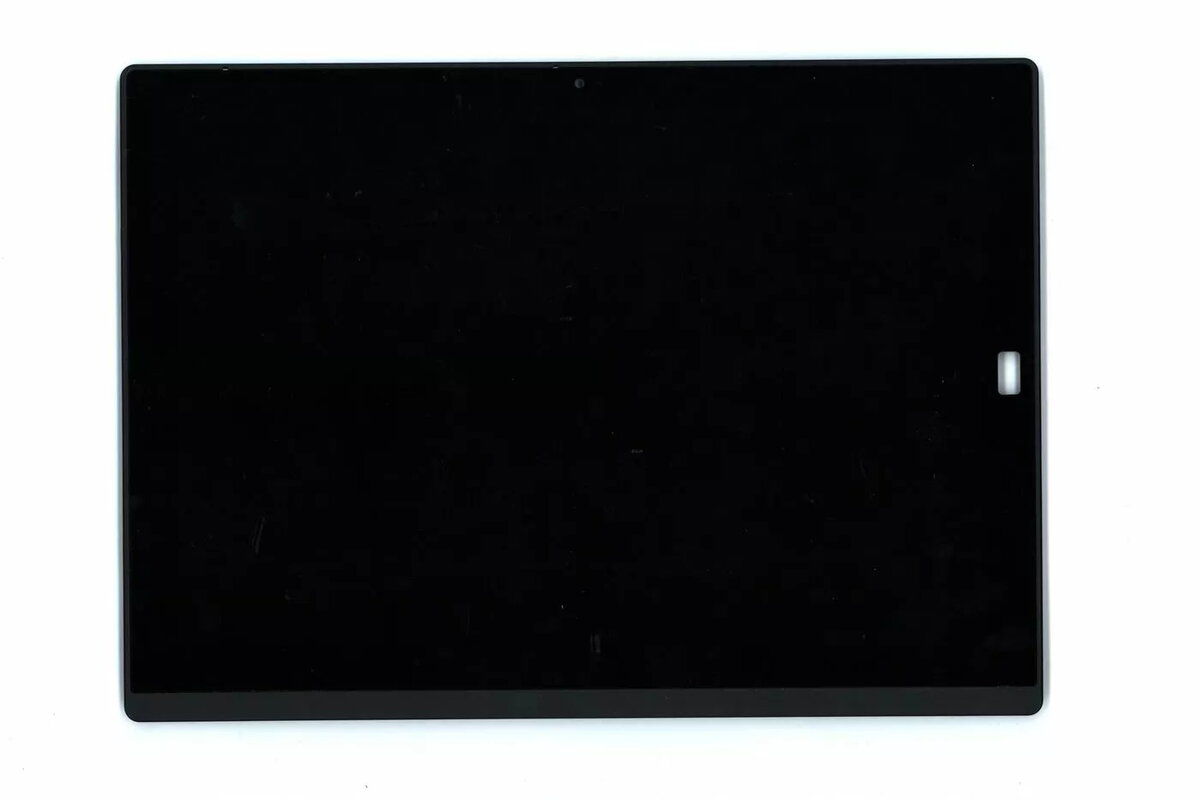
LCD display panel for Lenovo 12.0" FHD 00NY897 — 12.0-inch Full HD replacement screen
Replacement LCD display panel compatible with Lenovo 12.0" FHD 00NY897. This 12.0-inch Full HD (FHD) screen offers native 1920×1080 resolution for crisp text, detailed images and smooth video playback. Designed as a direct replacement for the original panel, it restores the display quality and functionality of compatible Lenovo devices used for everyday tasks, presentations and multimedia.
The panel delivers Full HD clarity and consistent color reproduction suitable for business documents and media. Its 12.0-inch diagonal and standard aspect ratio maintain the original device ergonomics. As a like-for-like replacement, the screen supports straightforward installation in compatible models and helps return brightness and contrast to factory-like levels.
Power down the device and disconnect any power sources and batteries before starting replacement. Remove the bezel and existing panel following the device manufacturer’s service instructions, taking care with connecting cables and any adhesive. Align the new 12.0" FHD panel with the mounting points, connect the display cable securely, replace the bezel and reassemble the device. After installation, power on the device and verify image, backlight and touch (if applicable) functionality.
Handle the LCD panel by its edges and avoid touching the display surface. Use antistatic precautions when working inside the device. If uncertain about disassembly, use a professional repair service to ensure correct installation and avoid damage to the new panel or the host device.
{{highlightedFeature.featureTitle}}:
{{getProductFeatureValueById(product, highlightedFeature.featureId)}}
{{ productComparisonGenerationError }}
