
Hurry and order now – up to 50% off!
In cart {{totalProductsCount}} item(s)
Your cart is empty
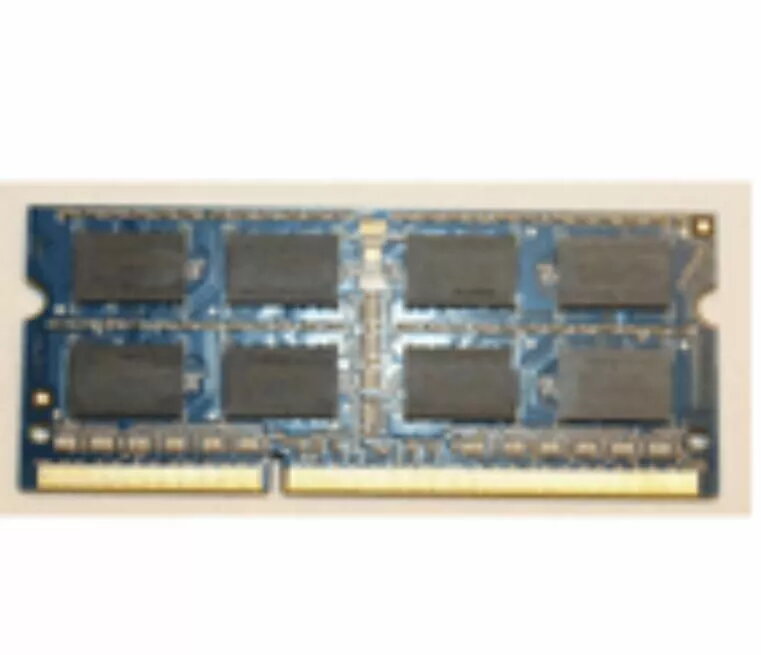
Memory Module Lenovo DDR3L 8GB 1600
The Lenovo DDR3L 8GB 1600 memory module provides additional system memory to improve multitasking performance and responsiveness. This low-voltage DDR3L module operates at an effective clock rate of 1600 MHz and a capacity of 8GB, making it suitable for everyday computing tasks, office applications and light multimedia use. Designed to fit compatible laptop and desktop systems that support DDR3L memory, the module offers a balance of performance and energy efficiency for extended battery life in portable devices.
This 8GB DDR3L 1600 module combines higher memory capacity with low-voltage operation to reduce power consumption compared with standard DDR3 modules. The 1600 MHz data rate enables faster data access and smoother multitasking when running multiple applications or browser tabs. Its form factor and electrical specifications are compatible with systems that accept DDR3L SO-DIMM or DIMM modules (depending on the system), allowing a straightforward upgrade path to increase available RAM without changing other components.
Before installing, power off the computer and disconnect it from any power source. Open the system case or laptop service hatch according to the manufacturer’s instructions and locate the memory slots. If necessary, remove the existing module by releasing the retaining clips. Align the module with the slot keyed connector and press firmly until the module clicks into place. After installation, close the case, reconnect power and start the system. Verify that the operating system recognizes the new 8GB module in system settings or BIOS/UEFI. If the system does not boot or does not recognize the memory, power down and re-seat the module, and confirm compatibility with the device documentation.
Check the system manual for supported memory types, maximum capacity and slot configuration. For dual-channel operation and optimal performance, install matching modules in the recommended slots. Use ESD precautions during handling and ensure the module is seated securely to avoid intermittent issues.
{{highlightedFeature.featureTitle}}:
{{getProductFeatureValueById(product, highlightedFeature.featureId)}}
{{ productComparisonGenerationError }}
