
Hurry and order now – up to 50% off!
In cart {{totalProductsCount}} item(s)
Your cart is empty
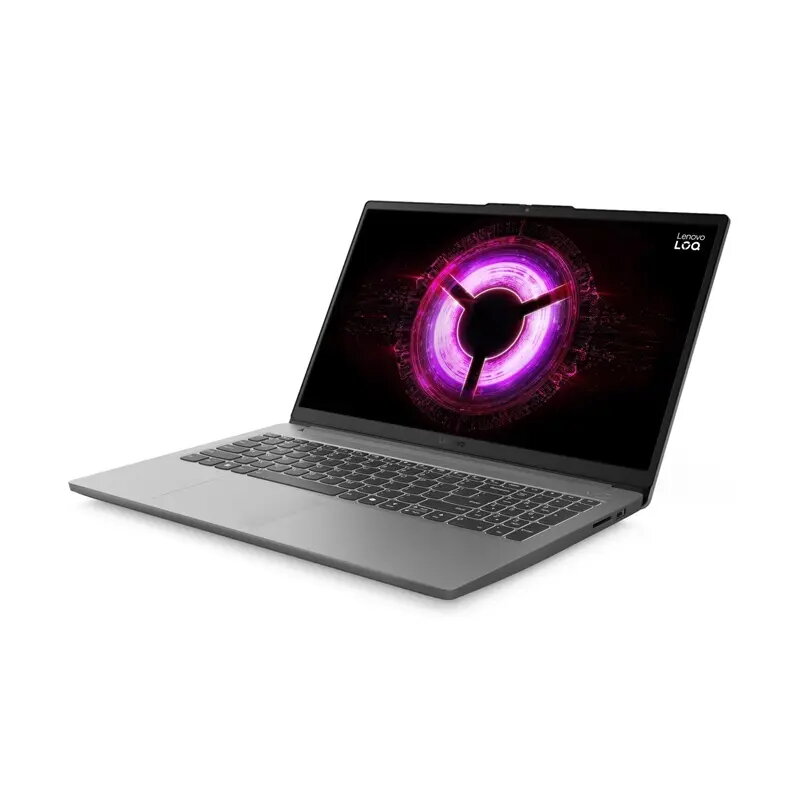
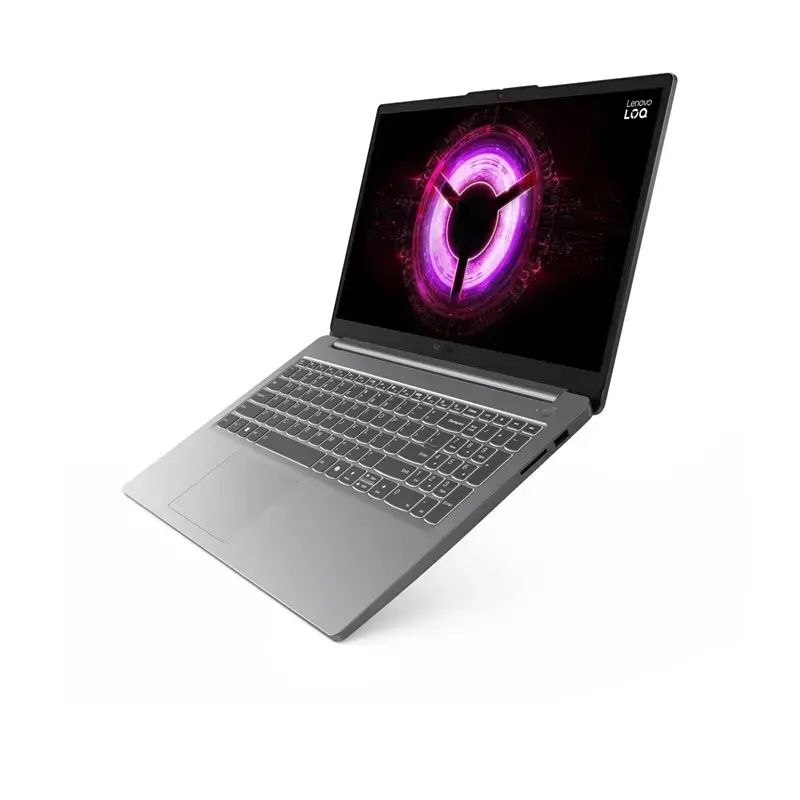
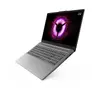
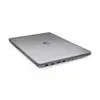
Lenovo LOQ Gaming Laptop, AMD Ryzen 7, 16GB RAM, 512GB SSD, 15.6-inch Display, NVIDIA GeForce RTX 4050
The Lenovo LOQ gaming laptop is a robust portable computer engineered to deliver reliable performance for modern gaming and intensive productivity tasks. Powered by an AMD Ryzen 7 processor and equipped with an NVIDIA GeForce RTX 4050 graphics card, this device balances processing power with efficient graphical rendering. The 15.6-inch matte IPS display ensures clear visuals with reduced glare, while the 16GB of DDR5 RAM and 512GB SSD provide the necessary speed for multitasking and quick data access in a compact, 1.8 kg plastic chassis.
This laptop offers a significant performance advantage for users who require a balance between gaming capabilities and professional utility. The inclusion of an 8-core AMD Ryzen 7 processor allows for smooth operation of demanding applications, while the dedicated NVIDIA GeForce RTX 4050 graphics card provides the necessary power for contemporary gaming titles and creative software. The matte screen surface is particularly beneficial for long sessions, as it minimizes reflections, and the inclusion of a full-sized keyboard with a numeric keypad and backlight enhances usability in various lighting conditions.
This laptop may not be the ideal choice for users who require extreme portability for frequent travel, as it is designed primarily as a gaming workstation. Additionally, those who perform heavy 3D rendering or professional-grade video production might find the 512GB storage capacity limiting, necessitating the use of external storage solutions.
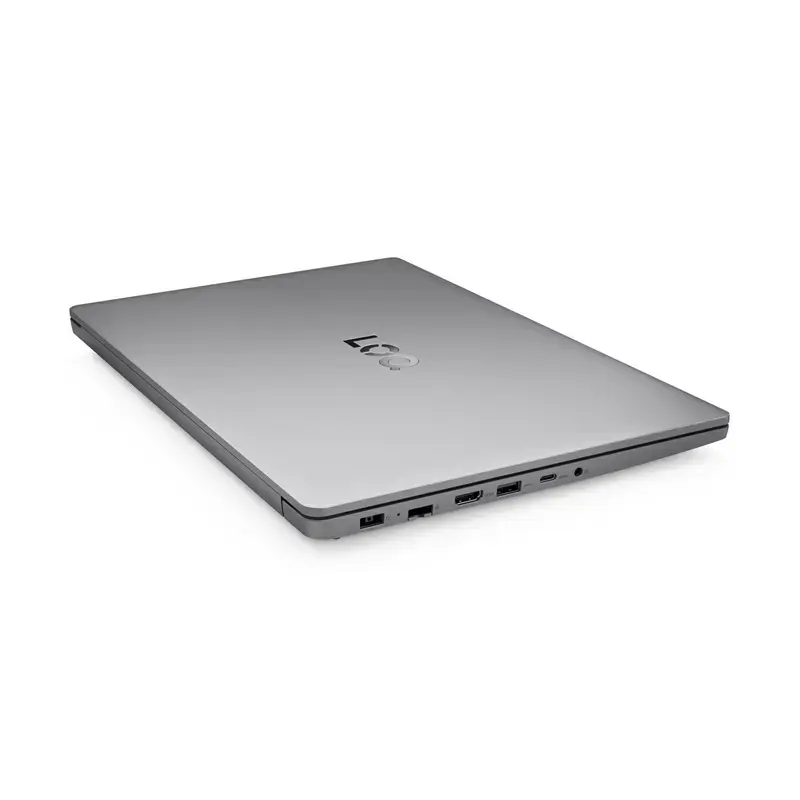
To begin using the Lenovo LOQ, connect the power adapter to the device and plug it into a grounded electrical outlet. Upon initial startup, follow the on-screen prompts to configure the pre-installed Windows operating system. For optimal gaming performance, ensure the laptop is placed on a flat, hard surface to allow for proper airflow through the cooling vents. You can connect external peripherals such as a mouse or monitor using the available USB-A, USB-C, or HDMI 2.1 ports.
To maintain the longevity of your device, keep the air vents clear of dust and obstructions. It is recommended to keep the laptop updated with the latest drivers provided by the manufacturer to ensure stability and performance in games and applications.
{{highlightedFeature.featureTitle}}:
{{getProductFeatureValueById(product, highlightedFeature.featureId)}}
{{ productComparisonGenerationError }}
