
Powerful EcoFlow stations for energy anywhere!
In cart {{totalProductsCount}} item(s)
Your cart is empty
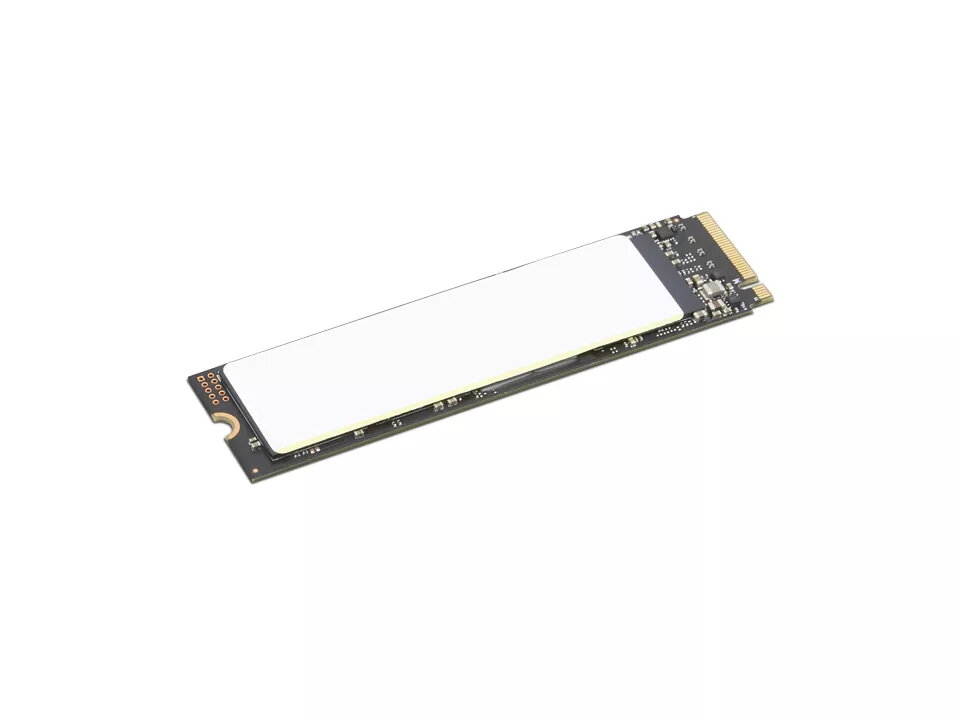
SSD drive Lenovo 512GB M.2 PCI Express 4.0 NVMe 4XB1M86954
Lenovo 512 GB Performance PCIe Gen4 NVMe OPAL2 M.2 2280 SSD offers a 512GB M.2 form factor solid state drive designed to upgrade compatible notebooks and desktops. The drive supports PCIe 4.0 NVMe interface and delivers high sequential read speeds up to 6900 MB/s and write speeds up to 4400 MB/s, improving system responsiveness and reducing application and boot times.
This Lenovo M.2 SSD provides fast PCIe Gen4 NVMe performance in a compact 2280 module, significantly accelerating data transfer, application loading and system boot. Its OPAL2 support adds hardware-level security options for compatible systems. The lightweight, low-profile design makes it suitable for space-constrained laptop slots while maintaining high endurance and consistent throughput for everyday and demanding workloads.
Power down the computer and disconnect it from power. Open the device according to the manufacturer’s service instructions, locate the M.2 slot, and remove any existing screw or bracket. Insert the M.2 2280 SSD into the slot at a slight angle until it seats, then secure it with the mounting screw. Reassemble the system, power it on, and initialize/format the drive in the operating system or install the OS as required. Ensure firmware and drivers are up to date for optimal performance.
Use this drive in systems that support PCIe 4.0 to achieve maximum performance; in PCIe 3.0 slots the drive will operate at reduced speeds. Follow Lenovo or system manufacturer compatibility lists when upgrading notebooks to ensure physical and firmware compatibility.
{{highlightedFeature.featureTitle}}:
{{getProductFeatureValueById(product, highlightedFeature.featureId)}}
{{ productComparisonGenerationError }}
