
Filters you can trust. Pure water every day.
In cart {{totalProductsCount}} item(s)
Your cart is empty
Computer Case Lenovo 4XH1B85931 Multicolour
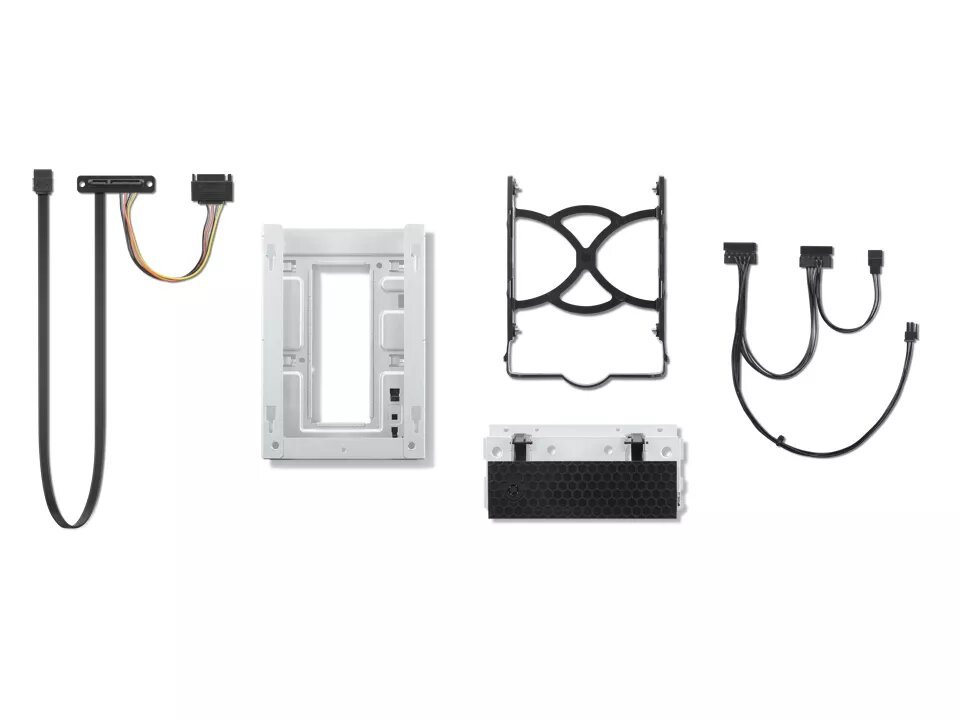
The ThinkStation 3.5" FASE Kit is a dedicated bracket designed to install a second 3.5" hard drive into a ThinkStation P340 TWR. The kit allows straightforward expansion of workstation storage by providing a compatible mounting solution for an additional 3.5" HDD without altering the chassis or existing drive bays.
The bracket is purpose-built for the ThinkStation P340 TWR, ensuring correct fit and alignment for a 3.5" HDD. It simplifies upgrades by including the necessary mounting hardware and reducing installation time compared with custom modifications. The kit is lightweight and maintains the workstation's internal layout and airflow.
Power off the ThinkStation P340 TWR and disconnect it from power. Open the chassis according to Lenovo service instructions. Position the 3.5" FASE bracket in the designated internal mounting area, secure the 3.5" HDD into the bracket with the provided screws, then attach the bracket to the chassis using the kit fasteners. Reconnect power and verify the system recognizes the newly installed drive in BIOS or the operating system.
Install compatible 3.5" HDD models and ensure firmware/driver updates for the ThinkStation P340 TWR are applied. Handle drives and internal components on an anti-static surface and follow Lenovo safety and service documentation when performing upgrades.
{{highlightedFeature.featureTitle}}:
{{getProductFeatureValueById(product, highlightedFeature.featureId)}}
{{ productComparisonGenerationError }}
