
Filters you can trust. Pure water every day.
In cart {{totalProductsCount}} item(s)
Your cart is empty
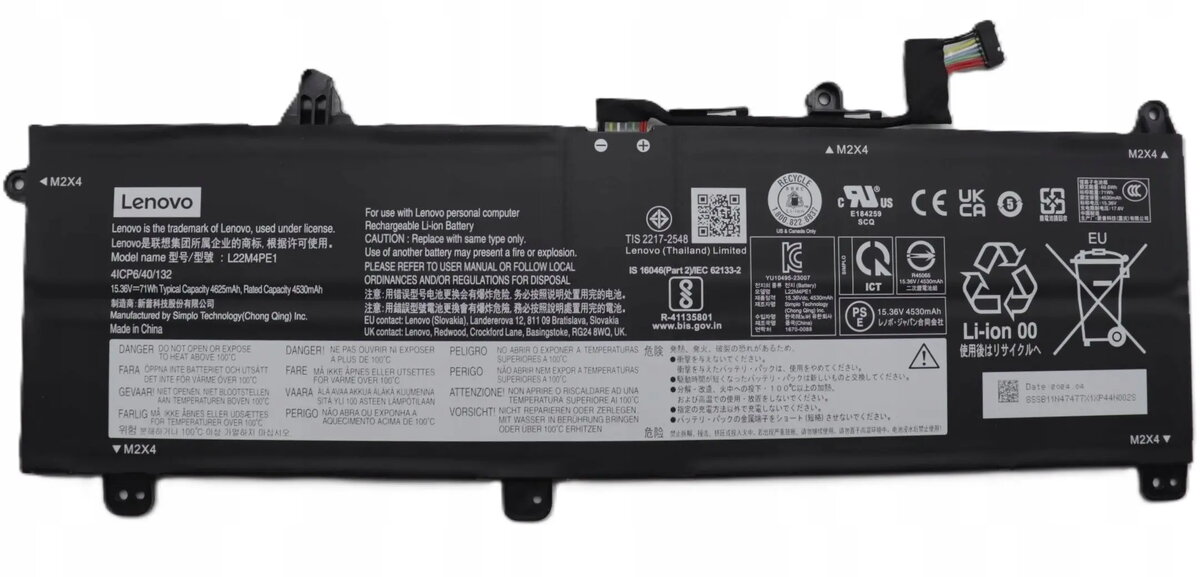
Laptop battery Lenovo 4-cell 71Wh 15.36V (MPN 5B11N47513)
Replaceable Lenovo laptop battery with 4 cells, 71Wh capacity and nominal voltage 15.36V. This battery is designed to restore portable power to compatible Lenovo notebooks and to provide extended runtime for work, travel and field use. It meets original-spec dimensions and electrical characteristics for straightforward installation and reliable operation in supported laptop models.
The 71Wh capacity delivers longer unplugged operation compared with lower-capacity units, helping to extend productivity between charges. The 4-cell construction balances energy density and weight for a practical compromise between runtime and portability. Compatibility with specified Lenovo systems ensures proper fitment, electrical matching and battery management support to maintain charging and reporting functions.
Power off the laptop, disconnect any external power supply and remove any covers or latches protecting the battery compartment according to the notebook's service instructions. Slide or unscrew the battery following the device-specific procedure, then insert the replacement battery until it locks in place. Reconnect the AC adapter and allow the battery to charge fully before first use to ensure correct calibration. After installation, verify battery status in the operating system's power management interface and check for firmware or BIOS updates that may affect battery reporting.
To prolong service life, avoid deep discharges and prolonged storage at full charge; store the battery at around 40–60% charge if the laptop will be unused for long periods. Use the original or a compatible Lenovo AC adapter for charging and follow the laptop manufacturer's maintenance guidelines for battery calibration and firmware updates.
{{highlightedFeature.featureTitle}}:
{{getProductFeatureValueById(product, highlightedFeature.featureId)}}
{{ productComparisonGenerationError }}
