
Save time and money with our discounts!
In cart {{totalProductsCount}} item(s)
Your cart is empty
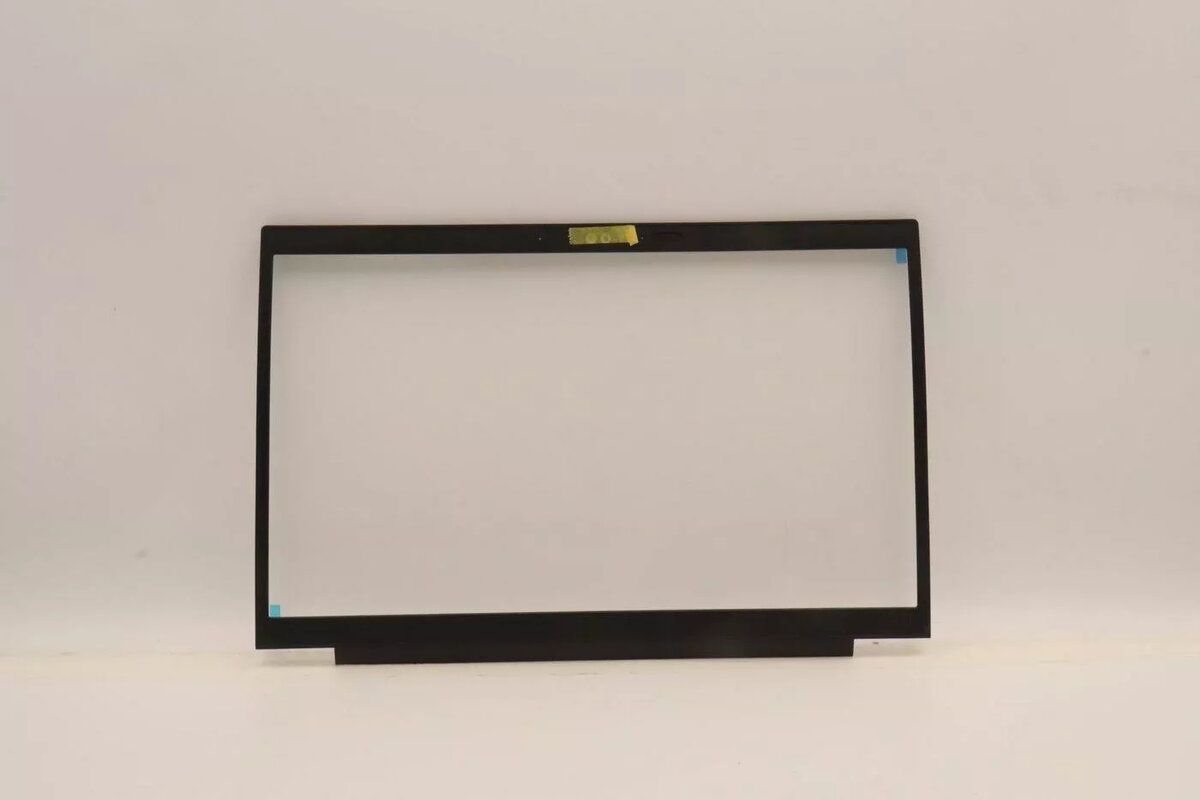
Replacement IR bezel with CCD shutter for Lenovo laptop model 5B31K19351
Replacement IR bezel with CCD shutter for Lenovo laptop model 5B31K19351 is a spare display frame component that integrates an infrared (IR) sensor opening and a manual CCD shutter for webcam privacy. This bezel restores the physical frame around the laptop display where the IR sensor and camera are located, allowing both the IR sensor to function correctly and the camera to be mechanically covered when privacy is needed. It is intended as a direct-fit replacement for Lenovo laptops that use this bezel assembly.
This replacement bezel combines the IR sensor aperture and a built-in manual CCD shutter in a single part, simplifying repairs and ensuring correct alignment of camera and sensor components. The integrated shutter provides a physical privacy solution without relying on software controls. Designed specifically for compatible Lenovo display assemblies, the bezel maintains the original appearance and mounting points to ensure an accurate fit during service or refurbishment.
To install, power down the laptop, remove the battery if applicable, and open the display assembly following the manufacturer’s disassembly procedure. Detach the existing bezel carefully to avoid damaging the LCD panel or cables, then align the replacement bezel so that the IR sensor opening and camera aperture match the internal module positions. Secure the bezel using the original clips and screws, reconnect any cables if they were removed, and reassemble the display. Verify correct operation of the IR sensor and camera afterwards and use the manual CCD shutter to cover the camera when privacy is required.
Handle the bezel and display components with care to avoid scratches or pressure on the LCD. Use appropriate anti-static precautions and follow Lenovo service documentation for disassembly and reassembly steps. Test IR sensor and webcam functionality after installation and ensure the shutter moves smoothly without obstruction.
{{highlightedFeature.featureTitle}}:
{{getProductFeatureValueById(product, highlightedFeature.featureId)}}
{{ productComparisonGenerationError }}
