
Hurry and order now – up to 50% off!
In cart {{totalProductsCount}} item(s)
Your cart is empty
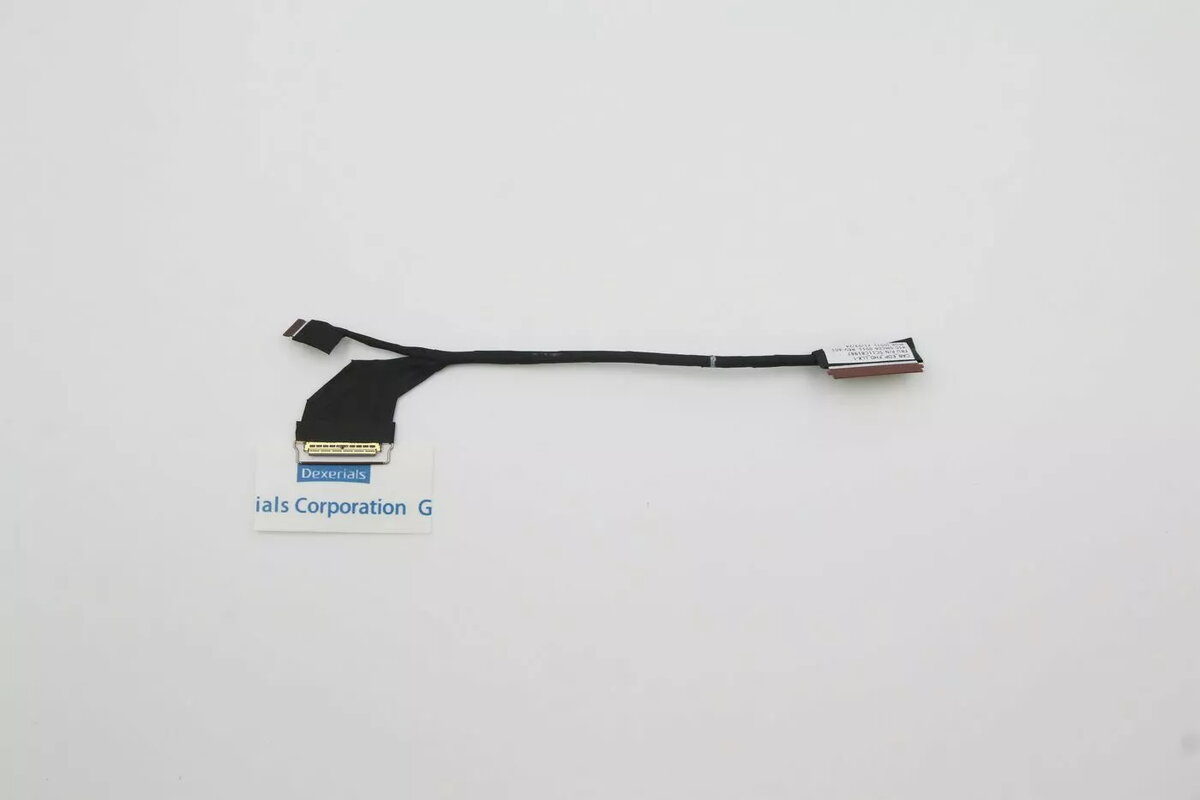
LCD eDP Display Panel Lenovo Lynx-1 (20W8/20W9) FRU eDP
Replacement LCD eDP display panel Lenovo Lynx-1 (20W8/20W9) FRU eDP is an original-equivalent screen designed for compatible Lenovo laptops. It connects via an embedded DisplayPort (eDP) interface and restores visual output and image quality to systems originally shipped with the Lynx-1 display. The panel is intended for use as a spare part during repairs, refurbishment or component-level replacement when the existing built-in screen is damaged, faulty or degraded.
The panel offers pixel-accurate imaging and compatibility with systems that use the Lynx-1 assembly, allowing direct swap-in replacement without modification when matched to the correct chassis and connector type. Using an eDP interface provides stable digital signal transmission and supports native resolution and refresh characteristics expected by the original design. As an original-equivalent part, the display helps maintain factory screen performance and ensures color and brightness consistency compared with aftermarket alternatives.
Power down the laptop, disconnect the battery and open the display bezel following the manufacturer service manual or accepted repair procedures. Remove the existing panel by disconnecting the eDP cable and any inverter or backlight connectors if present, then detach the screen from its mounting brackets. Install the replacement Lenovo Lynx-1 panel by aligning it with the original mounting points, reconnecting the eDP connector securely and reassembling the bezel. Reconnect the battery and power on the system to verify image output, correct resolution and backlight operation.
Handle the LCD panel by its frame to avoid pressure on the display surface, use anti-static precautions when connecting the eDP cable, and verify BIOS or firmware compatibility for display parameters before completing reassembly. If the laptop does not detect the display or shows incorrect colors or resolution, recheck the cable seating and compare the replacement panel’s connector orientation with the original.
{{highlightedFeature.featureTitle}}:
{{getProductFeatureValueById(product, highlightedFeature.featureId)}}
{{ productComparisonGenerationError }}
