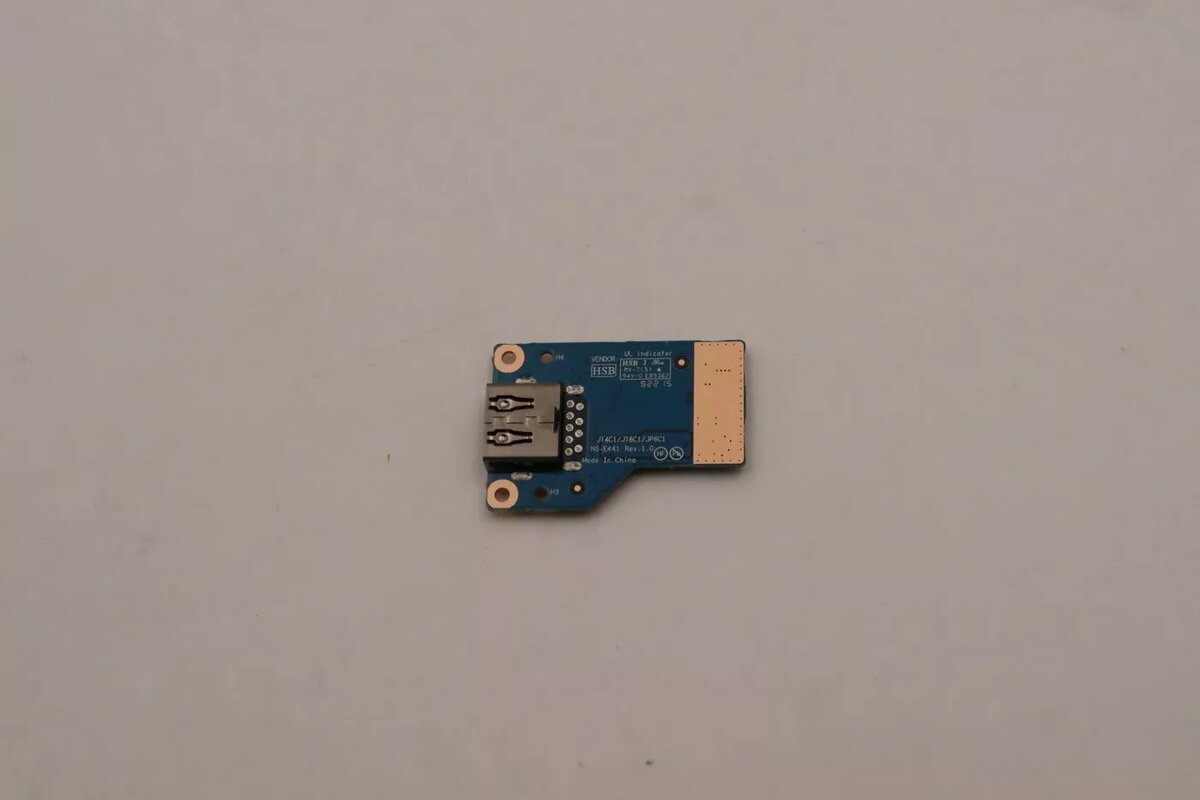
The Lenovo CARDPOP FRU PCBA USB/B is a dedicated factory replacement module designed to restore connectivity in compatible Lenovo systems. This printed circuit board assembly serves as a direct hardware solution for repairing or replacing internal USB interface components that have become faulty or unresponsive. By utilizing this original manufacturer part, users can ensure that their device maintains its intended technical standards and port functionality.
Advantages
Choosing this genuine Lenovo replacement module ensures full compatibility with your specific hardware configuration, eliminating the risks associated with third-party alternatives. The component is engineered to meet strict factory specifications, providing reliable data transfer and power delivery through the USB interface. Its precise design allows for a seamless installation process during device maintenance, effectively extending the operational lifespan of your laptop or workstation without requiring complex modifications.
Suitable for
- Restoring non-functional USB ports on compatible Lenovo devices.
- Replacing damaged or short-circuited internal USB interface boards.
- Professional hardware maintenance and repair services.
- System refurbishing projects requiring original manufacturer components.
When it may not be suitable
This module is not a universal USB adapter and will not function in devices outside of the specific Lenovo models for which it was designed. It is also not intended for users without technical experience in disassembling electronic devices, as improper installation may cause further damage to the motherboard or other internal components.
Key specifications
- Interface type: USB/B
- Component type: Printed Circuit Board Assembly (PCBA)
- Manufacturer: Lenovo
- Function: Internal connectivity module
How to use
Installation should be performed by a qualified technician or an individual with experience in laptop hardware repair. Begin by powering off the device completely and disconnecting all power sources and peripherals. Carefully open the device chassis according to the manufacturer's service manual. Locate the faulty USB module, disconnect the ribbon cables or connectors, and remove the securing screws. Place the new PCBA module into the designated slot, secure it with the original screws, and reconnect the interface cables. Once installed, reassemble the device and perform a system test to verify that the USB ports are functioning correctly.
What to consider before purchase
- Verify that your specific Lenovo model is compatible with this module.
- Ensure you have the necessary tools for safe device disassembly.
- Check if the issue is indeed with the PCBA module rather than a software driver conflict.
- Consult the official Lenovo service manual for your device before starting repairs.
Usage recommendations
Always perform repairs in a static-free environment to prevent electrostatic discharge damage to sensitive electronic components. If you are unsure about the installation process, seek assistance from an authorized service center to avoid voiding your device warranty or causing permanent hardware failure.