
JBL speakers and headphones for pure and deep sound!
In cart {{totalProductsCount}} item(s)
Your cart is empty
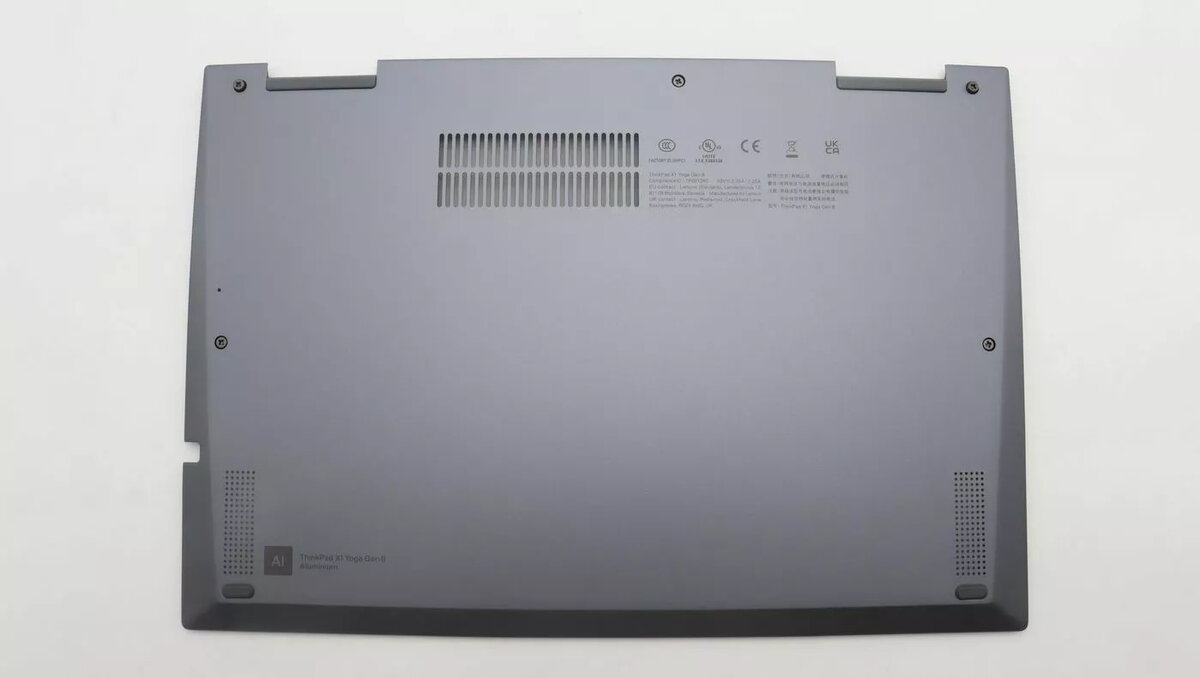
Rear Cover for Lenovo laptop WWAN module — model 5CB1J18158
Replacement rear cover designed specifically for Lenovo laptops with a WWAN compartment, model 5CB1J18158. This outer panel protects the WWAN module and nearby internal components while providing the correct access and mounting points for installing or servicing mobile broadband (WWAN) cards. The cover maintains the original fit and alignment to preserve device integrity during repair or as a spare part.
The rear cover restores the laptop’s external protection around the WWAN bay and ensures correct alignment of mounting holes and connector access. Made to match Lenovo’s original dimensions, it minimizes the risk of interference with nearby components and preserves the laptop’s structural stability. Using a dedicated rear cover for the WWAN module reduces dust ingress and helps maintain reliable mechanical contact for cards and antennas.
Power down the laptop, disconnect all power sources and remove the main battery if applicable. Access the WWAN compartment according to the laptop’s service manual, remove any retaining screws or clips, and gently detach the faulty or missing rear cover. Align the replacement rear cover with the original mounting points, ensuring connector and antenna openings line up correctly, then secure it with the original screws or fasteners. Reinstall the WWAN card and antenna cables as needed and verify correct seating before reassembling the laptop and powering it on.
Handle the replacement rear cover and internal components with antistatic precautions to avoid ESD damage to the WWAN module. Use the laptop manufacturer’s service guide for disassembly and reassembly torque specifications and follow local regulations for device servicing.
{{highlightedFeature.featureTitle}}:
{{getProductFeatureValueById(product, highlightedFeature.featureId)}}
{{ productComparisonGenerationError }}
