
Filters you can trust. Pure water every day.
In cart {{totalProductsCount}} item(s)
Your cart is empty
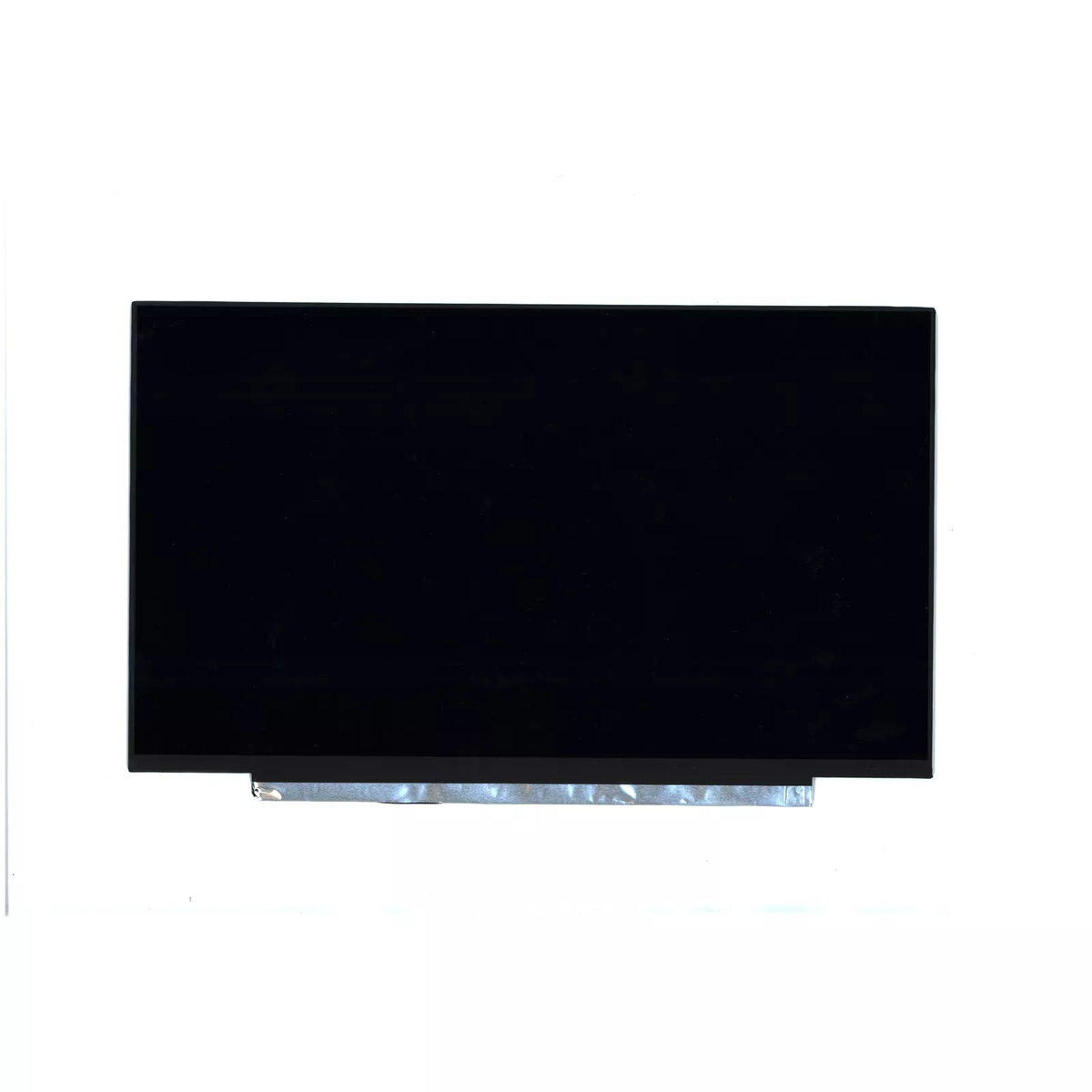
Display Lenovo 5D10W46416
The Lenovo 5D10W46416 display is a replacement 14" Full HD screen designed for specific ThinkPad L14 laptop models. With a native resolution of 1920x1080 pixels, the panel delivers crisp text and detailed images suitable for office tasks, web browsing and media playback. It is shaped and dimensioned for compatibility with ThinkPad L14 types 20U5 and 20U6 to ensure straightforward mounting and connector alignment.
This 14-inch Full HD panel provides improved sharpness and color definition compared to lower-resolution alternatives, helping to reduce eye strain during extended use. The display is manufactured to match the original form factor and connector layout of compatible ThinkPad L14 units, facilitating quick installation without modifications. Its display surface balances clarity and reflectivity for indoor working environments.
Power down the laptop, disconnect the battery and consult the service manual for the ThinkPad L14 model before beginning. Remove the bezel and any retaining brackets to access the existing screen, disconnect the display cable carefully, and detach the old panel. Align the replacement Lenovo 14" Full HD display with the mounting points and reconnect the display cable, ensuring a secure connection. Reassemble the bezel and any removed components, reconnect the battery, and power on the laptop to verify image output and correct operation.
Handle the display by its edges, avoid contact with the panel surface, and use an antistatic wrist strap when performing the replacement. Operate in a clean, well-lit workspace and follow official Lenovo repair guides or authorized technician instructions to ensure warranty compliance and safe installation.
{{highlightedFeature.featureTitle}}:
{{getProductFeatureValueById(product, highlightedFeature.featureId)}}
{{ productComparisonGenerationError }}
