
Powerful EcoFlow stations for energy anywhere!
In cart {{totalProductsCount}} item(s)
Your cart is empty
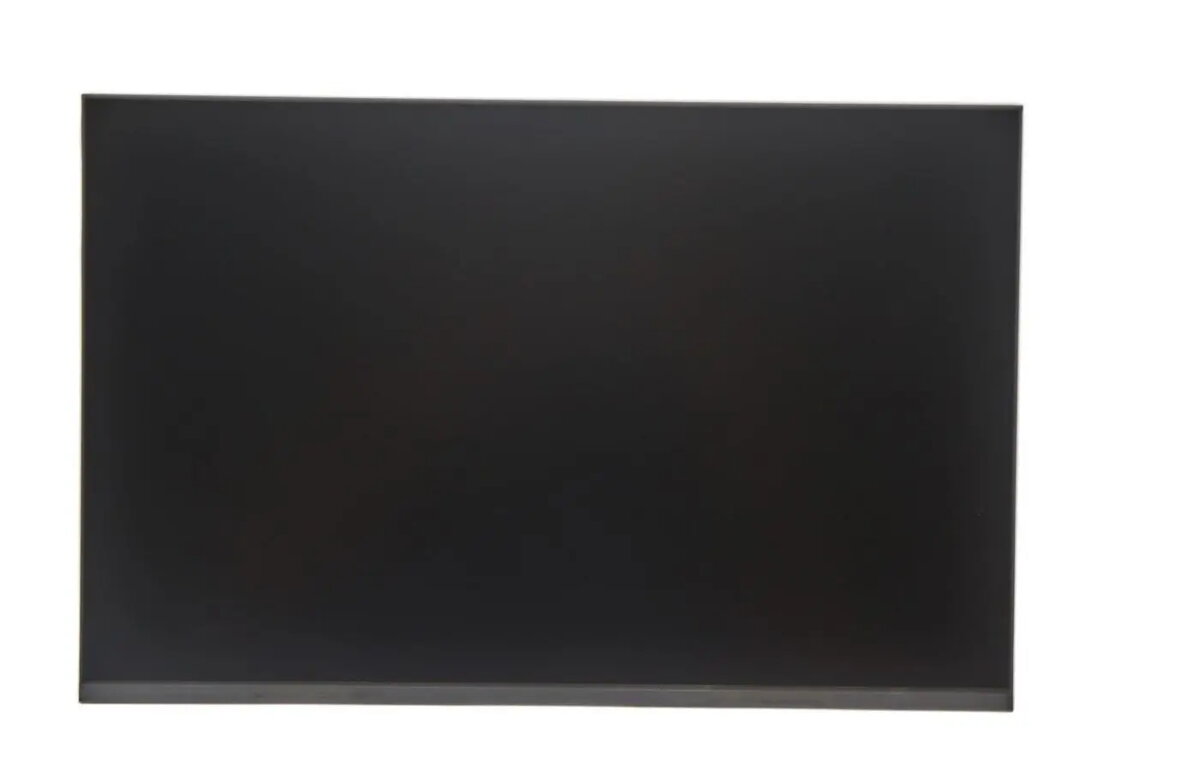
Lenovo 13.3-inch IVO R133NW4K Laptop Replacement Display Panel
The Lenovo 13.3-inch IVO R133NW4K laptop replacement display panel is a high-quality component engineered to restore the visual performance of your Lenovo laptop. Designed as a direct replacement for damaged or faulty screens, this panel ensures that your device maintains its original clarity, brightness, and color accuracy. It is built to meet strict manufacturing standards, providing a reliable solution for users looking to extend the lifespan of their hardware through professional-grade repairs.
This replacement display panel offers seamless integration with compatible Lenovo laptop models, ensuring that the installation process is straightforward and effective. By choosing this specific component, you benefit from consistent visual output that matches the original factory specifications. The panel is constructed with durable materials to withstand daily use, providing a stable and flicker-free viewing experience that is essential for both professional work and personal entertainment.
This display panel may not be suitable for users attempting a DIY repair without the necessary technical tools or experience, as laptop disassembly can be complex. It is also not compatible with laptop models that require a different connector type, resolution, or physical mounting configuration, so verification of your specific laptop model is essential before purchase.
To use this replacement display, ensure your laptop is completely powered off and the battery is disconnected to prevent electrical shorts. Carefully remove the bezel surrounding the screen, unscrew the existing panel, and disconnect the video cable. Attach the new IVO R133NW4K panel, reconnect the video cable securely, and test the display before reassembling the bezel and housing.
Usage recommendations: It is highly recommended to perform the installation in a clean, well-lit environment to avoid dust contamination between the screen layers. If you are not confident in your ability to perform the hardware replacement, consult a professional technician to avoid damaging internal components.
{{highlightedFeature.featureTitle}}:
{{getProductFeatureValueById(product, highlightedFeature.featureId)}}
{{ productComparisonGenerationError }}
