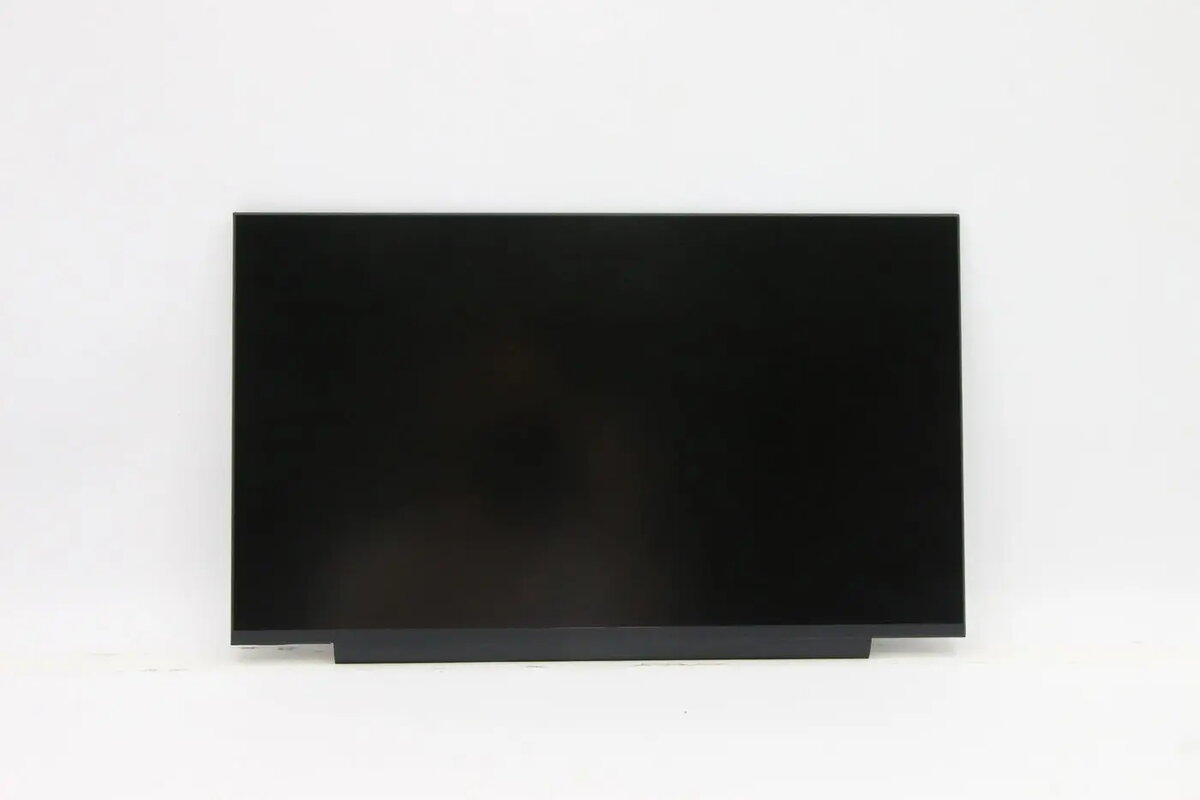
Privacy filter film for Lenovo 14.0-inch ePrivacy flat is a removable thin screen protector engineered to narrow the viewing angle and reduce on-screen glare. It attaches to the display using an adhesive/removable mounting method designed for flat 14.0-inch Lenovo screens, helping protect sensitive information from side glances while maintaining image clarity for the person directly in front of the display.
Advantages
This privacy filter film provides narrow viewing angle protection that limits visibility for observers at oblique angles while preserving a clear view for the user directly in front of the screen. The anti-glare surface reduces reflections under ambient lighting and helps lower eye strain in bright environments. Its thin, removable mounting allows for temporary application during travel or in shared spaces and can be removed without leaving significant residue when used as directed.
Suitable for
- Business laptops used in public places such as cafes, airports, and trains
- Shared workstations and meeting rooms where screen privacy is needed
- Remote work or co-working environments to reduce visual data exposure
- Users who want to reduce display glare and reflections in bright lighting
When it may not be suitable
This privacy filter is designed specifically for flat 14.0-inch Lenovo displays; it may not fit curved, bezel-less, or non-standard screens and will not be effective if only partial coverage is applied. Users seeking complete anti-reflective performance or color-critical work may notice slight changes in image brightness or color due to the privacy and anti-glare layers.
Key specifications
- Screen compatibility: flat 14.0-inch laptop displays
- Protection type: narrow viewing angle (privacy)
- Surface finish: anti-glare
- Mounting: thin adhesive / removable attachment
- Thickness: low-profile film designed for minimal added bulk
How to use
Clean the display surface thoroughly with a lint-free cloth before application. Align the privacy filter with the edges of the 14.0-inch flat screen and attach using the provided removable adhesive strips or mounting tabs, ensuring there are no dust particles trapped between the film and the display. To remove, gently peel the filter away from one corner and lift evenly to avoid tearing; store flat when not in use. Follow any manufacturer instructions for cleaning and reapplication to maintain the adhesive performance and optical clarity.
What to consider before purchase
- Confirm the display is a flat 14.0-inch model and not a curved or edge-to-edge design
- Consider potential slight dimming or color shift caused by privacy and anti-glare layers
- Decide if a removable adhesive mounting fits your usage pattern (frequent removal vs permanent)
- Check cleaning and care recommendations to preserve the filter surface and adhesive
Usage recommendations
For best results, apply the privacy filter in a dust-free environment and align it precisely with the screen borders. Use the filter when working in public or shared spaces, and remove and store it flat when performing color-sensitive tasks or when full screen brightness is required.