
Powerful EcoFlow stations for energy anywhere!
In cart {{totalProductsCount}} item(s)
Your cart is empty
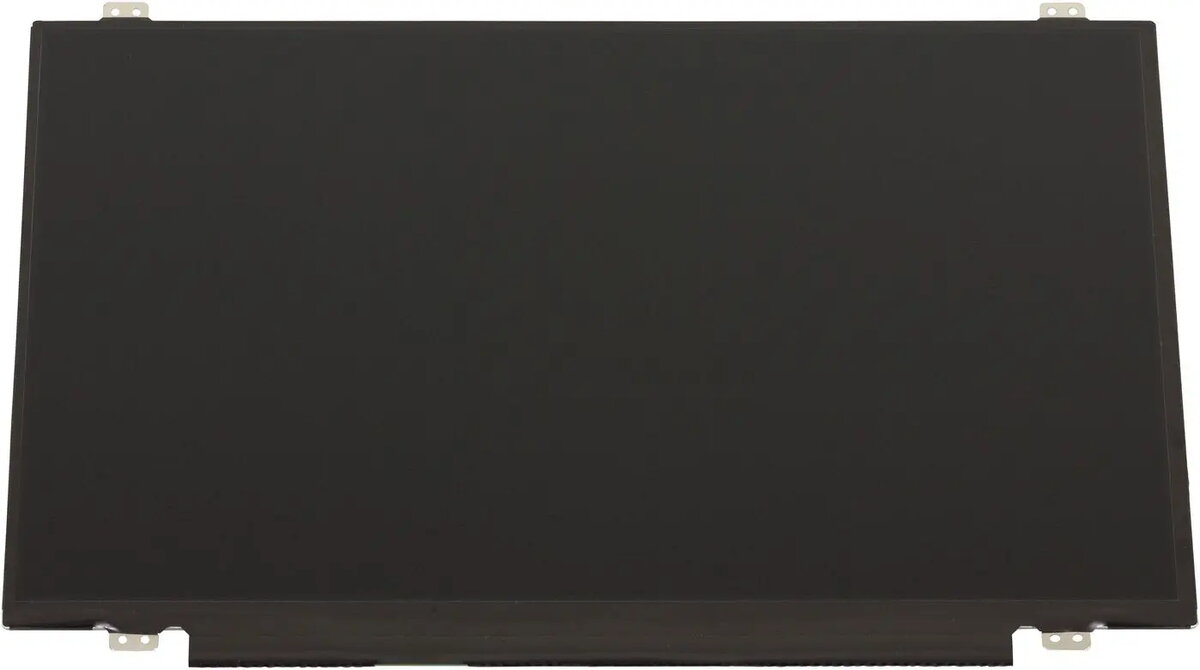
Laptop display panel Lenovo AUO 14.0" FHD AG — replacement screen, model 5D11U33723
The 14.0-inch Lenovo AUO display panel provides Full HD 1920×1080 resolution with an anti-glare (AG) surface designed as a direct replacement screen for compatible Lenovo laptops. This panel restores native FHD visual output and reduces reflections to improve viewing comfort under varied lighting conditions. It is intended for repair or upgrade scenarios where the original display is damaged, dim, or no longer functioning as intended.
This replacement panel delivers a crisp 1920×1080 image with accurate pixel mapping for applications that require full HD clarity. The anti-glare coating reduces surface reflections and minimizes eye strain during extended use. As a factory-manufactured AUO module, it is built to match typical form-factor and mounting points of supported Lenovo notebooks, enabling straightforward installation while maintaining the original screen size and visual performance.
Power down the laptop and disconnect all power sources before beginning replacement. Remove the bezel or retaining clips according to the laptop model’s service guide, detach the existing panel from its hinges or brackets, and carefully disconnect the display cable(s). Align the replacement AUO panel in the mounting frame, reconnect the video cable and any backlight or sensor connectors, and secure the panel using the original screws or clips. Reassemble the bezel and test the display at startup to confirm correct image output, backlight operation, and touch/ambient sensor functionality if applicable.
Handle the panel by its edges and avoid touching the display surface or circuit areas. Use anti-static precautions when handling and ensure the connector is correctly oriented and fully seated before powering the laptop. If uncertain about installation steps, consult the laptop manufacturer’s service documentation or a qualified technician to avoid damage to the display or host device.
{{highlightedFeature.featureTitle}}:
{{getProductFeatureValueById(product, highlightedFeature.featureId)}}
{{ productComparisonGenerationError }}
