
JBL speakers and headphones for pure and deep sound!
In cart {{totalProductsCount}} item(s)
Your cart is empty
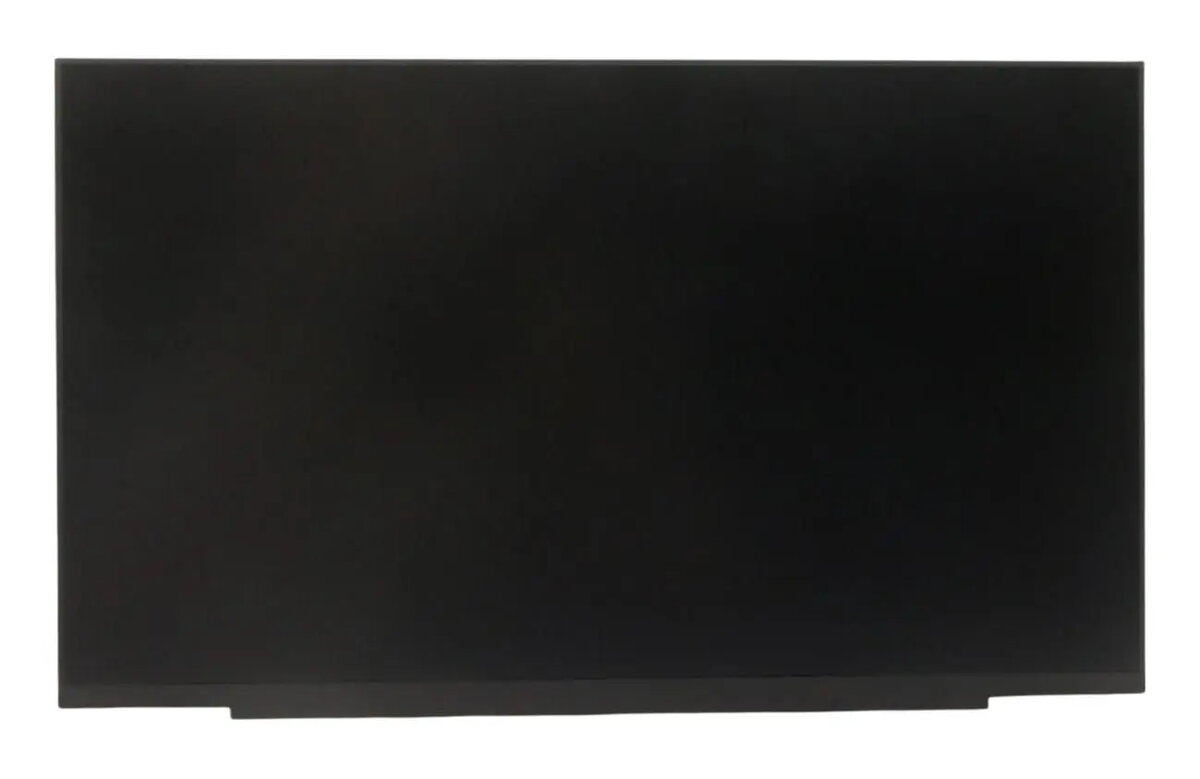
Laptop LCD panel 14-inch FHD for Lenovo (replacement screen) MPN 5D11U36783
14-inch FHD (1920x1080) LCD replacement panel designed for Lenovo laptops. This display module provides a full HD image in a compact 14-inch form factor suitable for repair and refurbishment projects. The panel is intended as a direct replacement for damaged or malfunctioning laptop screens and is supplied as a bare display assembly for installation by technicians or experienced users. Before purchase, verify physical dimensions, connector type and pinout, and mounting bracket alignment to ensure compatibility with the specific Lenovo laptop model.
The panel delivers a 1920x1080 resolution for clear text and detailed images while maintaining a slim 14-inch profile that fits common laptop chassis. As a single-component replacement, it simplifies screen repairs and reduces the need to replace the entire display lid. The module is suitable for refurbishment workflows and offers a cost-effective option compared with full assembly replacements. It supports standard laptop backlight and connector interfaces used in many Lenovo models.
Power off the laptop, remove the battery if possible and ground yourself to prevent electrostatic discharge. Remove the bezel and unscrew the old display assembly according to the laptop service manual. Disconnect the display cable and any inverter or cable assemblies, then fit the replacement panel into the mounting brackets and reconnect the display cable, ensuring correct orientation and secure connections. Reassemble the bezel and test the panel before finalizing screw torque and reattaching the battery.
Confirm exact mechanical mounting points, connector type and cable length for your Lenovo model prior to installation. Handle the LCD by the frame to avoid pressure on the visible surface, and use ESD protection during replacement. If unsure about compatibility or installation steps, consult a certified technician or refer to the laptop’s service documentation.
{{highlightedFeature.featureTitle}}:
{{getProductFeatureValueById(product, highlightedFeature.featureId)}}
{{ productComparisonGenerationError }}
