
Filters you can trust. Pure water every day.
In cart {{totalProductsCount}} item(s)
Your cart is empty
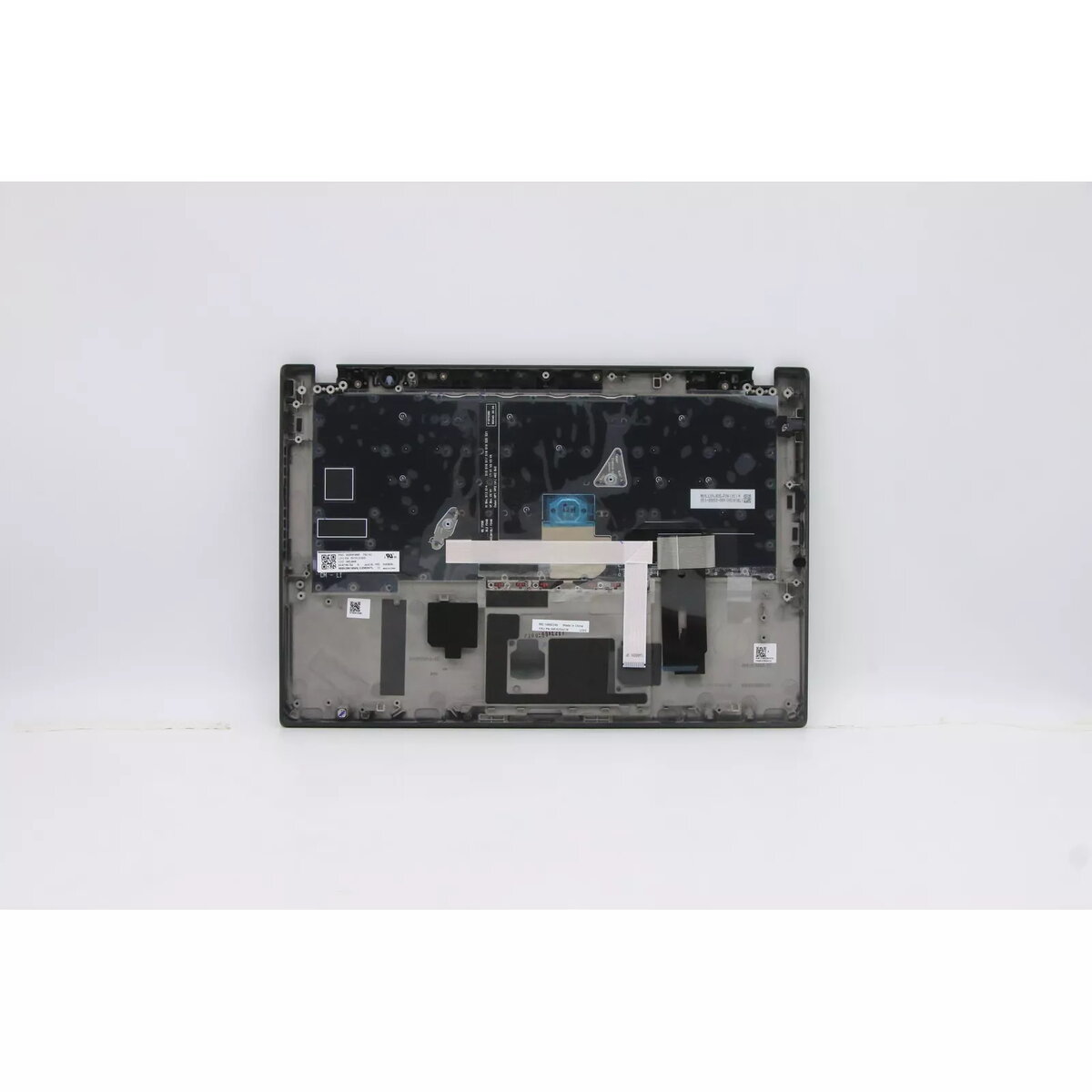
Laptop spare part cover and keyboard for Lenovo ThinkPad T14s Gen 1 (MPN 5M10Z54281), black/multicolour
Replacement top case and integrated keyboard assembly for Lenovo ThinkPad T14s Gen 1 (MPN 5M10Z54281) in black with multicolour keys. This part restores a damaged or worn palm rest and keyboard area, returning the laptop’s functionality and appearance. It is intended as an OEM-compatible spare part for repair services or DIY maintenance and matches the specified model number and colour description.
The assembly combines the top cover and keyboard into a single unit to simplify installation and reduce alignment issues. It uses original-design dimensions to fit Lenovo ThinkPad T14s Gen 1 models carrying MPN 5M10Z54281, and the black/multicolour finish maintains the laptop’s factory look. Replacing the whole top case with integrated keyboard can be faster than replacing individual keys or the palm rest and helps ensure consistent key feel and appearance.
Power off the laptop, disconnect all cables and remove the battery if applicable. Open the chassis according to the ThinkPad T14s Gen 1 service manual, remove the existing top case and keyboard assembly, and disconnect any ribbon cables and connectors carefully. Fit the replacement top case with integrated keyboard, reconnect all cables, secure the assembly with the original screws, and reassemble the laptop. After reassembly, power on the device and verify keyboard functionality and fit.
Use appropriate ESD protection and follow Lenovo service documentation or a qualified technician’s guidance to avoid damage during replacement. Confirm MPN 5M10Z54281 compatibility with your device before purchase.
{{highlightedFeature.featureTitle}}:
{{getProductFeatureValueById(product, highlightedFeature.featureId)}}
{{ productComparisonGenerationError }}
