
Save time and money with our discounts!
In cart {{totalProductsCount}} item(s)
Your cart is empty
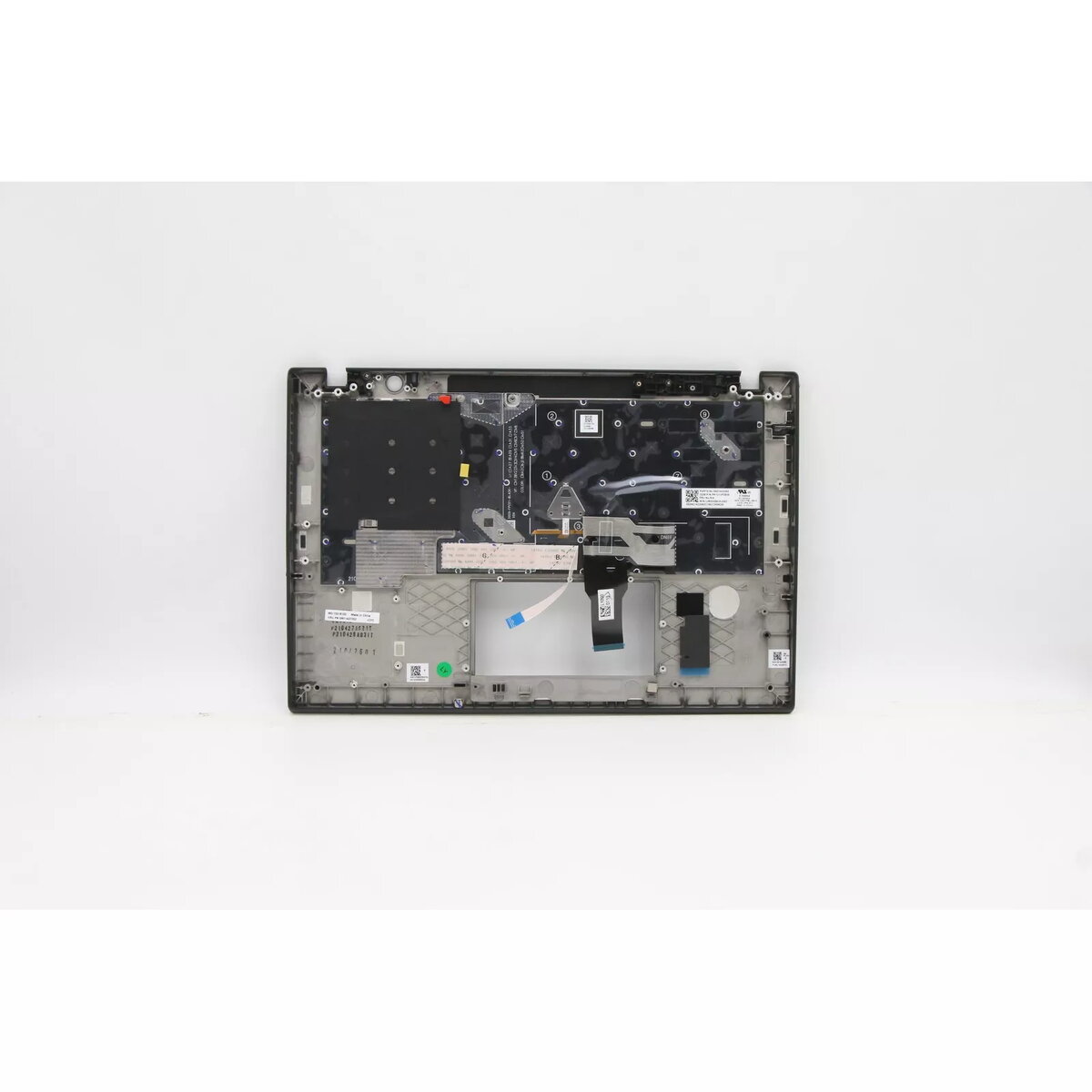
Cover + keyboard Lenovo ThinkPad T14s Gen 2 5M11A37548
Cover and keyboard assembly for Lenovo ThinkPad T14s Gen 2 (MPN 5M11A37548). This replacement part includes a backlit keyboard and a fitted top cover in black/multicolour finish, designed to match the original laptop components and maintain factory fit and function.
The assembly is made from durable materials to provide protection and long service life while preserving comfortable typing. The built-in backlight improves visibility in low-light situations. As an original-fit component for the ThinkPad T14s Gen 2, it simplifies installation and restores the laptop's appearance and keyboard functionality.
Power off the laptop and disconnect all power sources and peripherals. Remove the laptop's bottom panel and existing keyboard/cover according to the service manual or manufacturer instructions. Fit the replacement cover and keyboard assembly in place, reconnect any ribbon cables and screws, then reassemble the bottom panel. Power on the laptop and verify keyboard backlight and key functions in the operating system.
Handle the keyboard and cover assembly with care to avoid damaging ribbon cables and mounting points. Use anti-static precautions when performing installation, and consult the official Lenovo service guide or a qualified technician if unsure about disassembly and reassembly steps.
{{highlightedFeature.featureTitle}}:
{{getProductFeatureValueById(product, highlightedFeature.featureId)}}
{{ productComparisonGenerationError }}
