
JBL speakers and headphones for pure and deep sound!
In cart {{totalProductsCount}} item(s)
Your cart is empty
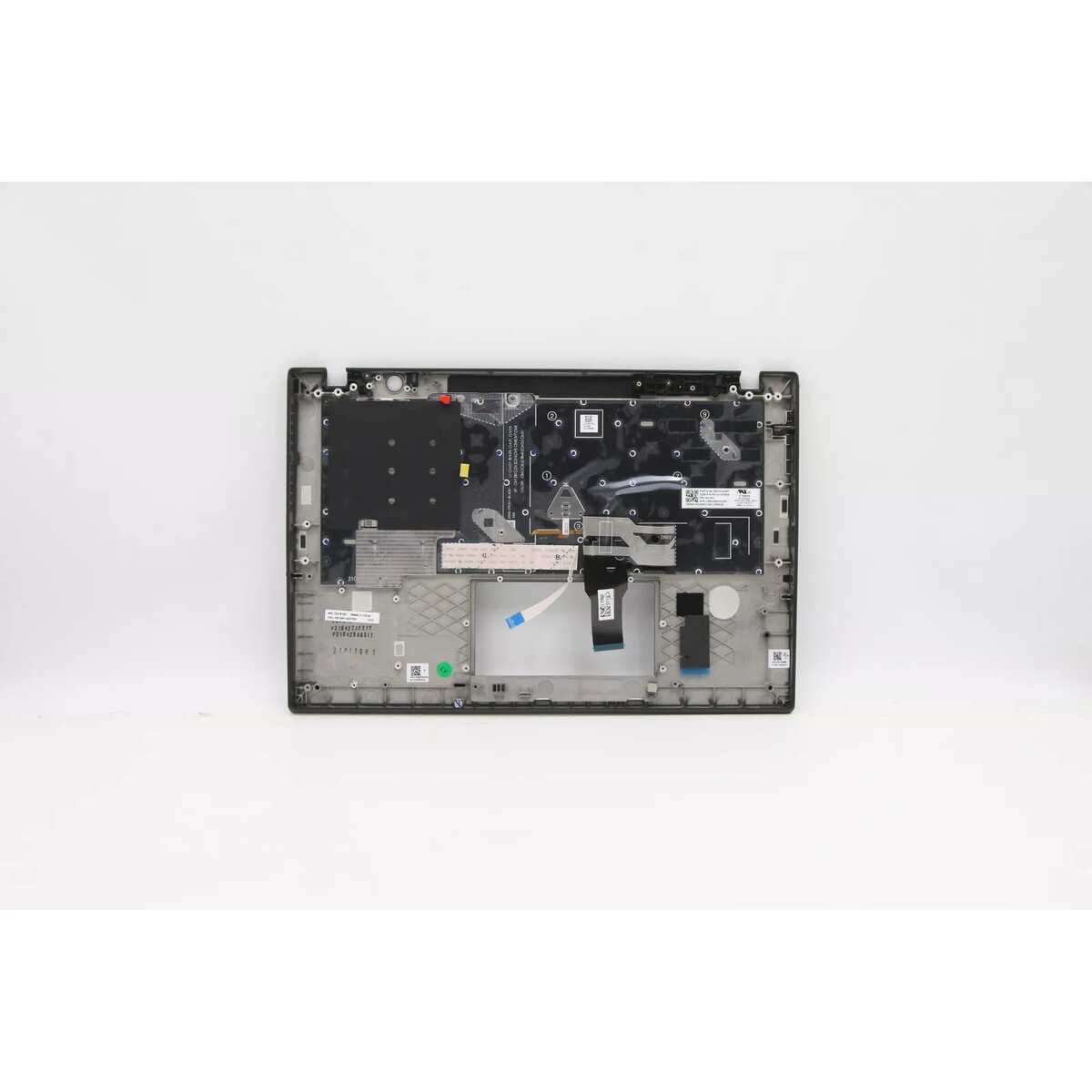
Cover + keyboard Lenovo ThinkPad T14s Gen 2 5M11A37550
Cover and keyboard assembly for Lenovo ThinkPad T14s Gen 2 (MPN 5M11A37550). The part includes a backlit keyboard and matching top cover in black/multicolour finishes, designed to restore function and appearance while fitting the original laptop model.
High-quality construction and materials provide long service life. The backlit keyboard improves visibility in low-light environments. The assembly is designed for comfortable typing and durable daily use while matching the laptop's original layout and connectors.
Power off the laptop and disconnect all power sources before starting. Remove the bottom case and detach the internal connectors to access the keyboard and top cover. Replace the old assembly with the new cover and keyboard, secure connectors and fasten screws according to the laptop’s service manual, then reassemble and test the keyboard and backlight function.
Handle the assembly with care to avoid damaging ribbon cables and connectors. Use ESD protection when working on internal components and follow Lenovo service guidelines for disassembly and reassembly.
{{highlightedFeature.featureTitle}}:
{{getProductFeatureValueById(product, highlightedFeature.featureId)}}
{{ productComparisonGenerationError }}
