
JBL speakers and headphones for pure and deep sound!
In cart {{totalProductsCount}} item(s)
Your cart is empty
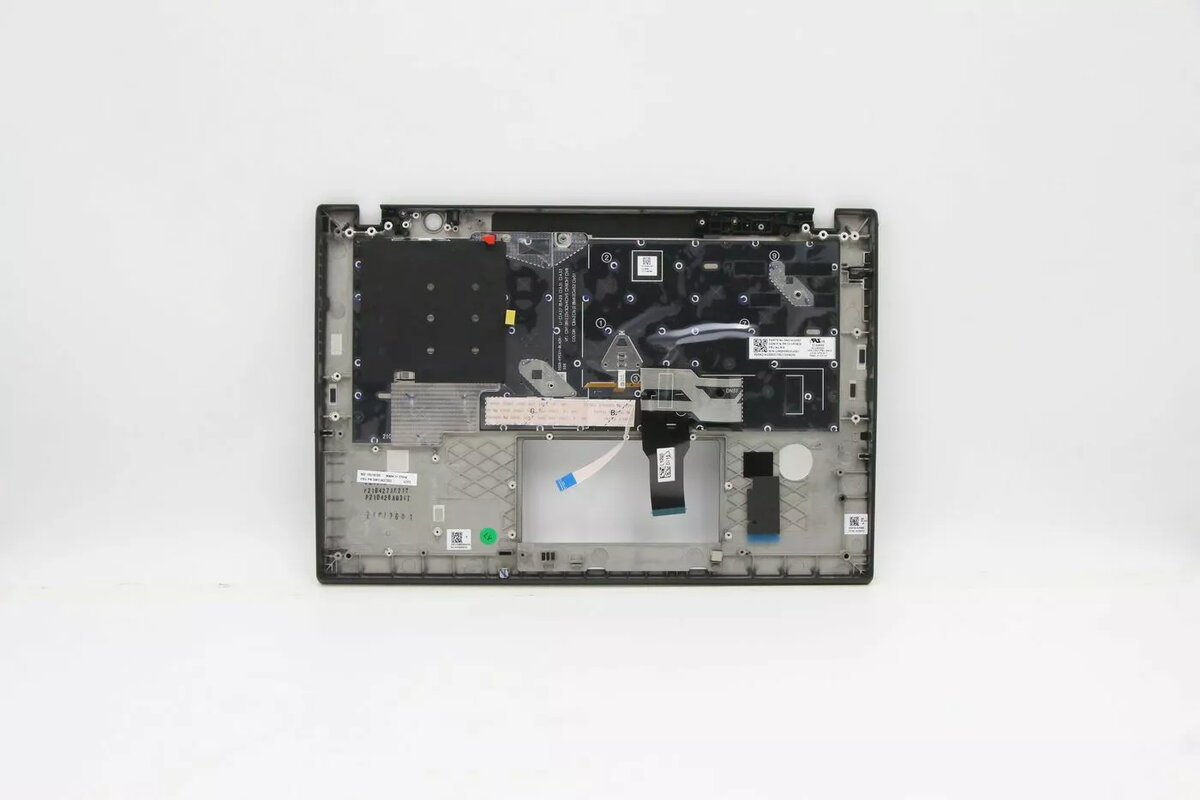
Cover + keyboard Lenovo 5M11A37552 backlit for ThinkPad T14s Gen 2
The Lenovo 5M11A37552 is a replacement cover and keyboard set designed for the ThinkPad T14s Gen 2. It includes a backlit keyboard that improves visibility in low-light environments while restoring the laptop's exterior and typing functionality. The product is available in black and multicolour finish options and matches the original Lenovo design and layout.
The backlit keyboard enhances typing accuracy in dim conditions and supports consistent key illumination across the layout. As an original-compatible assembly, the set restores both the visual appearance and the mechanical function of the laptop's palmrest and keyboard area. The components are manufactured to meet the form factor and connector standards of the ThinkPad T14s Gen 2.
Power down the laptop and disconnect any external power source. Remove the battery if applicable and follow the ThinkPad T14s Gen 2 service manual instructions to open the chassis. Detach the existing keyboard and cover assembly from the mounting points and ribbon connectors, then install the Lenovo 5M11A37552 unit by securing connectors and fasteners in reverse order. Reassemble the laptop, reconnect power, and verify keyboard backlight operation in the operating system or BIOS settings.
Handle the replacement assembly on an anti-static surface and use appropriate tools to avoid damage to connectors and cables. If unsure about disassembly, seek professional repair service to ensure correct installation and preserve warranty conditions.
{{highlightedFeature.featureTitle}}:
{{getProductFeatureValueById(product, highlightedFeature.featureId)}}
{{ productComparisonGenerationError }}
