
Dreame vacuums for fast and efficient cleaning!
In cart {{totalProductsCount}} item(s)
Your cart is empty
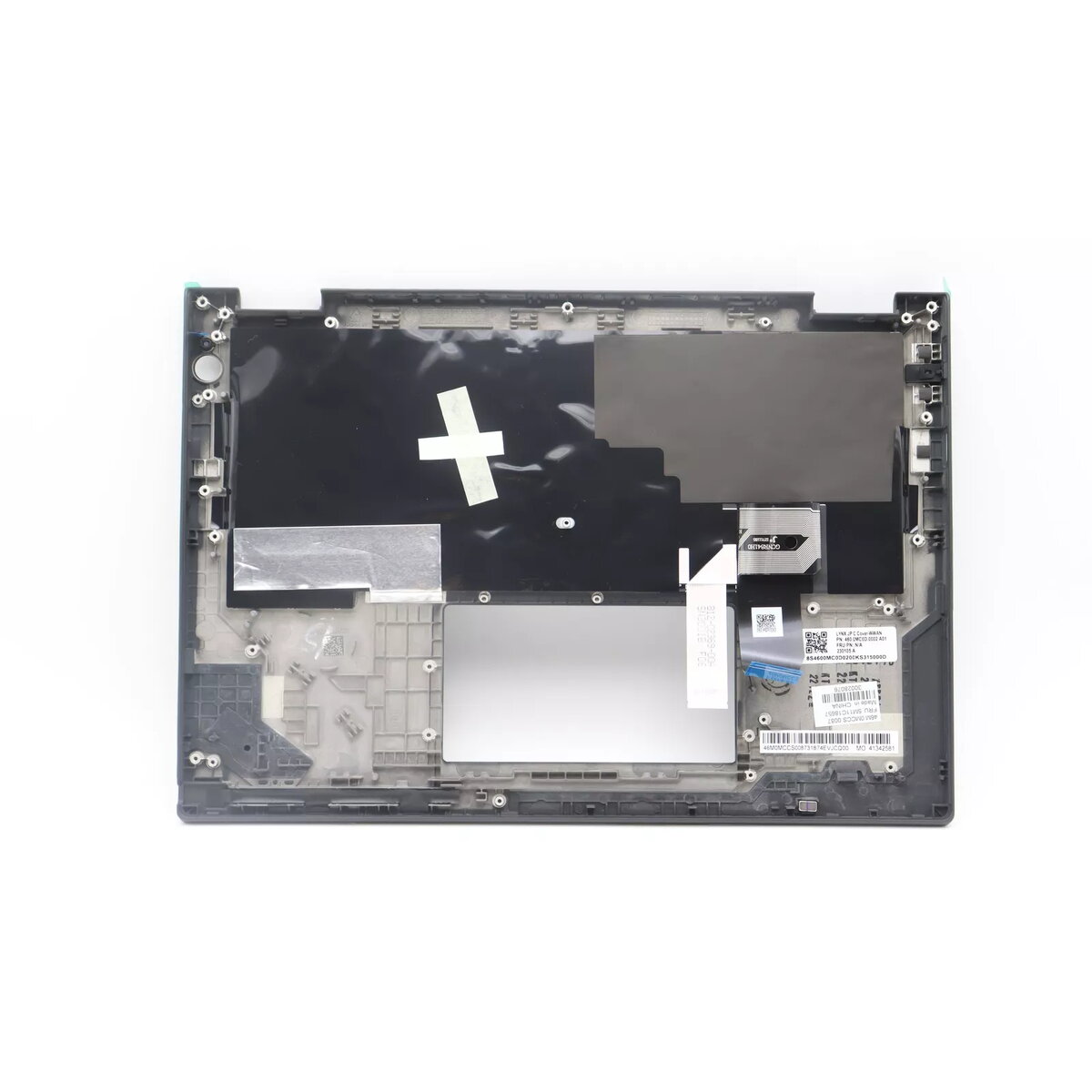
Cover + keyboard Lenovo ThinkPad X13 Yoga Gen 3 backlit
The Lenovo 5M11C18604 is a replacement cover and backlit keyboard assembly made for the ThinkPad X13 Yoga Gen 3. It restores the original appearance and typing functionality of the laptop while providing adjustable backlighting for working in low-light environments. The assembly is finished in black and is designed as a direct-fit component for compatible Lenovo X13 Yoga Gen 3 models.
This replacement cover and keyboard set offers improved visibility when typing in dim conditions due to its backlit keys, maintains the laptop’s original look with a black finish, and provides a direct-fit replacement to simplify installation and reduce downtime. Using an OEM-compatible part helps preserve device functionality and keyboard responsiveness.
Power off the laptop and disconnect any power sources. Remove the existing cover and keyboard following Lenovo service instructions or a repair guide specific to the ThinkPad X13 Yoga Gen 3. Fit the replacement assembly into place, reconnect any internal cables or ribbon connectors, and secure the cover with the original screws. Power on the laptop and verify keyboard functionality and backlight operation before reassembling any external components.
For safe and correct installation, follow Lenovo’s official disassembly and reassembly guide for the ThinkPad X13 Yoga Gen 3 or have the replacement installed by an authorized service provider. Handle internal connectors carefully to avoid damage and ensure the backlight and keyboard ribbon are seated correctly before closing the case.
{{highlightedFeature.featureTitle}}:
{{getProductFeatureValueById(product, highlightedFeature.featureId)}}
{{ productComparisonGenerationError }}
