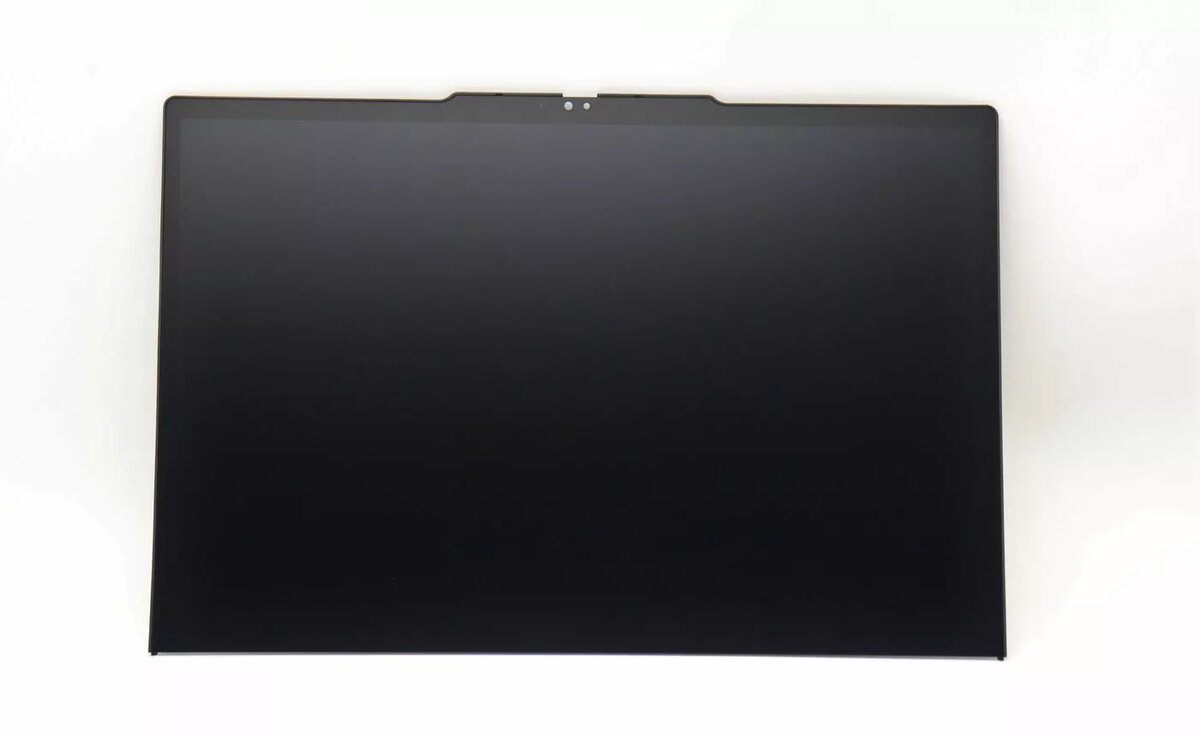
Replacement display assembly Lenovo Mech_Asm Wuxga 5Mpbir Bk is a WUXGA replacement screen designed for compatible Lenovo laptops. The unit provides the standard widescreen WUXGA resolution and is intended as a direct mechanical and display swap to restore full-screen functionality after damage or panel failure. It is supplied as a complete assembly to simplify installation for repair technicians and experienced DIYers seeking to return the device to its original display performance.
Advantages
This replacement display assembly offers the original form-factor and mounting points required for a direct swap, reducing the need for additional adapters or modifications. The WUXGA resolution ensures consistent pixel density and image detail comparable to factory displays. Supplied as a complete assembly, the unit includes the panel and supporting mechanical components to streamline the repair process and reduce installation time for professional and experienced users.
Suitable for (tasks / use cases)
- Repair shops performing laptop screen replacements for compatible Lenovo models
- Experienced DIY laptop maintenance and component-level repairs
- Restoring display functionality after physical damage, dead pixels, or backlight failure
- Replacing a malfunctioning panel while preserving original mounting and hinge alignment
When it may not be suitable
This assembly is intended as a mechanical and display replacement for compatible Lenovo models; it may not be suitable if the laptop has additional integrated damage such as a broken inverter board, damaged display cable connector on the motherboard, or incompatible mounting points. Installation requires opening the laptop and handling delicate connectors, so it may not be appropriate for users without technical experience or without proper tools.
Key specifications
- Resolution: WUXGA (wide ultra extended graphics array)
- Form: complete display assembly including panel and mechanical mounting components
- Compatibility: designed for specific compatible Lenovo laptop models requiring a WUXGA mechanical/display swap
- Use case: direct replacement for factory display to restore full-screen functionality
How to use
Power off the laptop, disconnect the battery if accessible, and follow the manufacturer's service instructions or a verified repair guide for your specific Lenovo model. Remove the bezel and any screws securing the display assembly, carefully disconnect the display cable and any connectors, and extract the old assembly. Position the replacement assembly, align mounting points, reconnect the display cable and connectors, secure the assembly with screws, replace the bezel, and reconnect the battery. Power on the laptop and verify image, backlight function, and hinge alignment before completing reassembly.
What to consider before purchase
- Confirm physical compatibility and mounting points with your specific Lenovo laptop model
- Verify that WUXGA resolution matches the original panel requirements
- Ensure you have appropriate tools and repair experience, or plan to use a professional repair service
- Check for possible additional faults (cables, connectors, inverter/controller) that may affect display operation
Usage recommendations
Handle the assembly on a clean, static-free surface, avoid touching the panel surface with sharp objects, and use anti-static precautions when connecting display cables. If unsure about compatibility or installation steps, consult a qualified technician to prevent additional damage.