
JBL speakers and headphones for pure and deep sound!
In cart {{totalProductsCount}} item(s)
Your cart is empty
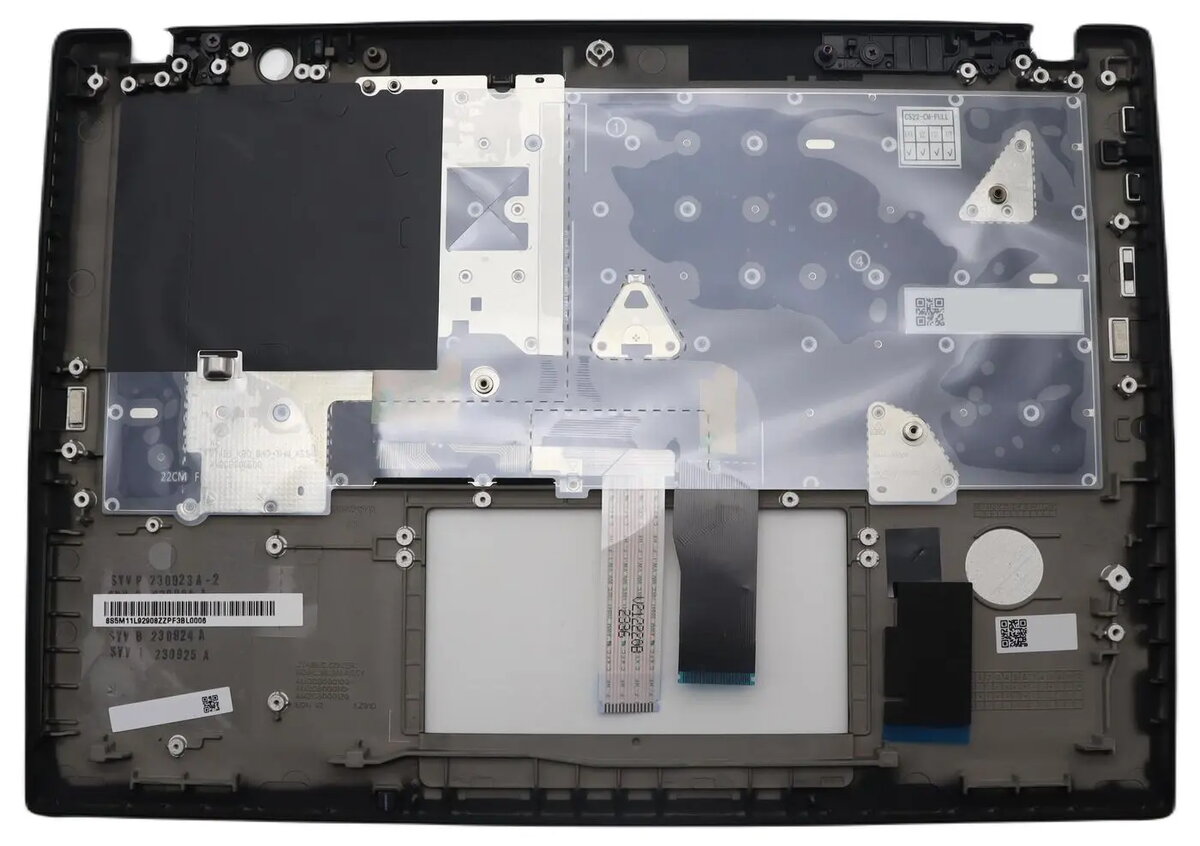
Keyboard assembly Lenovo 5M11L92877 with cover — replacement laptop keyboard assembly
Replacement keyboard assembly Lenovo 5M11L92877 with cover is an original OEM keyboard module designed to serve as a direct replacement for compatible Lenovo laptop models. The assembly includes the keyboard unit and its protective cover, restoring full key functionality and preserving the laptop’s exterior finish and key alignment. Intended for repair and refurbishment tasks, this keyboard module matches the original fit and layout to ensure reliable operation and user comfort.
The original Lenovo keyboard assembly provides accurate key travel, consistent tactile response and correct key spacing to match the laptop’s built-in layout. Including the cover helps protect the keyboard mechanism from dust and liquids while maintaining the device’s aesthetic appearance. As an OEM part, the assembly is designed for compatibility with the original mounting points and connector interfaces, which simplifies installation and reduces the risk of fitment issues.
Power off the laptop, disconnect the battery if possible, and remove any external power sources before beginning. Open the laptop casing or bezel according to the device service manual to access the keyboard assembly. Disconnect the old keyboard’s flex cable from the motherboard connector, remove any screws or clips securing the module, and lift the old keyboard out. Position the replacement keyboard assembly, align mounting points and secure with the original screws or clips. Reconnect the flex cable firmly into its socket and reassemble the casing. After reassembly, power on the laptop and verify key functionality, backlight (if applicable) and proper operation of modifier keys.
For safe and reliable replacement, follow the laptop manufacturer’s service instructions, use appropriate electrostatic discharge (ESD) precautions and small hand tools. If unsure about disassembly, consult a qualified technician to avoid damage to the keyboard module or laptop internals.
{{highlightedFeature.featureTitle}}:
{{getProductFeatureValueById(product, highlightedFeature.featureId)}}
{{ productComparisonGenerationError }}
