
Hurry and order now – up to 50% off!
In cart {{totalProductsCount}} item(s)
Your cart is empty
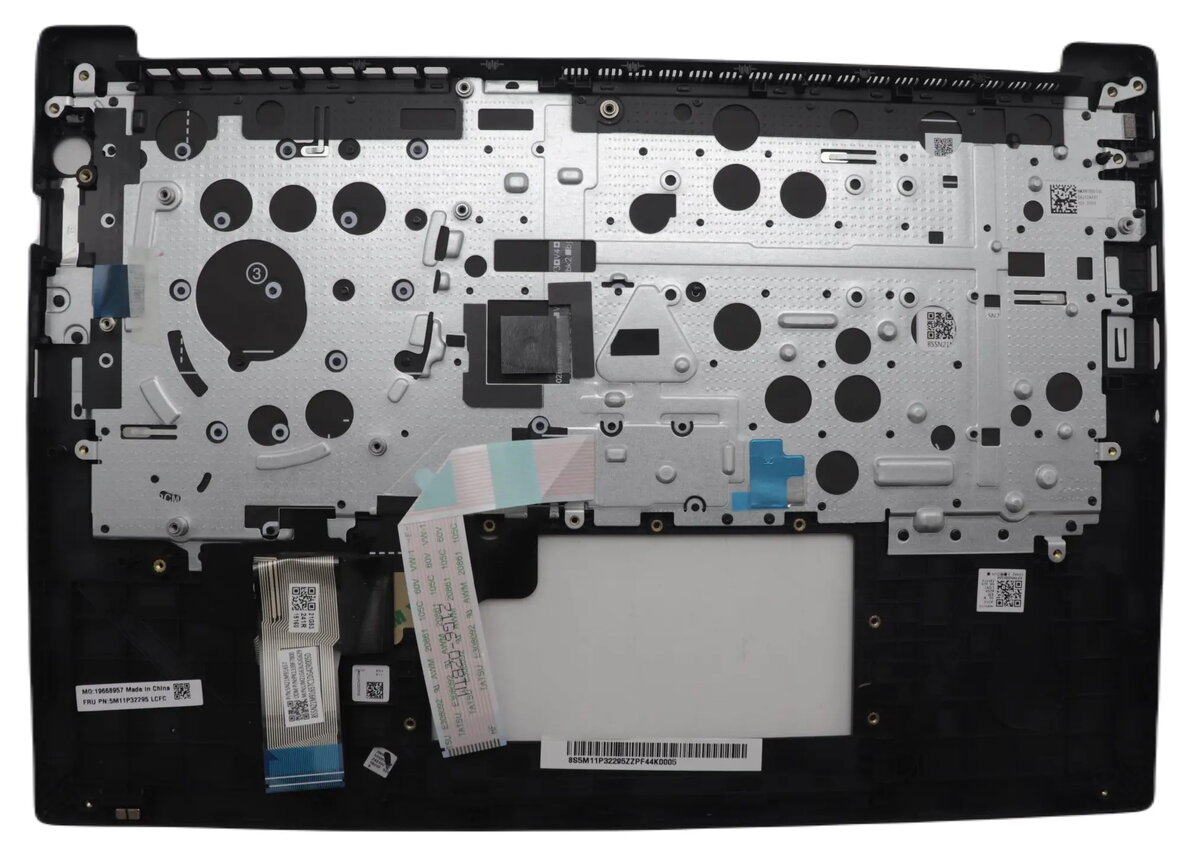
Lenovo 5M11N99991 Laptop Cover and Keyboard Assembly for ThinkPad E14 Gen 6
The Lenovo 5M11N99991 is a genuine replacement cover and keyboard assembly specifically engineered for the ThinkPad E14 Gen 6 laptop. This high-quality component serves as an essential spare part designed to restore both the structural integrity and the input functionality of your device. By providing a factory-standard fit, this assembly ensures that your laptop maintains its original tactile feel and aesthetic appearance, making it an ideal solution for repairing damaged or worn-out keyboard and chassis components.
Choosing this original manufacturer part guarantees seamless compatibility and reliable performance that third-party alternatives often lack. The assembly is built to meet strict quality standards, ensuring that every key press is responsive and the structural housing provides durable protection for internal components. Its precise design simplifies the installation process, allowing for a professional-grade repair that restores your laptop to its optimal operating condition.
This component may not be suitable for users attempting repairs without technical experience, as replacing a keyboard assembly requires disassembling the laptop. It is also not compatible with other ThinkPad models or different generations of the E14 series, so verification of your specific laptop model is necessary before purchase.
To use this assembly, you must first power off the device and disconnect all power sources. Carefully remove the existing keyboard and cover assembly by following the official service manual for the ThinkPad E14 Gen 6. Once the old component is removed, align the new assembly with the chassis, ensuring all internal connectors are properly seated before securing the fasteners. It is recommended to test the keyboard functionality in the BIOS or operating system before fully reassembling the laptop casing.
Usage recommendations: Handle the assembly with care during installation to avoid damaging the delicate ribbon cables or the surface finish. Always use appropriate anti-static precautions to protect the internal electronics of your laptop.
{{highlightedFeature.featureTitle}}:
{{getProductFeatureValueById(product, highlightedFeature.featureId)}}
{{ productComparisonGenerationError }}
