
Powerful EcoFlow stations for energy anywhere!
In cart {{totalProductsCount}} item(s)
Your cart is empty
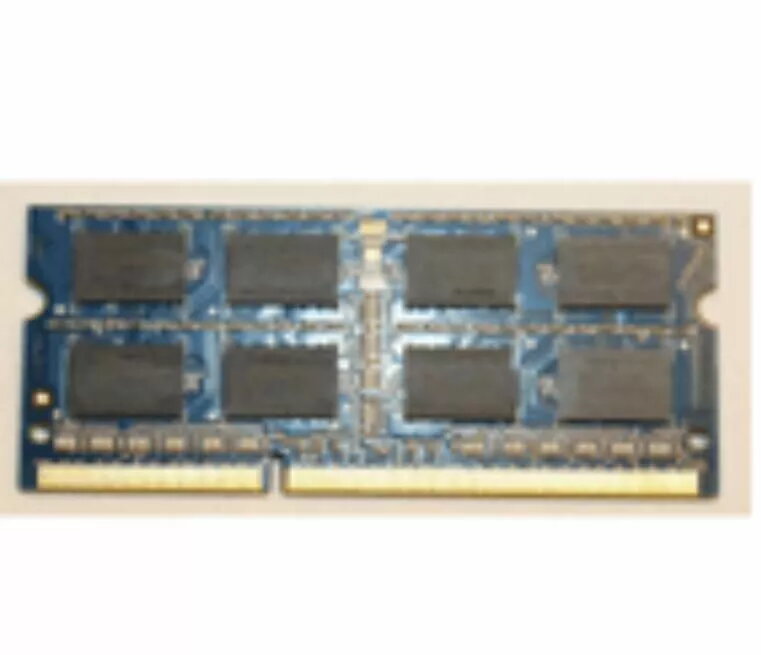
Memory Module Lenovo DDR3L 8GB 1600
Lenovo DDR3L 8GB 1600 memory module delivers a single 8GB DIMM designed for systems that support DDR3L low-voltage RAM at 1600 MHz. It increases available system memory to help run multiple applications and browser tabs, and supports common platforms that accept standard 204-pin SODIMM or 240-pin DIMM form factors depending on the system. Operating at 1.35V, this module reduces power consumption compared with standard DDR3 modules while maintaining the same transfer rate, making it suitable for energy-conscious laptops and compact desktops that require reliable memory performance.
The low-voltage design lowers operating power draw without sacrificing data throughput at 1600 MT/s, which helps extend battery life in portable systems and reduce overall system heat. With an 8GB capacity, the module provides a measurable improvement in multitasking and application responsiveness compared with lower-capacity configurations. Compatibility with standard DDR3L memory interfaces ensures straightforward installation in supported laptops and desktops, and the module’s stable timing and voltage characteristics contribute to consistent operation under typical computing loads.
Power down the computer and disconnect it from mains power before starting the upgrade. Open the system access panel or keyboard assembly according to the device manufacturer’s service instructions to reach the memory sockets. Align the module’s notch with the socket key and press firmly into place until the clips secure it. After reassembling the device, power on and verify that the system recognizes the full 8GB in system or BIOS information. If necessary, consult the system manual to confirm supported memory configurations and maximum capacities.
Install memory modules in matched pairs or according to the motherboard’s channel configuration for optimal dual-channel performance. Use anti-static precautions when handling memory, and confirm BIOS settings if the system does not automatically detect the correct voltage or timings.
{{highlightedFeature.featureTitle}}:
{{getProductFeatureValueById(product, highlightedFeature.featureId)}}
{{ productComparisonGenerationError }}
