
Filters you can trust. Pure water every day.
In cart {{totalProductsCount}} item(s)
Your cart is empty
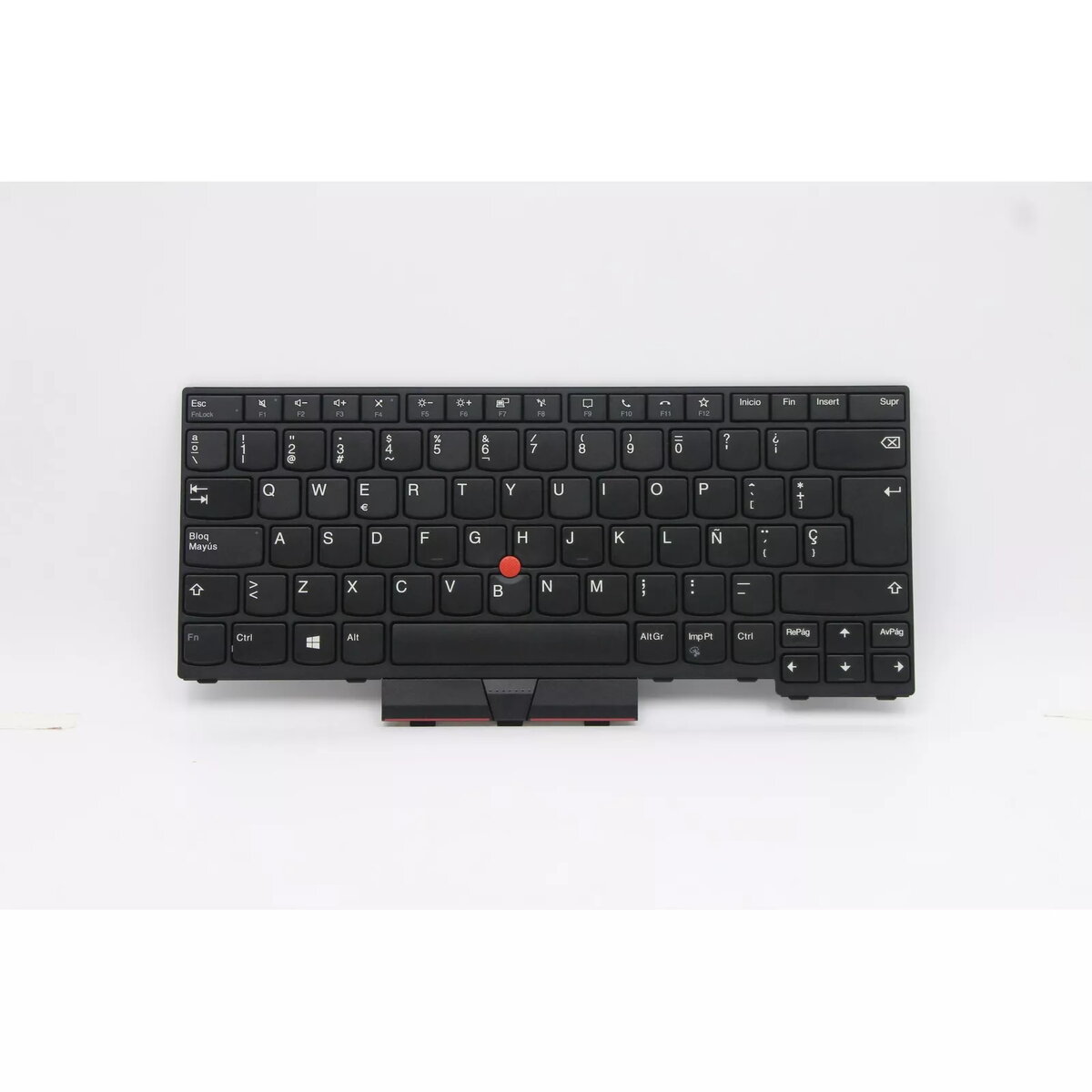
Keyboard for Lenovo ThinkPad L14 Gen 2 (20X1, 20X2) — Spanish layout, black, MPN 5N20W67661
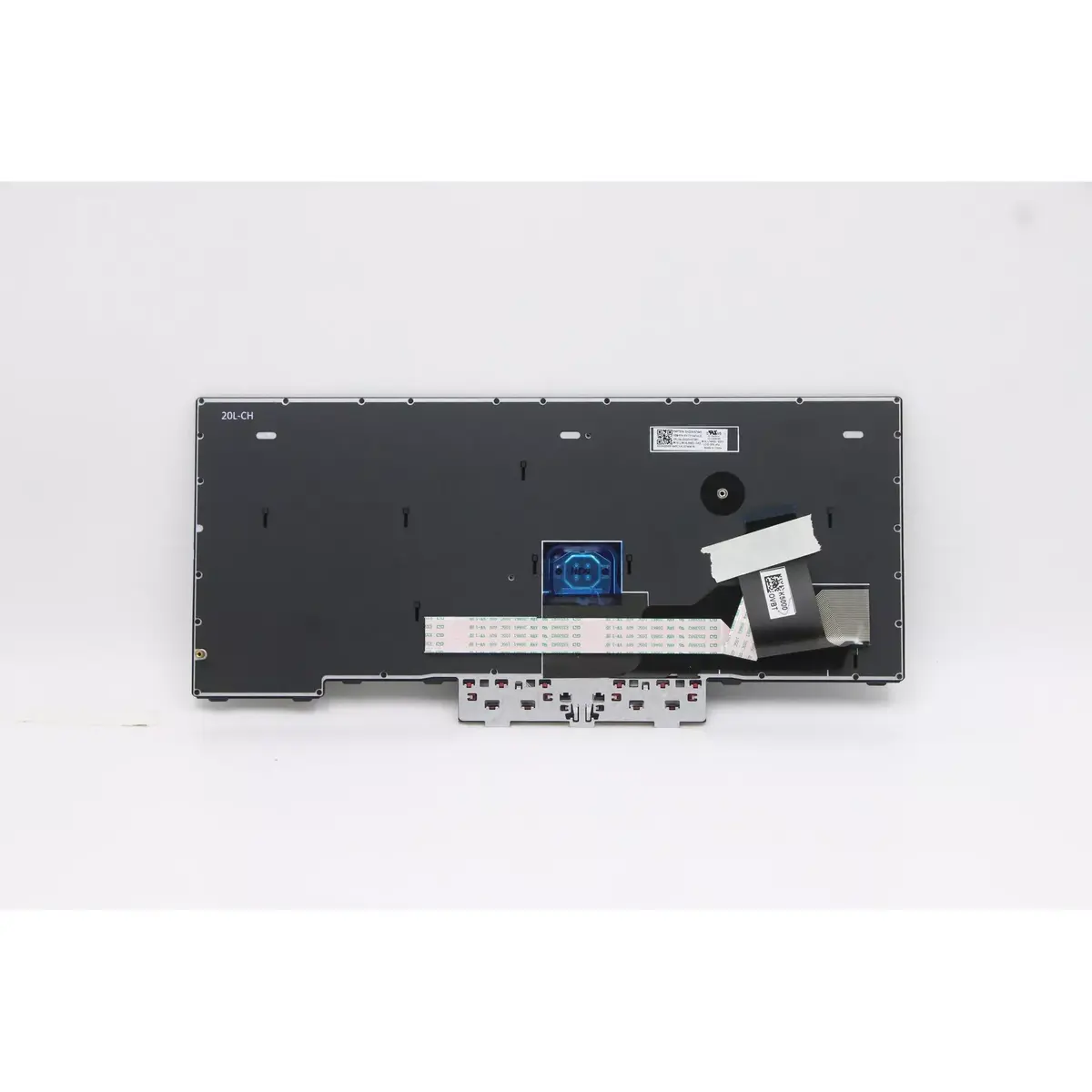
Replacement keyboard compatible with Lenovo ThinkPad L14 Gen 2 models 20X1 and 20X2, featuring a Spanish (ES) layout and black finish. This keyboard restores full typing functionality and the original key arrangement for business notebooks and home use. It is intended as a direct spare part for repair or upgrade and matches the form factor and connector placement of the original component.
The keyboard provides a one-to-one replacement for damaged or worn keyboards, maintaining the ThinkPad key feel and layout. Its Spanish key legends are factory-applied for clear, durable characters. The black finish integrates with the laptop chassis and keeps the device looking consistent after repair.
Power off the laptop and disconnect any external power source and battery where applicable. Remove the bottom cover of the ThinkPad L14 Gen 2 following manufacturer service instructions, taking care with screws and clips. Detach the existing keyboard connector from the motherboard and remove the keyboard assembly. Position the replacement keyboard, secure it in place, and reconnect the keyboard cable. Reassemble the bottom cover, reconnect power and boot the system to verify full key functionality and layout recognition.
Handle the keyboard assembly using antistatic precautions and avoid touching connector contacts. If unsure about disassembly, seek assistance from a qualified technician to prevent damage to the laptop or the replacement keyboard.
{{highlightedFeature.featureTitle}}:
{{getProductFeatureValueById(product, highlightedFeature.featureId)}}
{{ productComparisonGenerationError }}
