
Save time and money with our discounts!
In cart {{totalProductsCount}} item(s)
Your cart is empty
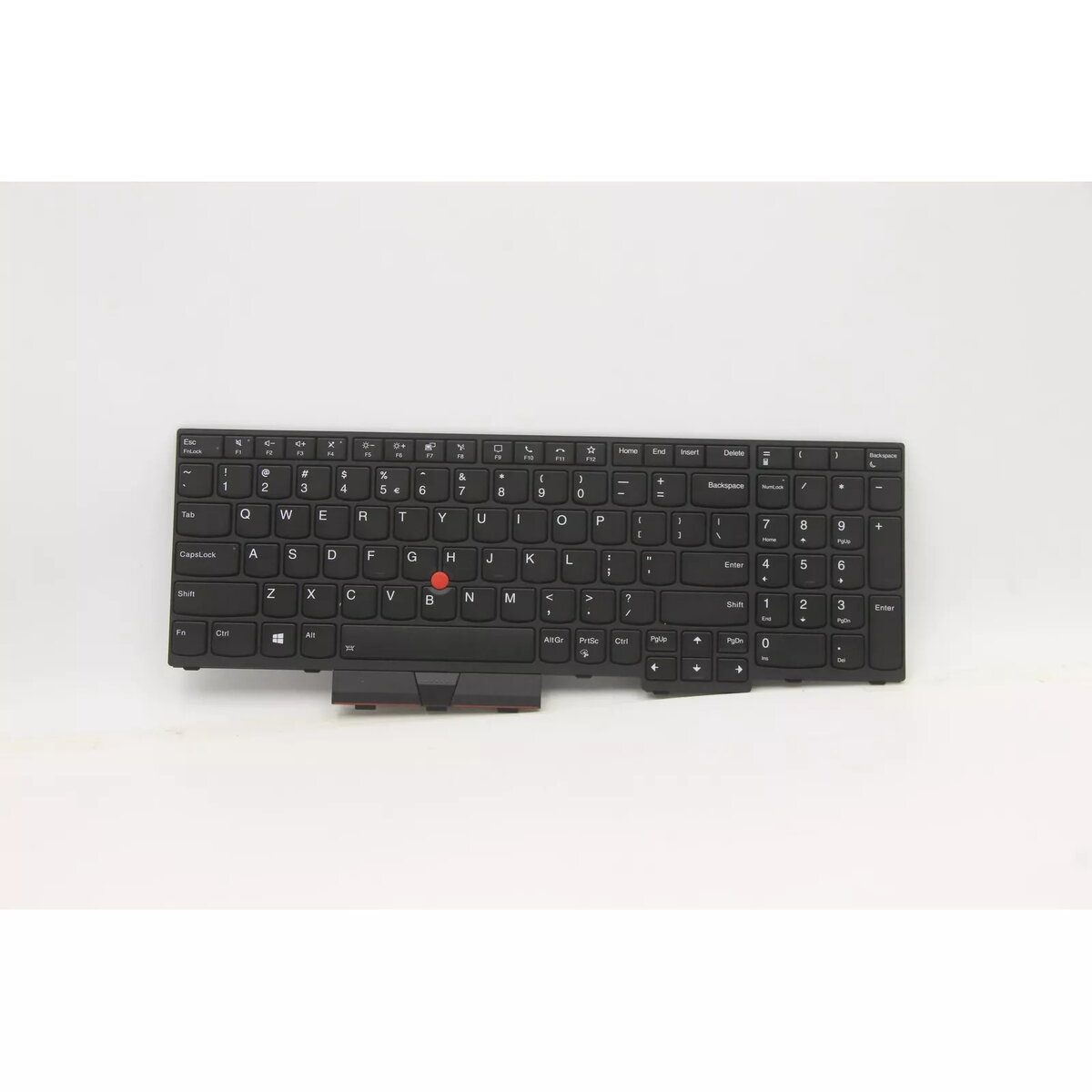
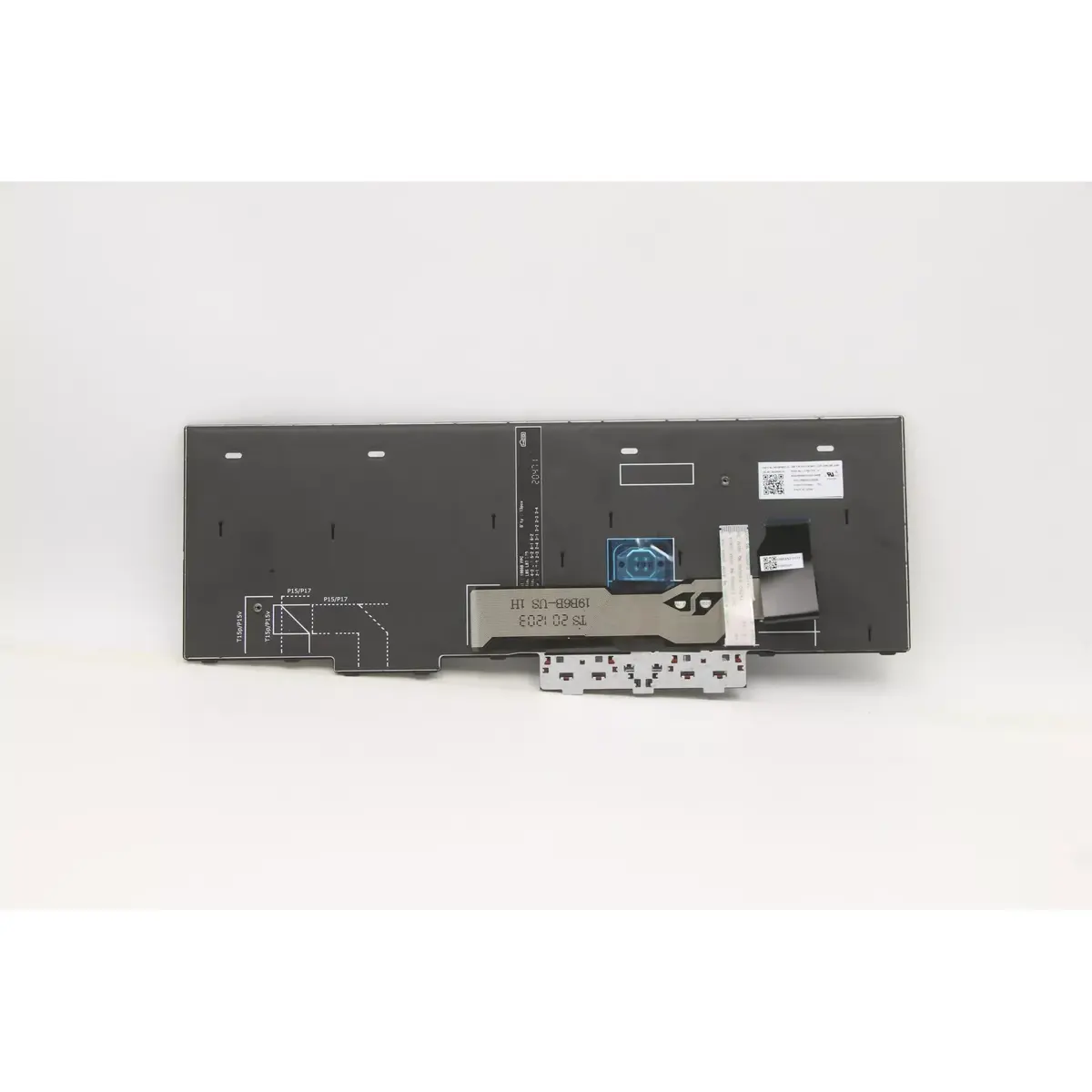
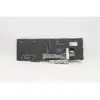
Keyboard Lenovo ThinkPad L15 5N20W68278
The Lenovo 5N20W68278 keyboard is a direct replacement keyboard designed for ThinkPad L15 laptop models (20U7, 20U8). It comes in a black finish and features an English (US/UK) layout tailored for comfortable touch-typing and accurate keystrokes. This unit is produced to match the physical fit and connector type of the original keyboard, allowing straightforward installation in compatible ThinkPad L15 chassis.
This replacement keyboard offers a full set of keys with standard spacing and tactile response appropriate for notebook use. Its black keycaps and frame maintain the original aesthetic of the ThinkPad L15 series while supporting everyday typing tasks. The design emphasizes durability and consistent key action, ensuring reliable operation under normal office and mobile environments.
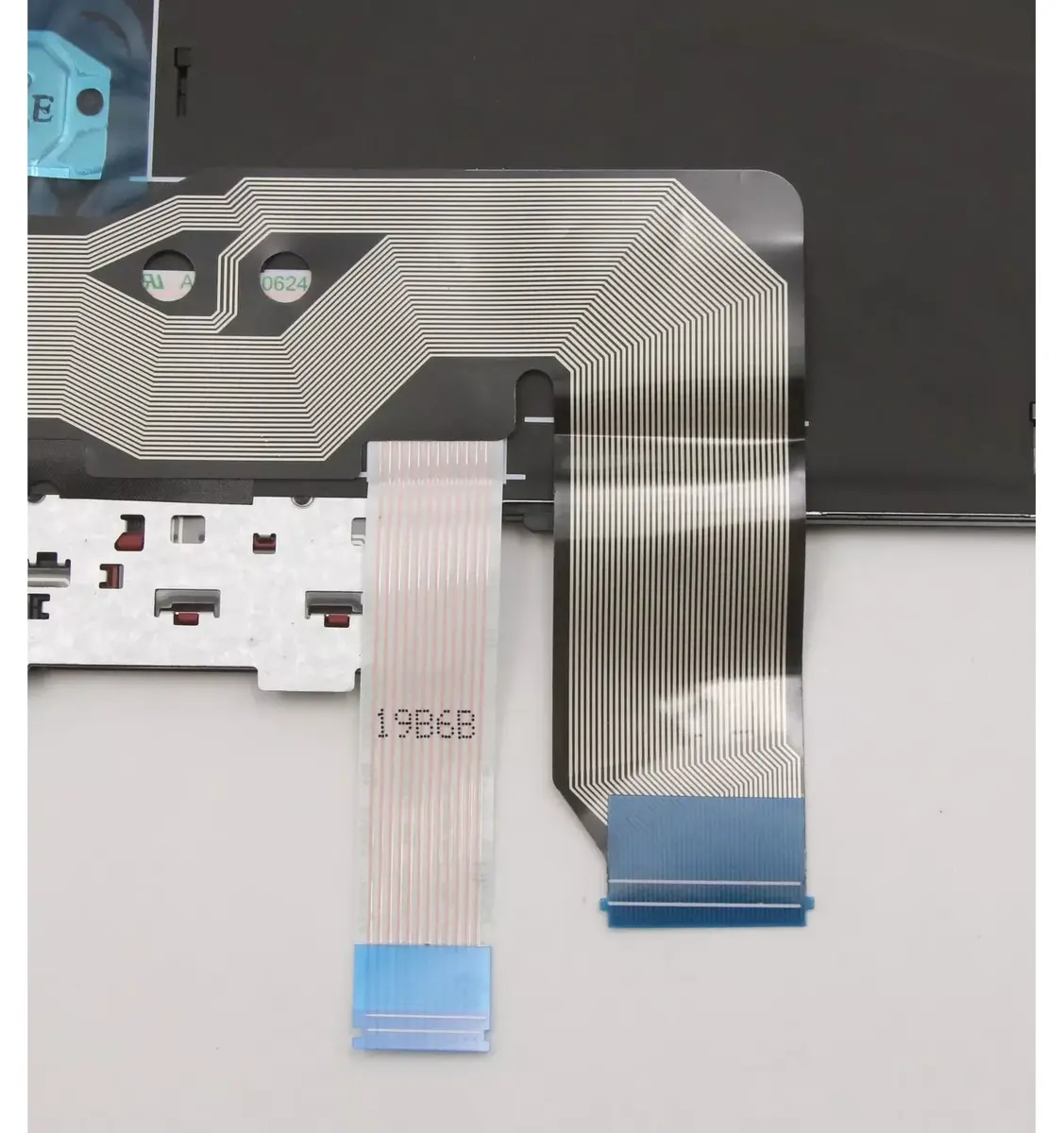
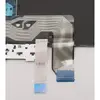
Power off the laptop and disconnect any power sources before beginning the replacement. Remove the rear cover or bezel as required for your ThinkPad L15 model to access the keyboard assembly. Detach the existing keyboard by releasing the mounting clips and disconnecting the ribbon cable, then align the Lenovo replacement keyboard in the mounting position and secure it with the original fasteners. Reconnect the keyboard ribbon cable, reassemble the casing, and power on the laptop to verify that all keys respond correctly. If uncertain, consult the service manual for step-by-step disassembly instructions or seek professional installation assistance.
Handle the keyboard and ribbon cable with care to avoid bending or creasing the cable. Use anti-static precautions when working inside the laptop. Test the keyboard functionality immediately after installation and update any relevant keyboard layout settings in the operating system if needed.
{{highlightedFeature.featureTitle}}:
{{getProductFeatureValueById(product, highlightedFeature.featureId)}}
{{ productComparisonGenerationError }}
