
JBL speakers and headphones for pure and deep sound!
In cart {{totalProductsCount}} item(s)
Your cart is empty
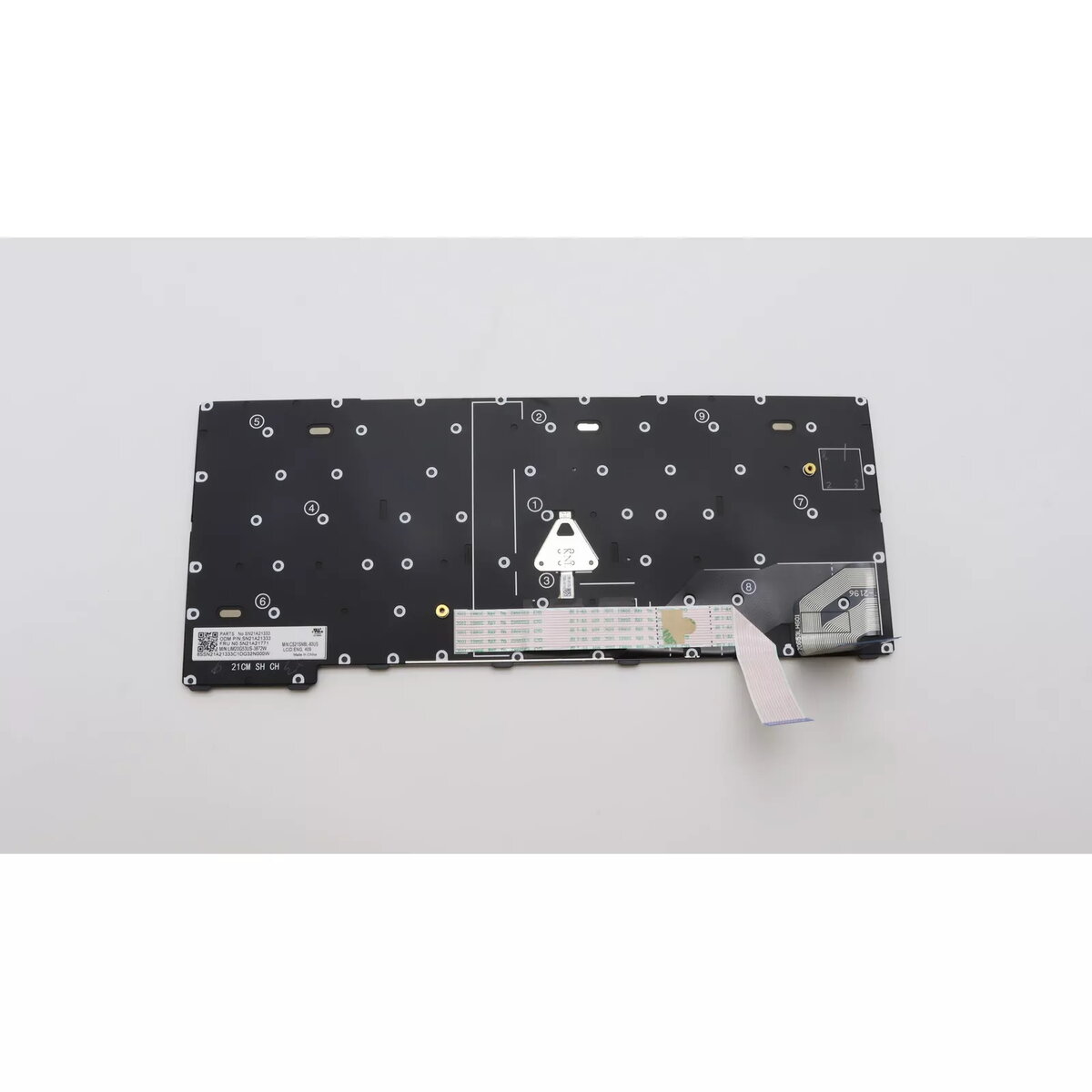
Keyboard Lenovo 5N21A21808 Backlit for ThinkPad X13 Gen 2
The Lenovo 5N21A21808 Backlit keyboard is designed specifically for the ThinkPad X13 Gen 2. It provides responsive keys, an ergonomic layout and integrated backlighting to improve visibility in low-light conditions. As a compatible replacement part for the Lenovo ThinkPad series, it helps restore or maintain the laptop's typing functionality while preserving the original appearance and color.
This black replacement keyboard features backlighting for use in dim environments, durable keys for extended service life, and a layout tuned for the ThinkPad X13 Gen 2 to ensure correct fit and key mapping. The construction aims to offer consistent tactile response and compatibility with the laptop’s original connector and mounting points.
Power off the laptop and disconnect any power sources before installation. Remove the bottom cover of the ThinkPad X13 Gen 2 according to the manufacturer’s service instructions, disconnect the old keyboard’s ribbon cable and mounting screws, then fit the Lenovo 5N21A21808 keyboard in place, secure the screws and reconnect the ribbon cable. Reassemble the bottom cover and power on the laptop to verify backlight and key functionality.
Handle the keyboard and ribbon cable carefully to avoid damage to connectors; follow official Lenovo service guides or consult a qualified technician if unsure about disassembly and installation.
{{highlightedFeature.featureTitle}}:
{{getProductFeatureValueById(product, highlightedFeature.featureId)}}
{{ productComparisonGenerationError }}
