
Save time and money with our discounts!
In cart {{totalProductsCount}} item(s)
Your cart is empty
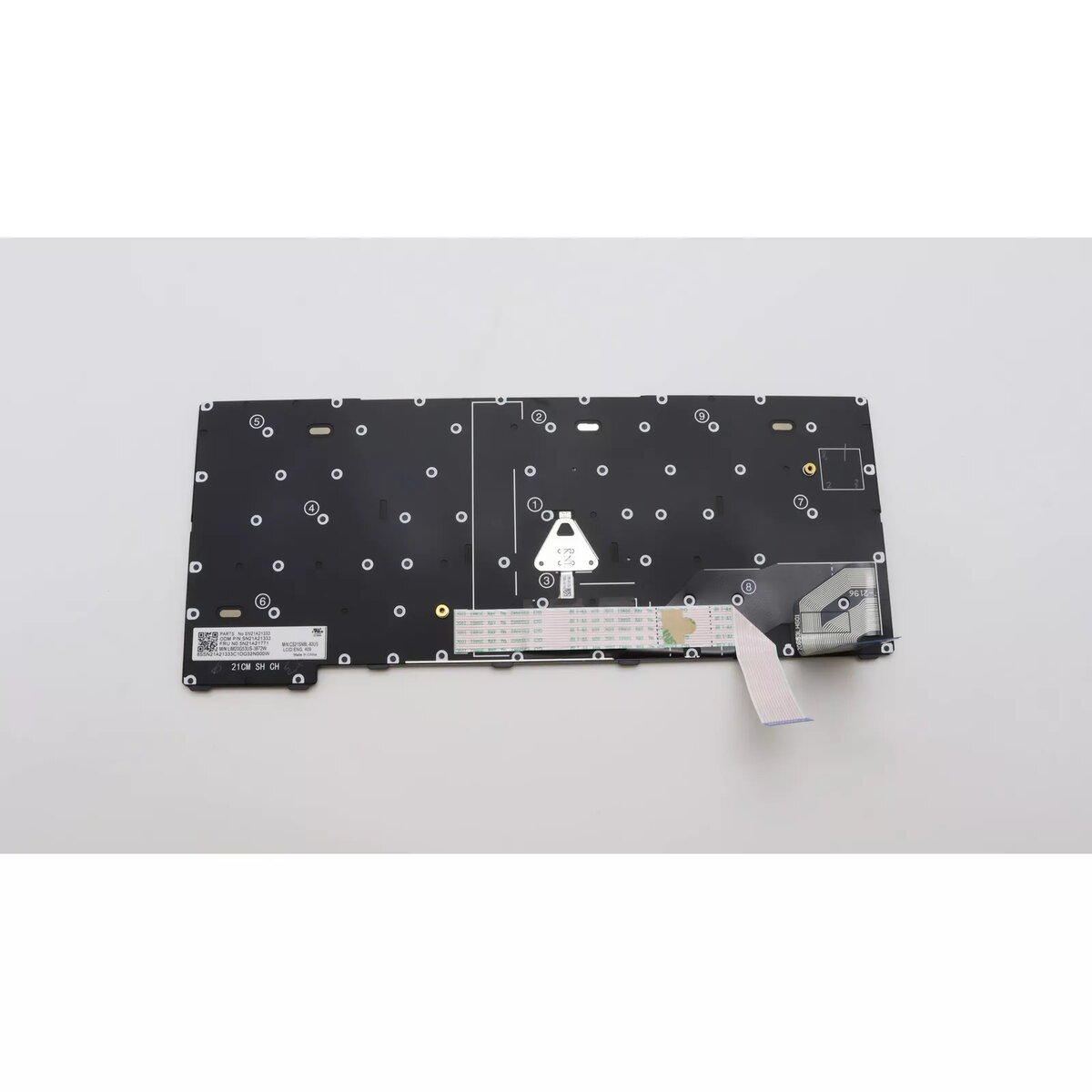
Keyboard Lenovo ThinkPad X13 Gen 2 Backlit 5N21A21882
The Lenovo 5N21A21882 is a black backlit keyboard designed as a direct replacement for the ThinkPad X13 Gen 2. It provides a standard laptop keyboard layout with backlighting to improve key visibility in low-light conditions and restores comfortable typing on compatible devices.
This replacement keyboard features high-quality construction and a long service life. The built-in backlight enhances usability in dim environments while maintaining a familiar ThinkPad key layout and feel.
Power off the laptop and disconnect it from any power source. Remove the bottom cover following the ThinkPad X13 Gen 2 service instructions, disconnect the existing keyboard ribbon cable, and install the Lenovo 5N21A21882 keyboard by reconnecting the ribbon and securing the cover. After reassembly, power on the laptop and verify backlight function in the operating system or BIOS settings.
Handle the keyboard and ribbon cable with care to avoid static damage. Use manufacturer service guides or professional repair services if you are not experienced with laptop disassembly.
{{highlightedFeature.featureTitle}}:
{{getProductFeatureValueById(product, highlightedFeature.featureId)}}
{{ productComparisonGenerationError }}
