
JBL speakers and headphones for pure and deep sound!
In cart {{totalProductsCount}} item(s)
Your cart is empty
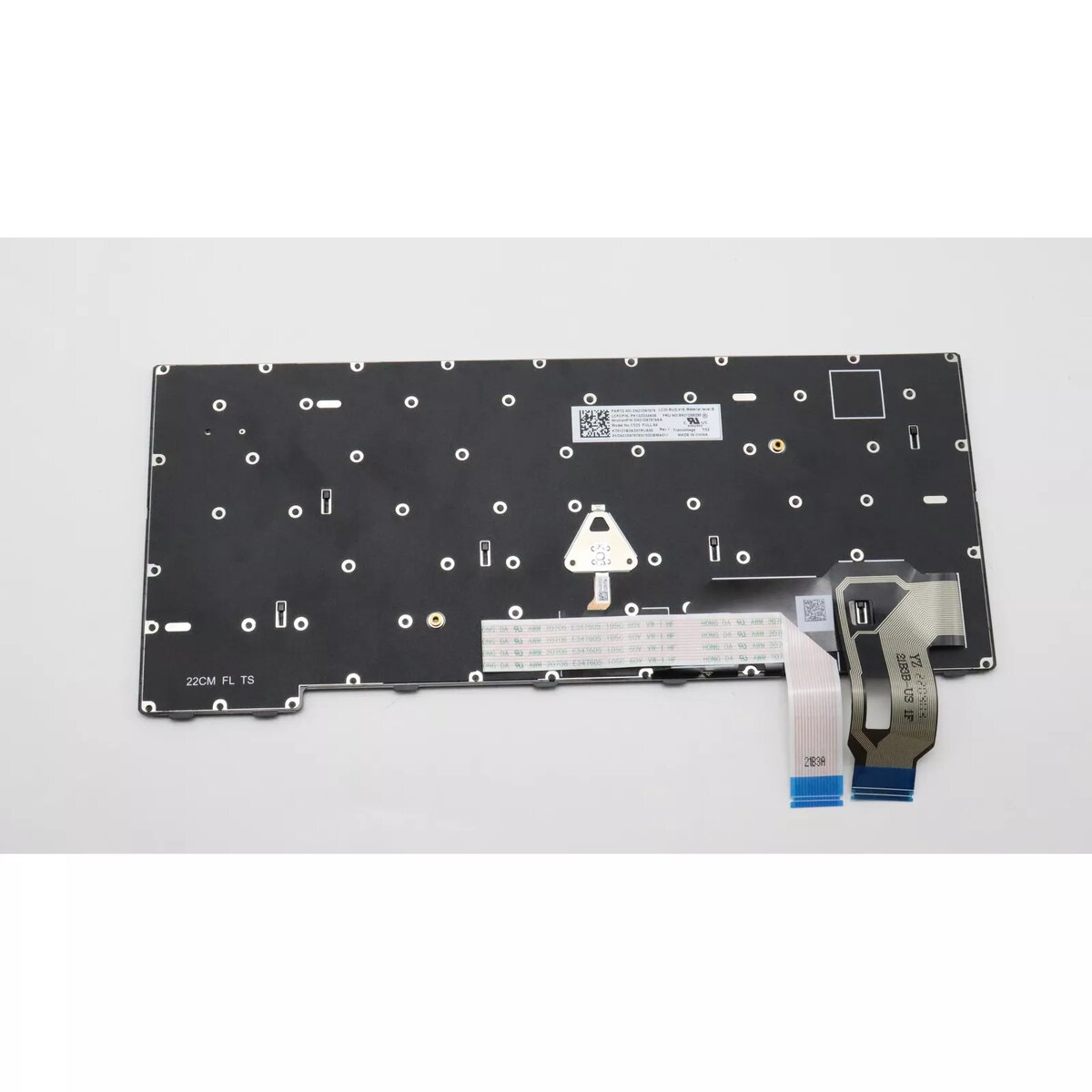
Keyboard Lenovo 5N21D68076 Backlit for ThinkPad T14 Gen 3
The Lenovo 5N21D68076 Backlit keyboard is designed for the ThinkPad T14 Gen 3. It provides a responsive typing experience with durable construction and integrated backlighting, suitable for low-light environments. The keyboard is offered in black with multicolour options for the backlight and is intended as a direct replacement or upgrade part for compatible ThinkPad T14 Gen 3 laptops.
The keyboard features backlit keys for improved visibility in dim conditions and a robust build that contributes to a long service life. Keys are responsive to support comfortable and accurate typing, while the design matches ThinkPad T14 Gen 3 form factor for straightforward installation and compatibility.
Power off the laptop and disconnect any power sources before replacing the keyboard. Remove the laptop’s bottom cover according to the ThinkPad T14 Gen 3 service manual, disconnect the existing keyboard ribbon cable, and install the Lenovo 5N21D68076 keyboard by connecting its cable and securing the keyboard and cover. Power on the laptop and verify backlight and key functionality in the operating system.
Handle the keyboard and ribbon cable carefully during installation to avoid damage. Refer to official Lenovo service documentation or a qualified technician if unsure about disassembly or installation steps.
{{highlightedFeature.featureTitle}}:
{{getProductFeatureValueById(product, highlightedFeature.featureId)}}
{{ productComparisonGenerationError }}
