
JBL speakers and headphones for pure and deep sound!
In cart {{totalProductsCount}} item(s)
Your cart is empty
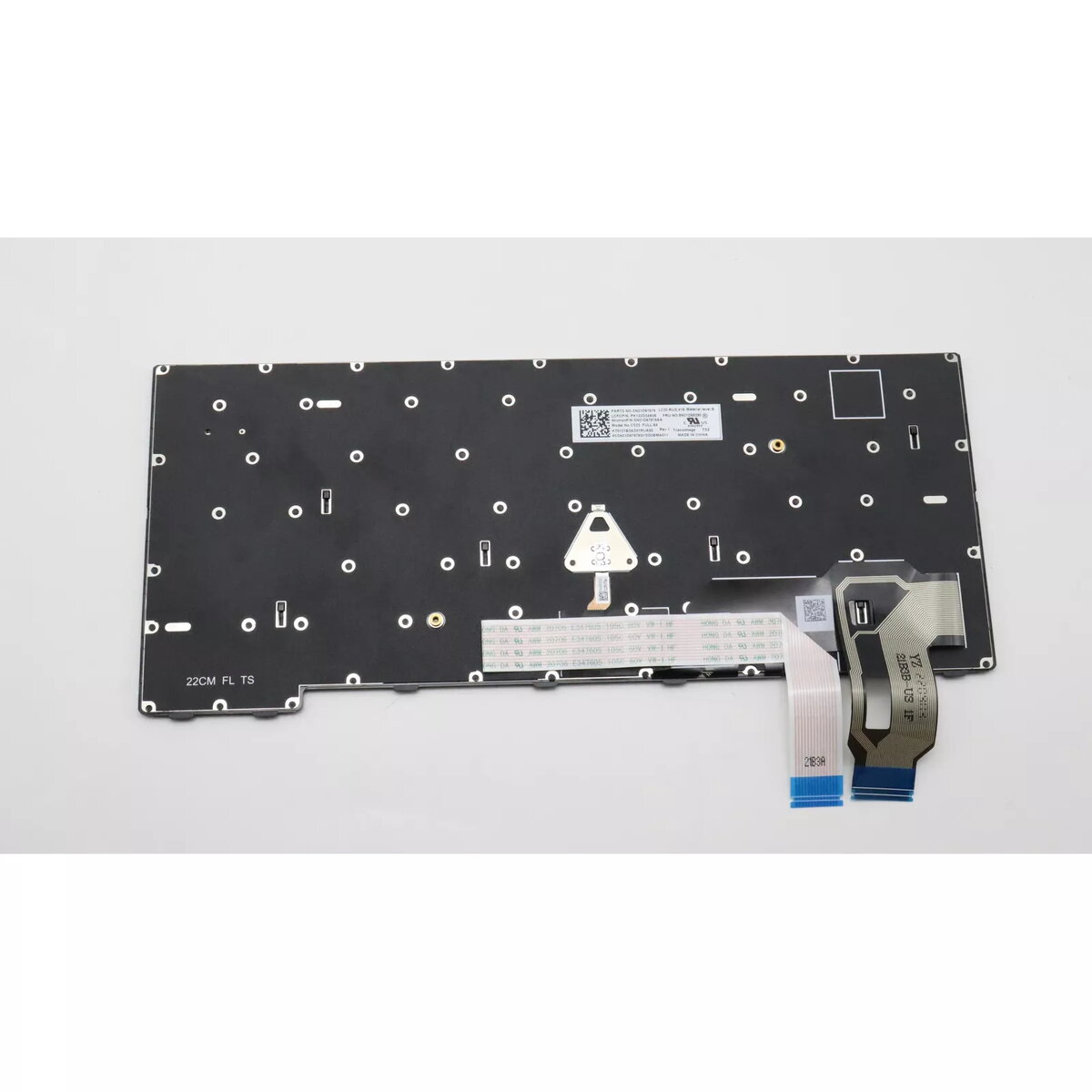
Keyboard Lenovo 5N21D68243 Spanish Backlit for ThinkPad T14 Gen 3
The Lenovo 5N21D68243 Spanish backlit keyboard is designed for the ThinkPad T14 Gen 3. It provides a comfortable typing experience and improves key visibility in low-light environments while maintaining compatibility and seamless integration with Lenovo laptops.
This backlit keyboard offers high quality construction and a long service life. The Spanish layout and backlighting support accurate typing in dim conditions, and the keyboard’s design matches the ThinkPad T14 Gen 3 for straightforward replacement and reliable functionality.
Turn off the laptop and disconnect power before replacing the keyboard. Remove the bottom cover or follow Lenovo service instructions for the ThinkPad T14 Gen 3 to access the keyboard connector. Carefully disconnect the old keyboard, install the Lenovo 5N21D68243, reconnect the keyboard cable, reassemble the laptop and power it on. Verify backlight and key functions in the operating system.
Handle the keyboard and internal connectors with care to avoid static damage; follow official Lenovo disassembly guides or seek professional installation if unsure.
{{highlightedFeature.featureTitle}}:
{{getProductFeatureValueById(product, highlightedFeature.featureId)}}
{{ productComparisonGenerationError }}
