
Save time and money with our discounts!
In cart {{totalProductsCount}} item(s)
Your cart is empty
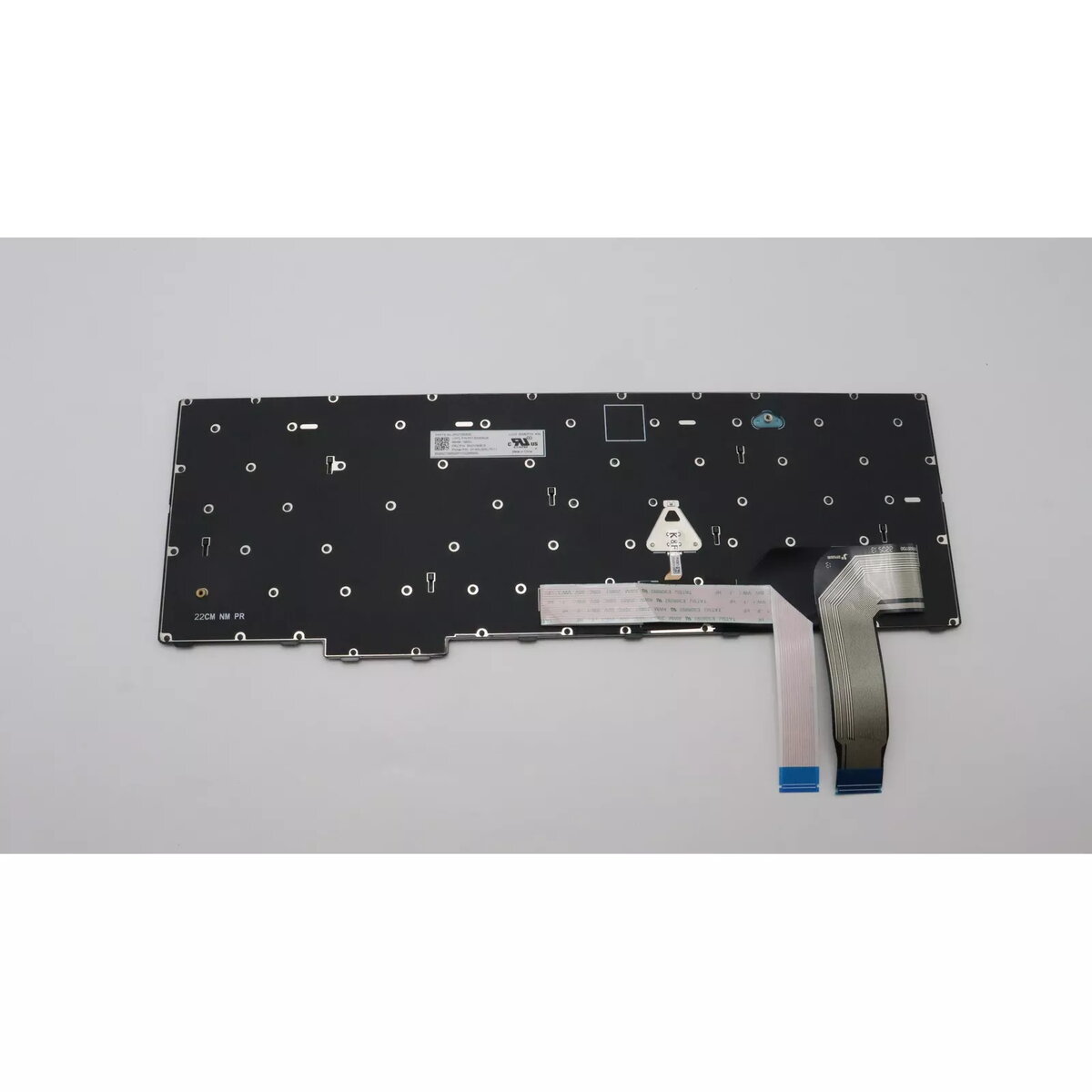
Keyboard Lenovo 5N21D93785 Backlit for ThinkPad P16s Gen 1
The Lenovo 5N21D93785 is a backlit replacement keyboard made for the ThinkPad P16s Gen 1. It provides a comfortable typing experience and improves key visibility in low-light environments. As an original Lenovo part, the keyboard is intended to match the laptop's layout, colour scheme and connector specifications for straightforward installation and reliable operation.
High-quality construction and a long service life ensure durable day-to-day use. Integrated backlighting makes it easier to type in dim conditions while maintaining the original ThinkPad key layout and feel. The keyboard is supplied in black with multicolour backlight options to suit the laptop's appearance.
Power off the laptop and disconnect any external power sources before starting. Remove the laptop's bottom cover following the manufacturer's service manual, disconnect the original keyboard cable, and install the replacement keyboard by aligning the connector and securing any retaining clips or screws. Reassemble the laptop, reconnect power and boot the system to verify keyboard and backlight operation.
Handle the keyboard and ribbon cable carefully to avoid damaging connectors; consult Lenovo service documentation for disassembly instructions and follow ESD precautions during installation.
{{highlightedFeature.featureTitle}}:
{{getProductFeatureValueById(product, highlightedFeature.featureId)}}
{{ productComparisonGenerationError }}
