
Dreame vacuums for fast and efficient cleaning!
In cart {{totalProductsCount}} item(s)
Your cart is empty
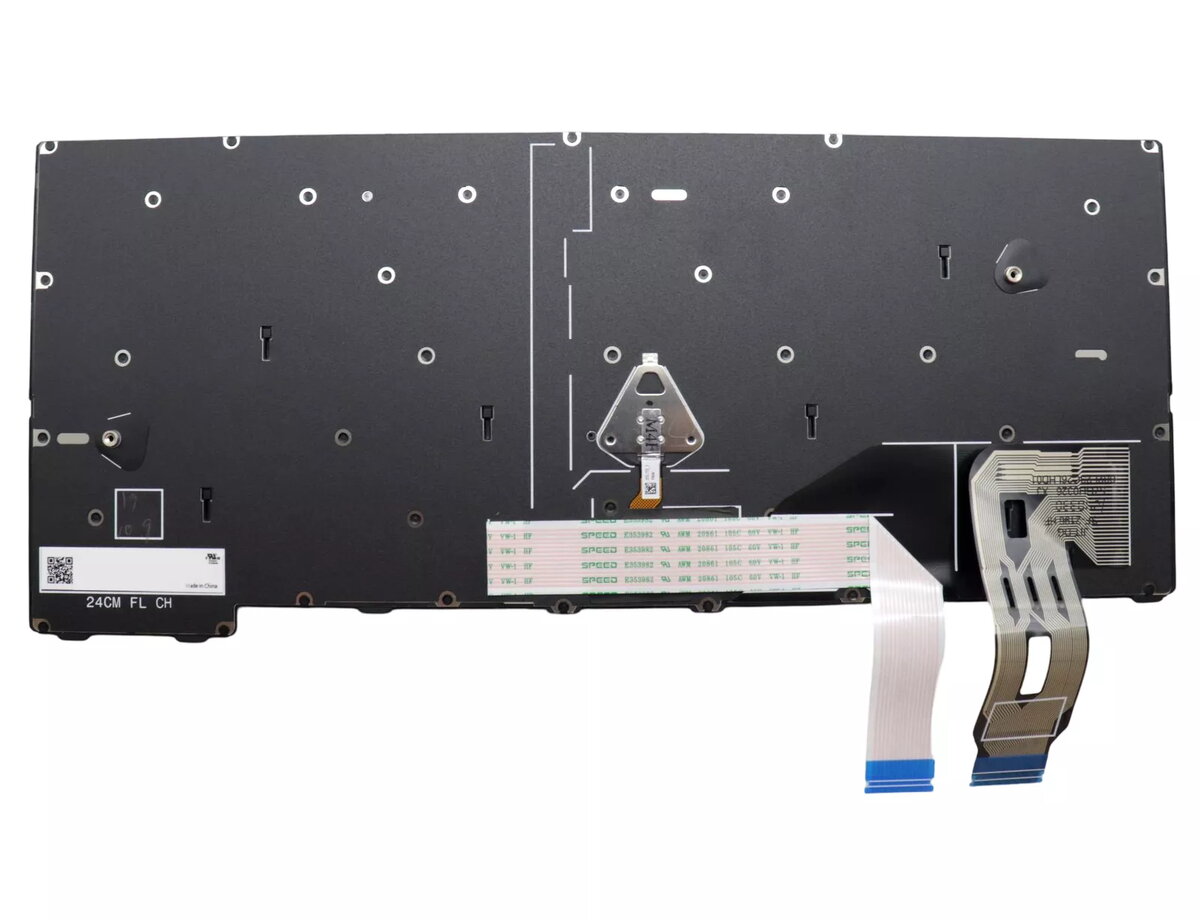
Keyboard Lenovo ThinkPad T14 Gen 5 Backlit 5N21M38191
The Lenovo 5N21M38191 is a backlit replacement keyboard specifically designed for the ThinkPad T14 Gen 5. It provides a comfortable typing experience and improves key visibility in low-light conditions while maintaining the laptop's original layout and compatibility.
This high-quality keyboard features a backlight for use in dim environments and is manufactured for long life, offering reliable performance as a direct replacement part. It preserves the original key arrangement and tactile response expected from a ThinkPad keyboard.
Power off the laptop and disconnect any power source. Remove the bottom cover following the service manual instructions for the ThinkPad T14 Gen 5. Carefully disconnect the existing keyboard connector and remove any retaining screws or clips. Install the Lenovo 5N21M38191 keyboard, secure it in place, reconnect the keyboard cable, reassemble the laptop, and power it on. Verify keyboard and backlight operation in the operating system settings.
Use proper ESD precautions during installation and consult Lenovo service documentation or a qualified technician if unsure. Avoid forcing connectors and ensure the replacement part matches the ThinkPad T14 Gen 5 model to guarantee compatibility.
{{highlightedFeature.featureTitle}}:
{{getProductFeatureValueById(product, highlightedFeature.featureId)}}
{{ productComparisonGenerationError }}
