
JBL speakers and headphones for pure and deep sound!
In cart {{totalProductsCount}} item(s)
Your cart is empty
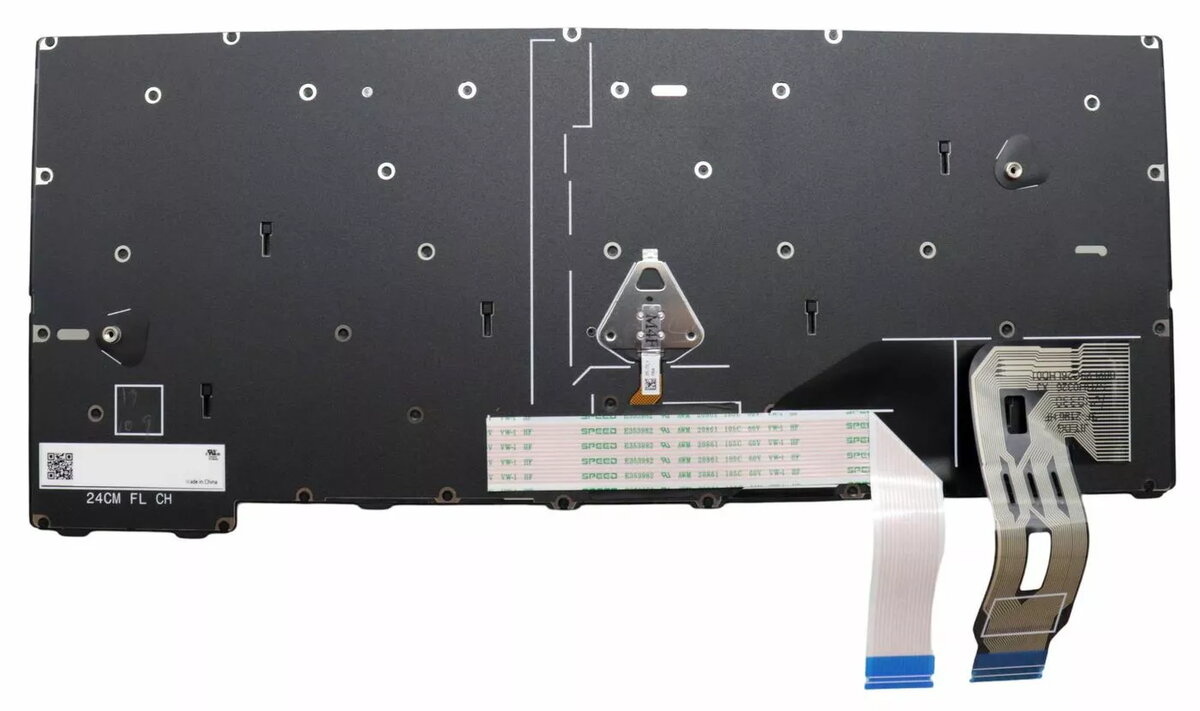
Keyboard for Lenovo ThinkPad T14 Gen 5 – OEM part 5N21M38366, backlit, black/multicolour
Replacement keyboard compatible with Lenovo ThinkPad T14 Gen 5. This OEM backlit keyboard restores or upgrades typing functionality and provides multicolour illumination for use in low-light environments. The part is intended for direct fit into the specified T14 Gen 5 models and matches the original keyboard layout and connector design.
High-quality construction and long service life ensure reliable daily use. Backlit keys with multicolour lighting improve visibility in dim conditions and allow customizable illumination. Designed as an OEM part for straightforward installation and compatibility with the original laptop hardware.
Power down the laptop and disconnect any external power source. Remove the laptop bottom cover according to the manufacturer’s service instructions, disconnect the original keyboard cable, and install the replacement keyboard by aligning the connector and securing it in place. Reassemble the laptop and power it on to verify keyboard operation and backlight functionality. Follow Lenovo service documentation for exact disassembly and reassembly steps.
Handle the keyboard and flex cable with care during installation to avoid damage. Use an antistatic wrist strap or work on an antistatic surface to reduce the risk of electrostatic discharge. If unsure about the replacement process, seek professional repair service.
{{highlightedFeature.featureTitle}}:
{{getProductFeatureValueById(product, highlightedFeature.featureId)}}
{{ productComparisonGenerationError }}
